Imagen con IA
Vídeo con IA
Editor de fotos
Recursos
InspiracionesPrecios

Convierte tus fotos en arte con los filtros de foto con IA de insMind

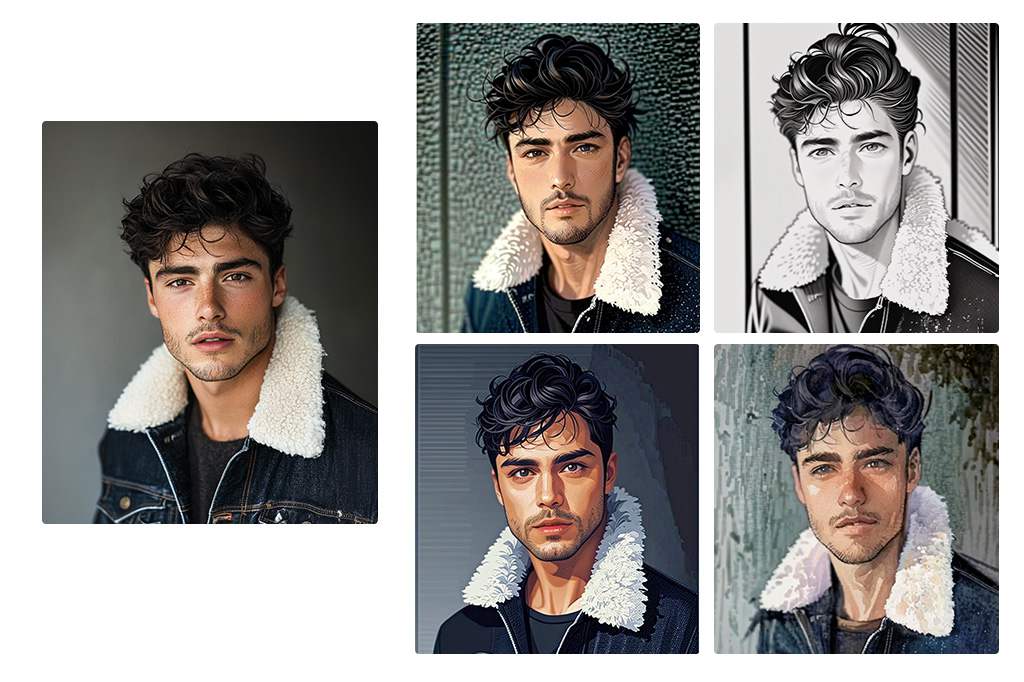
Transforma tus fotos en bocetos, caricaturas, acuarelas, estilo Ghibli, Disney, pixel art, cómics, anime y más con los filtros de fotos con IA en línea de insMind. Sube una selfie, una foto de tu mascota o un paisaje, elige un estilo y genera resultados en segundos.

00:00
00:00
O suelta la imagen aquí, pega la imagen o la URL
Intenta con uno de estos
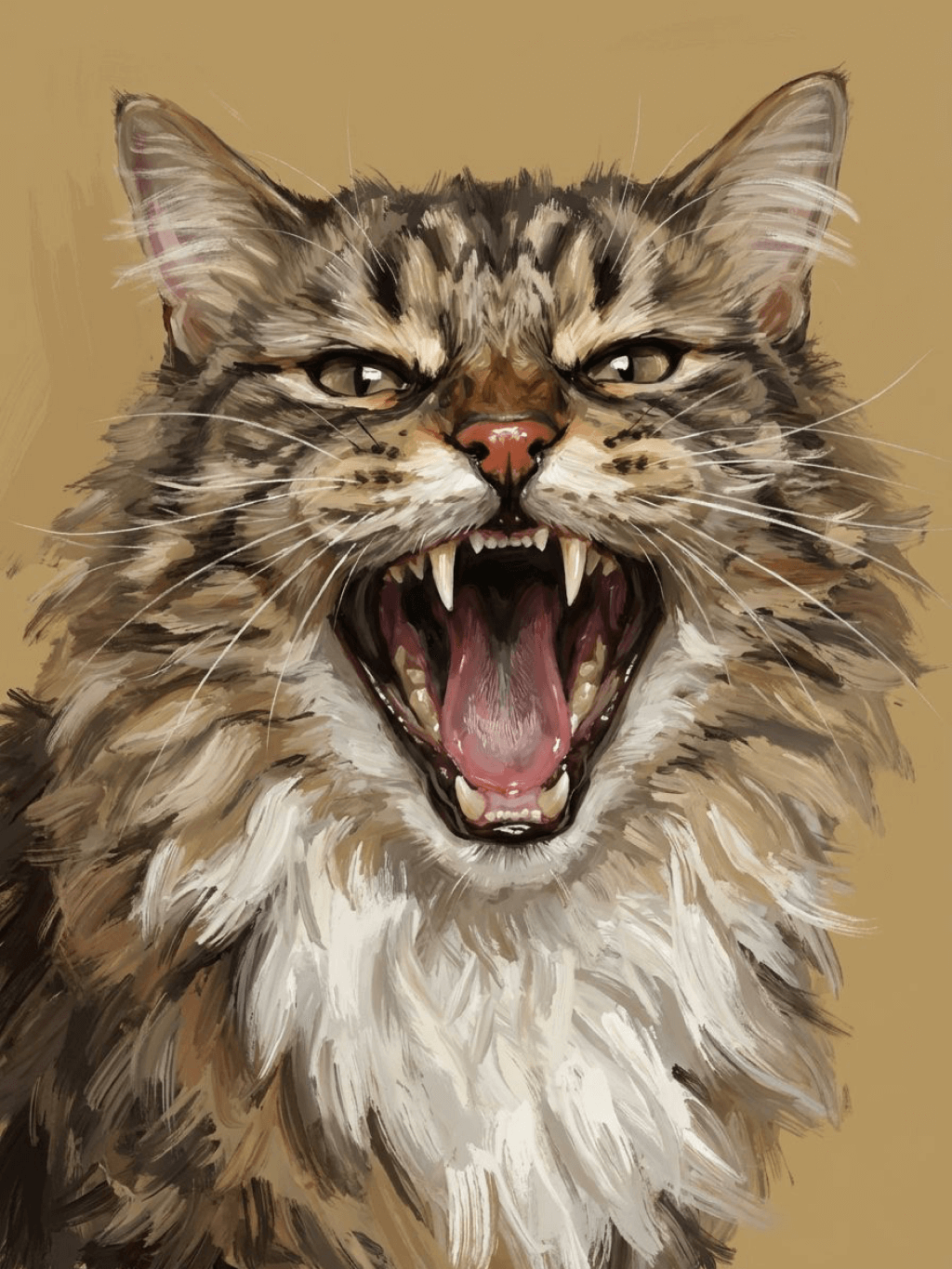
Muestra del filtro de llanto de insMind AI 1
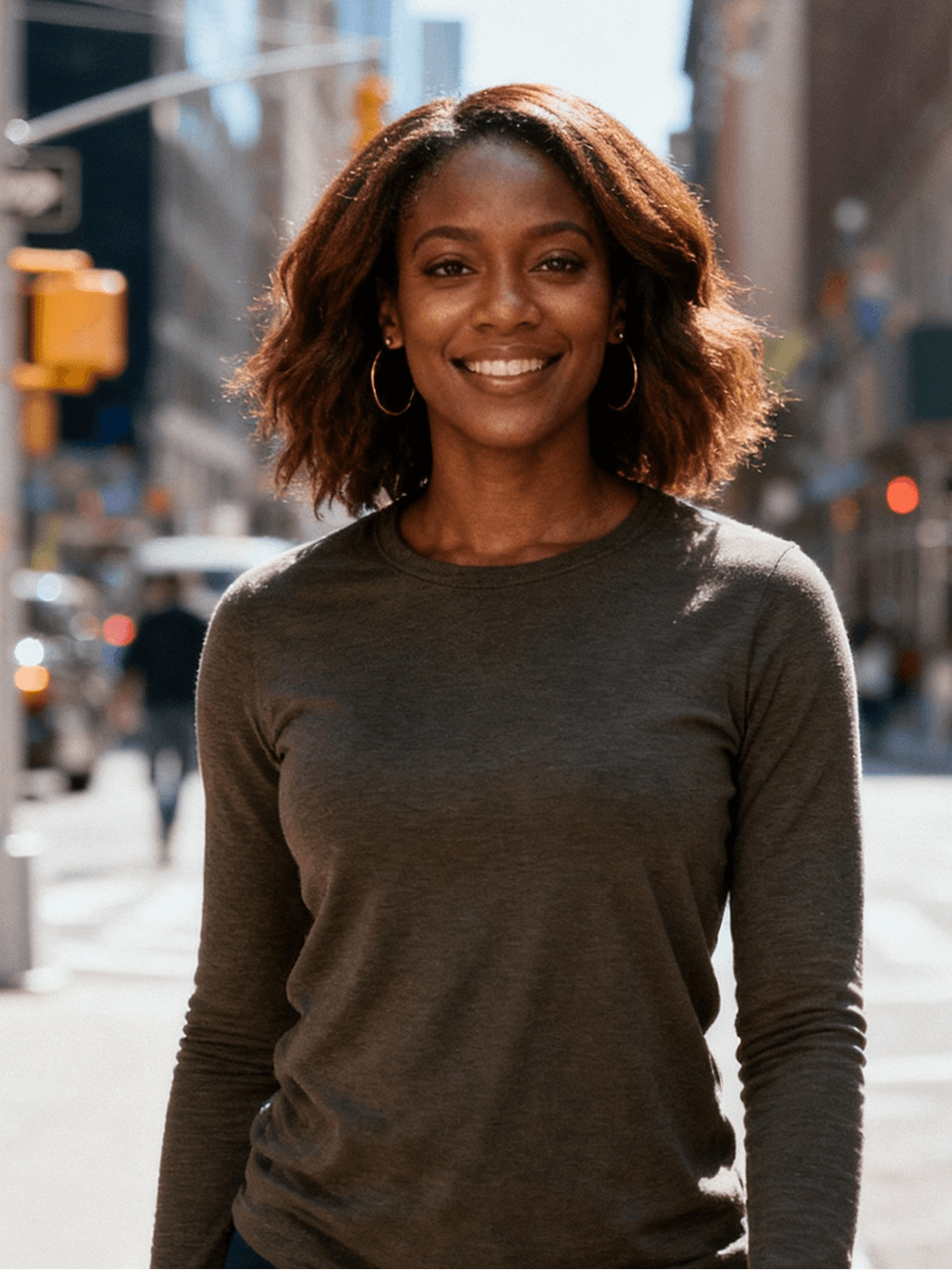
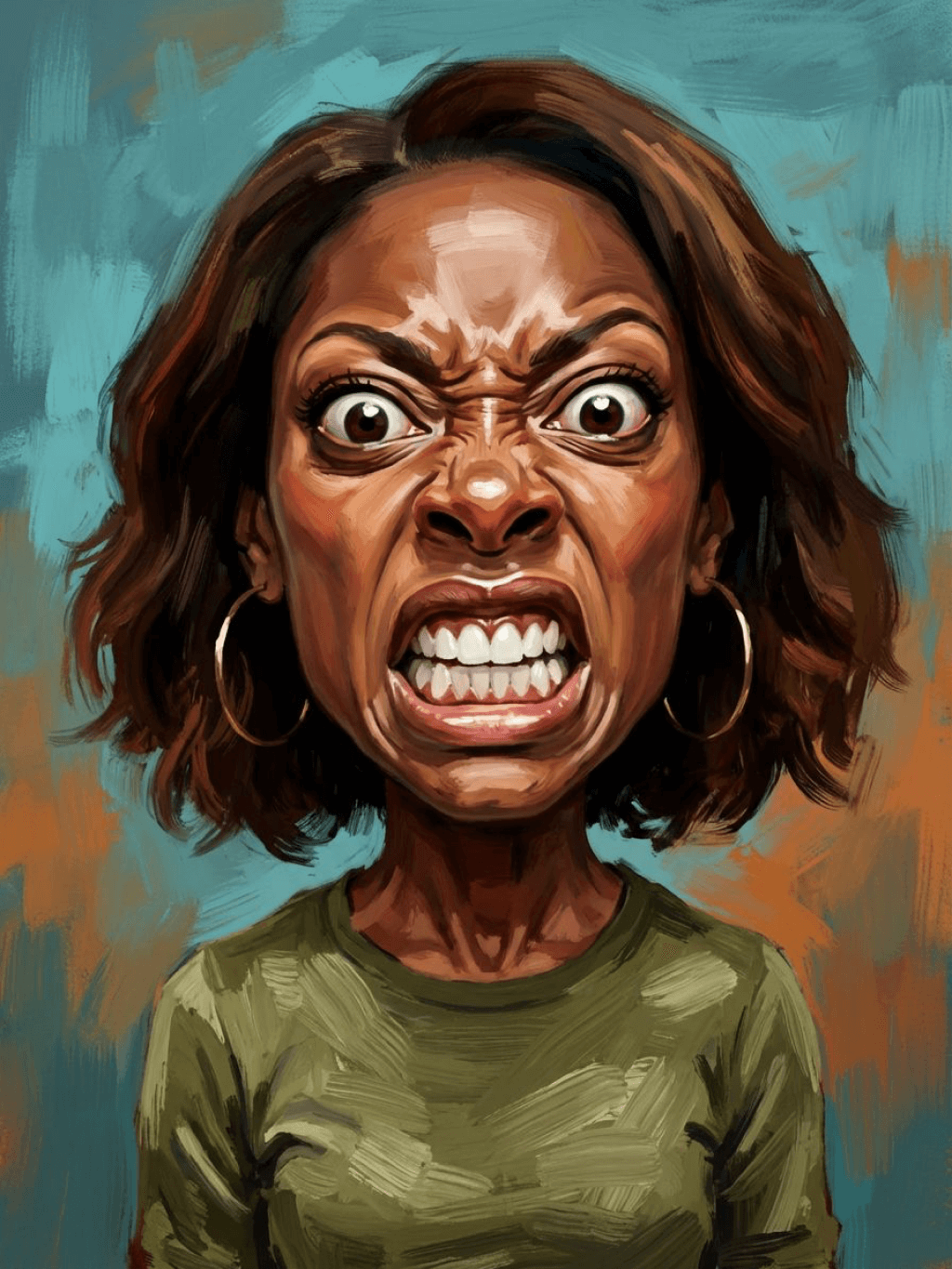
Muestra del filtro de llanto de insMind AI 2
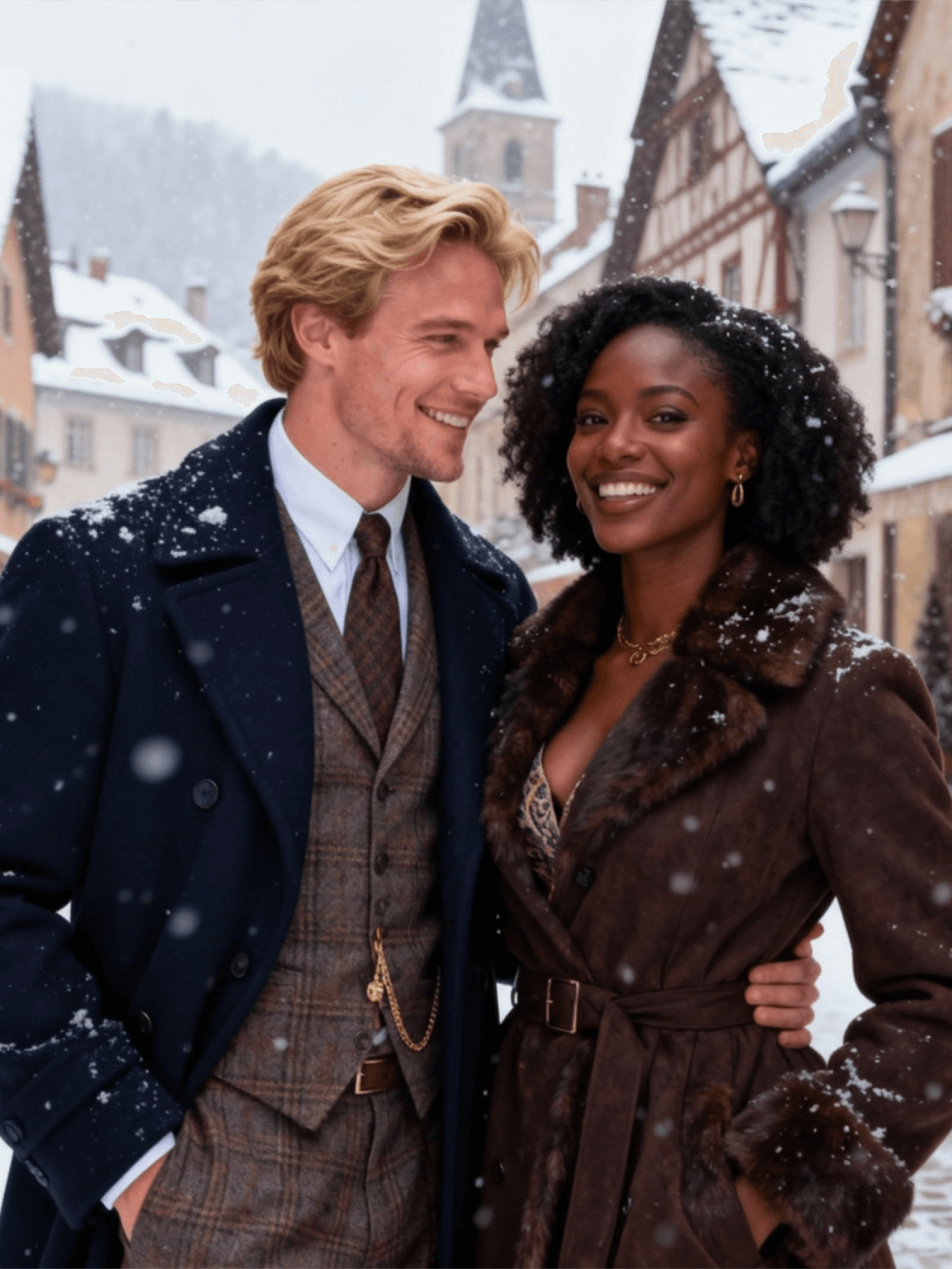
Muestra del filtro de llanto de insMind AI 3
Muestra del filtro de llanto de insMind AI 4
Muestra del filtro de llanto de insMind AI 5

Crear Similar

Subject: The main character in the picture. Expression: An anthropomorphic expression, with the mouth wide open, revealing teeth, canine teeth and tongue. The eyes are narrowed, looking disdainfully at the camera. Style: An exaggerated portrait painting in a digital painting style, combining expressionist brushstrokes. Texture: Has distinct brushstroke textures, as if it was quickly applied with rough oil paints or acrylic brushes. Detail depiction: The details are very realistic, such as hair, teeth, a moist nose and the inside of the mouth, but the overall structure and expression are highly exaggerated to achieve a humorous effect. Posture: Frontal shot, profile view Background: Solid color background
Subject: The main character in the picture. Expression: Extremely angry / Exaggerated anger. Furrowed brows, wrinkled forehead, dilated nostrils, mouth wide open and revealing clenched teeth, facial muscles completely contracted. Looking at the camera. Pose: One-to-one replication of the main character in the picture. Costume: One-to-one replication of the character's costume. Style: Exaggerated portrait painting in a digital painting style, combining expressionist brushstrokes. Texture: Has distinct brushstroke textures, as if it was quickly applied with rough oil painting or acrylic brushes, especially the background and clothing parts. Character style: Satirical caricature style, extremely exaggerated features (big mouth, big teeth, big eyes, big nose), funny expression, proportion: The head is significantly enlarged, the proportion is distorted, while the body is relatively smaller. Facial features: The facial muscles are extremely exaggerated, there are deep expressive lines around the eyes and mouth. Detail depiction: Skin texture, pores, teeth and other details are depicted very realistically, but the overall proportion and expression are exaggerated to a great extent. Lighting: Uses dramatic and intense contrast of light and shadow, highlighting the three-dimensionality of the character's face and the tension of the emotions. Posture: Frontal, portrait Background: Abstract and rough blue-green and orange/brown brushstrokes form the background, without specific environmental depiction, completely focusing on the character.
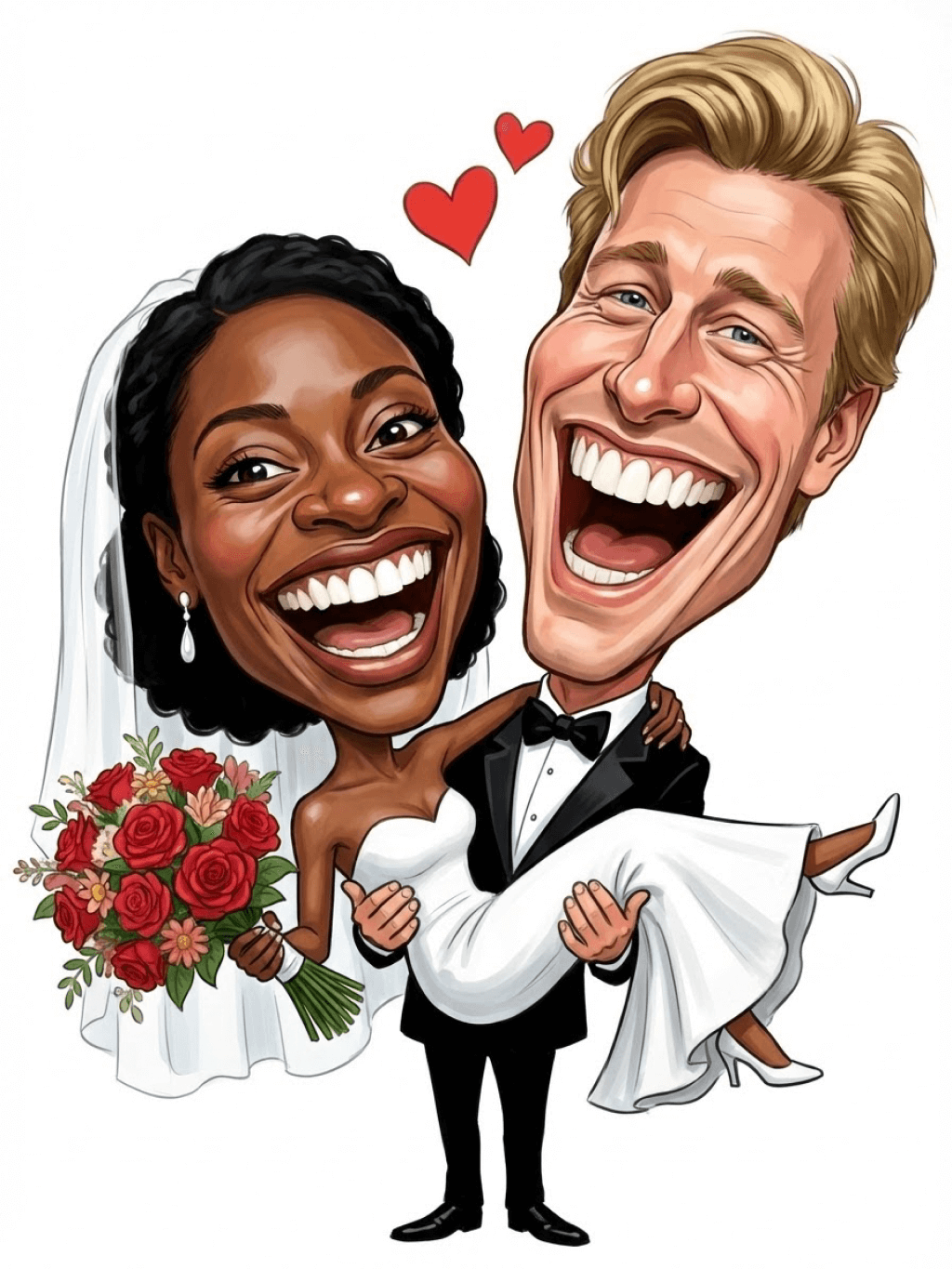
Character: The main figure in the picture. Core: An exaggerated comic with a wedding photo theme. Style: A highly exaggerated cartoon comic style, presented through digital painting. Head: Both of their heads are significantly enlarged, with distorted proportions, while the bodies are relatively smaller. Facial features: The facial muscles are extremely exaggerated, with deep expressive lines around the eyes and mouth, a very large and prominent nose, and very large teeth. Expression: An extremely exaggerated and joyful wide-open mouth laugh, with bulging eyes, fully matching the joyful mood in the reference image. Both are looking directly at the camera. Light and details: Sharp highlights on the forehead, nose, and cheekbones, contrasting with deep, smooth shadows to emphasize the exaggerated contours. Clean, smooth digital brush strokes. Background: A pure white background, with two red hearts decorating the gap between the two heads. Appearance: A one-to-one replica of the main character in the picture. Costume: The bride is wearing a white strapless wedding dress with a veil, and the groom is wearing a black tuxedo with a bow tie. Posture: Full body, both looking at the camera, the groom holding the bride like a princess, and the bride holding a red rose bouquet of flowers.
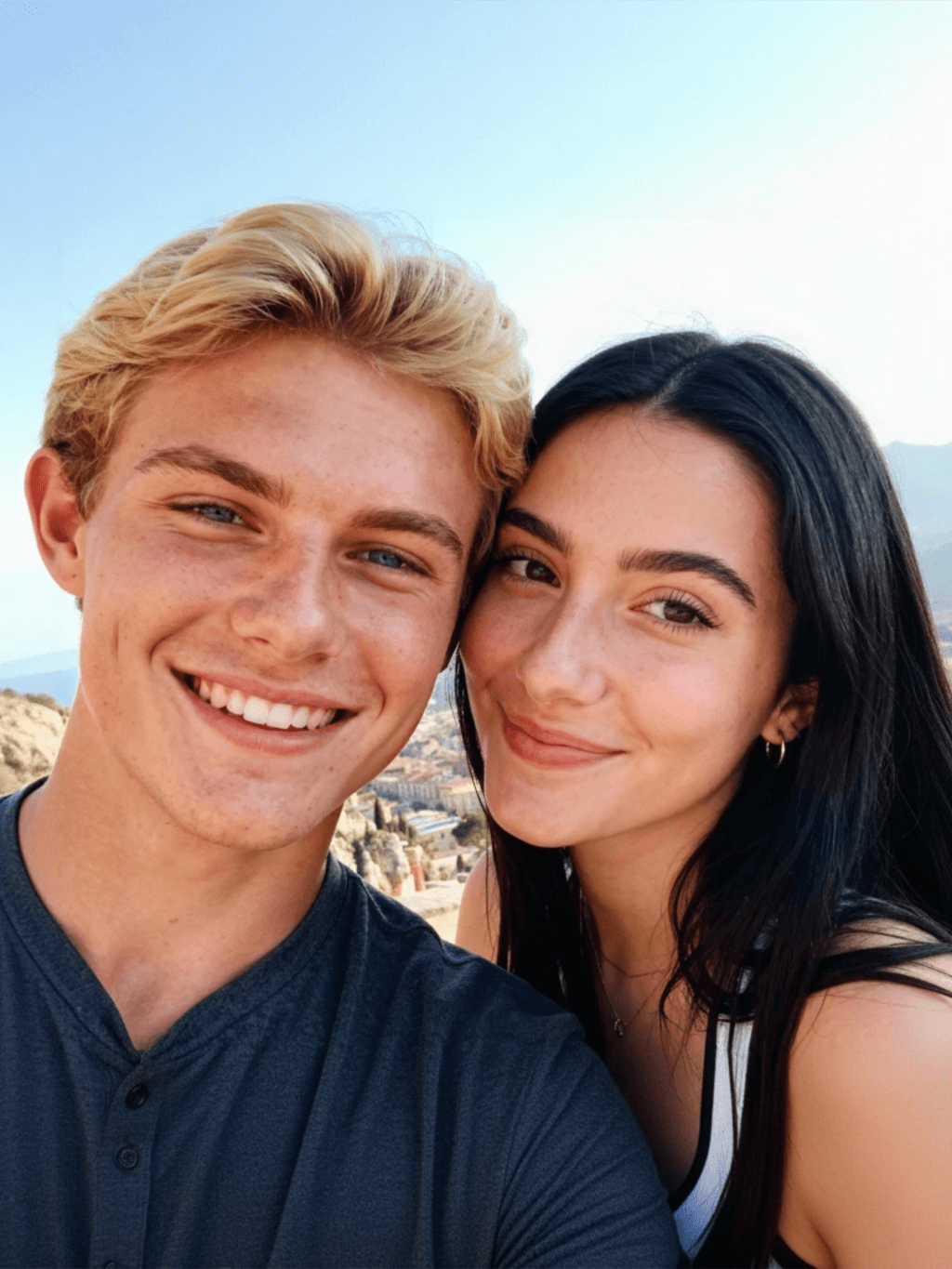
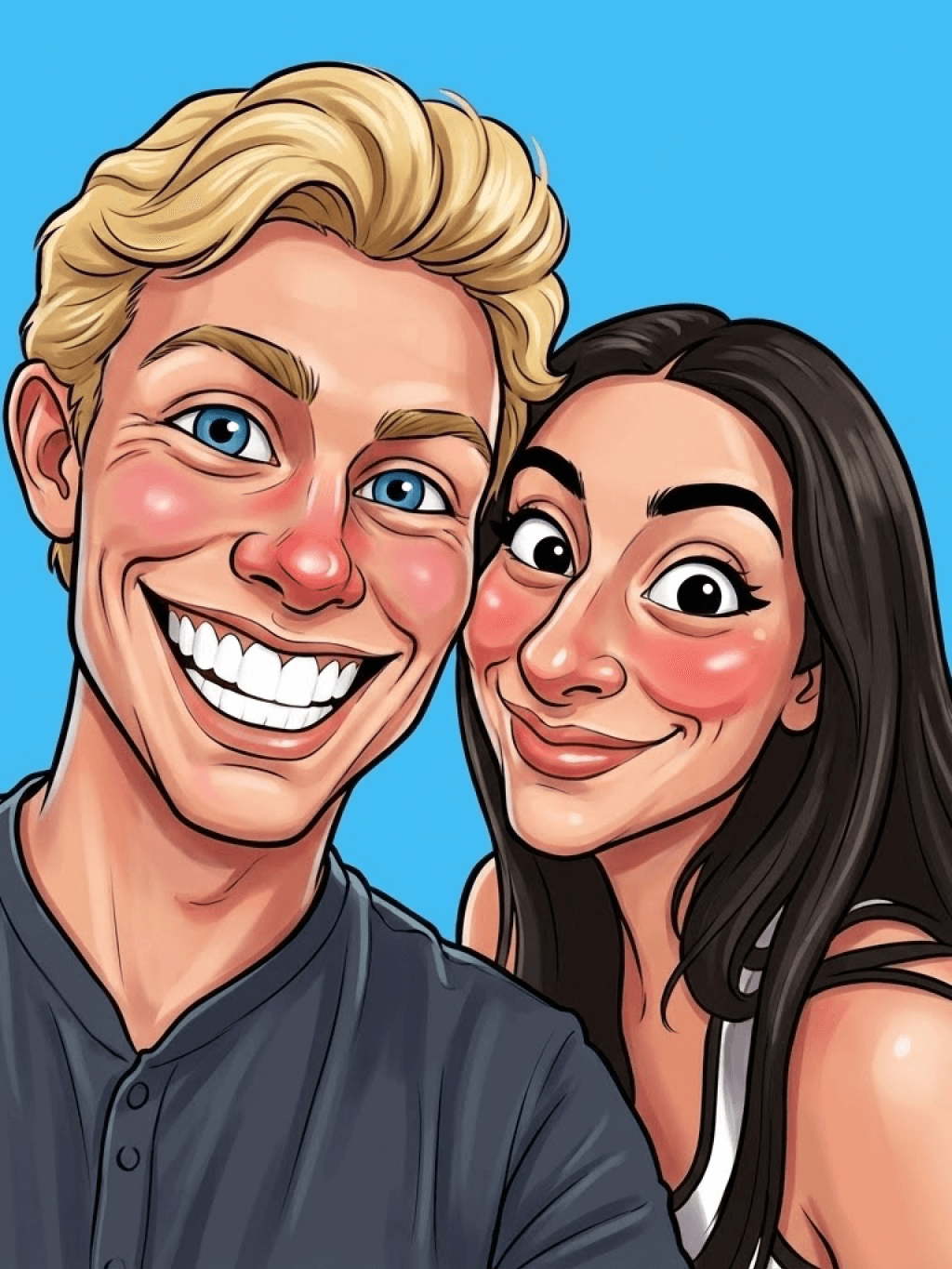
Main character: The person in the picture Art style: Exaggerated cartoon style. Bright colors, bold outlines. Character blush. Proportion: The heads are significantly enlarged and the proportions are distorted. Facial features: Exaggerated processing based on the facial features of the reference figure, exaggerated facial muscles, extremely exaggerated facial features (big mouth, big teeth, big eyes, big nose), funny expressions. Expression: Reproduce the main character's expression in the picture and exaggerate it. Facing the camera. Hair: Reproduce the hairstyle of the main character in the picture. Clothing: Exactly the same as the main character's clothing in the picture. Background: Solid color background. Light and details: Styled highlights and shadows, highlighting the facial contours, with the typical smooth texture of digital painting. Posture: Affectionate action, head touching head, looking at the camera, half-length portrait
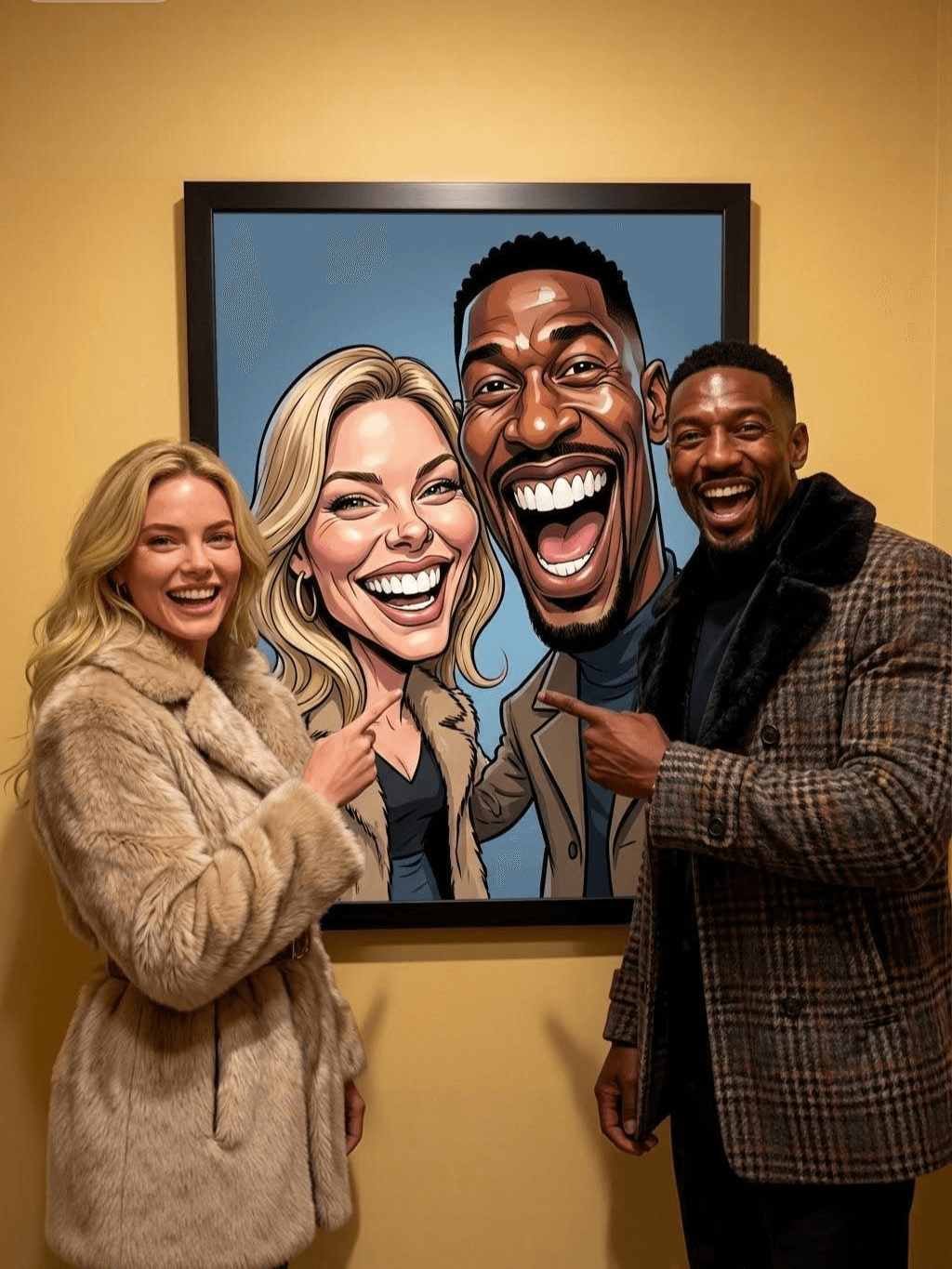
Subject: The main figure in the picture. Core: A high-resolution real photo showing a couple standing beside a framed painting hanging on the wall. The center of the picture features a large black-framed portrait. The content is an exaggerated caricature style of the main character: extremely exaggerated facial features (big mouth, big teeth, big eyes, big nose), with a funny expression. Portrait: Black simple border (no white border), style: highly exaggerated cartoon comic style, presented by digital painting. Head: Both people's heads are significantly enlarged, with distorted proportions, while the body is relatively smaller. Facial features: Facial muscles are extremely exaggerated, there are deep expressive lines around the eyes and mouth, the nose is very large and prominent, and the teeth are also very big. Comic expression: Extremely exaggerated, joyful mouth wide open laughter, eyes bulging, fully matching the joyful mood in the reference image. Both are looking directly at the camera. Light and details: Sharp highlights on the forehead, nose, and cheekbones, contrasting with the deep, smooth shadows to emphasize the exaggerated contours. Clean, smooth digital brushstroke texture. Low saturation blue as the background of the portrait. Style: One-to-one replication of the main figure in the picture Clothing: One-to-one replication of the main character's clothing Photo scene: Indoor, with warm decoration, warm yellow background wall Posture: The main figure stands in front of the portrait, looking at the camera, with one hand raised in front of the chest pointing at the portrait on the wall. Warm lighting, natural integration of light and shadow, clear image quality, 8K
Subject: The main character in the picture. Art style: Exaggerated cartoon style. Head: The head is enlarged while the body is relatively small. Facial features: Exaggerated facial muscles, exaggerated facial lines, and a large nose. Expression: Reproduce the expression of the main character in the picture and exaggerate it. Looking at the camera. Family name: Exactly the same as the appearance of the main character in the picture. Attire: One-to-one reproduction of the main character's outfit in the picture. Background: Solid color background. Lighting and details: Stylized highlights and shadows, highlighting the facial contours, with a smooth feel typical of digital painting. Pose: Frontal half-length portrait
Retain all the details of the image and convert it to color.
Use the character from the uploaded image exactly as it appears — keep all features, colors, proportions, and style unchanged. Create a four-panel comic/storyboard with each panel showing a different scene of the character. Maintain the same cartoon art style as the reference image. Add speech bubbles/dialogues for the character in each panel, appropriate to the story. Ensure visual continuity: same background style, color palette, and lighting consistent across all panels. Focus on clear composition, expressive poses, and readable dialogue. Output: four distinct panels forming a coherent story.
Refer to Figure 2 and convert the style of Figure 1
Generate a set of powerful 3-panel Japanese anime storyboards by referring to the image
Polaroid 2:3 photo: IMG1 person and IMG2 cartoon character hugging like friends, smiling and laughing, heads close together, looking at the camera, hips-up; original clothes; white-curtain background; cartoon character’s arms naturally around person, proportions adjusted for natural interaction; subtle shadowing for depth; strong flash, slight overall blur, soft light vignette, no omissions; no face-swap, no distortion; classic white-border Polaroid, flat on white table, back flush, 90° top-down, zero tilt, no extras.
Optimize the line drawing, transform it into a Japanese anime style and color it to add a campus background
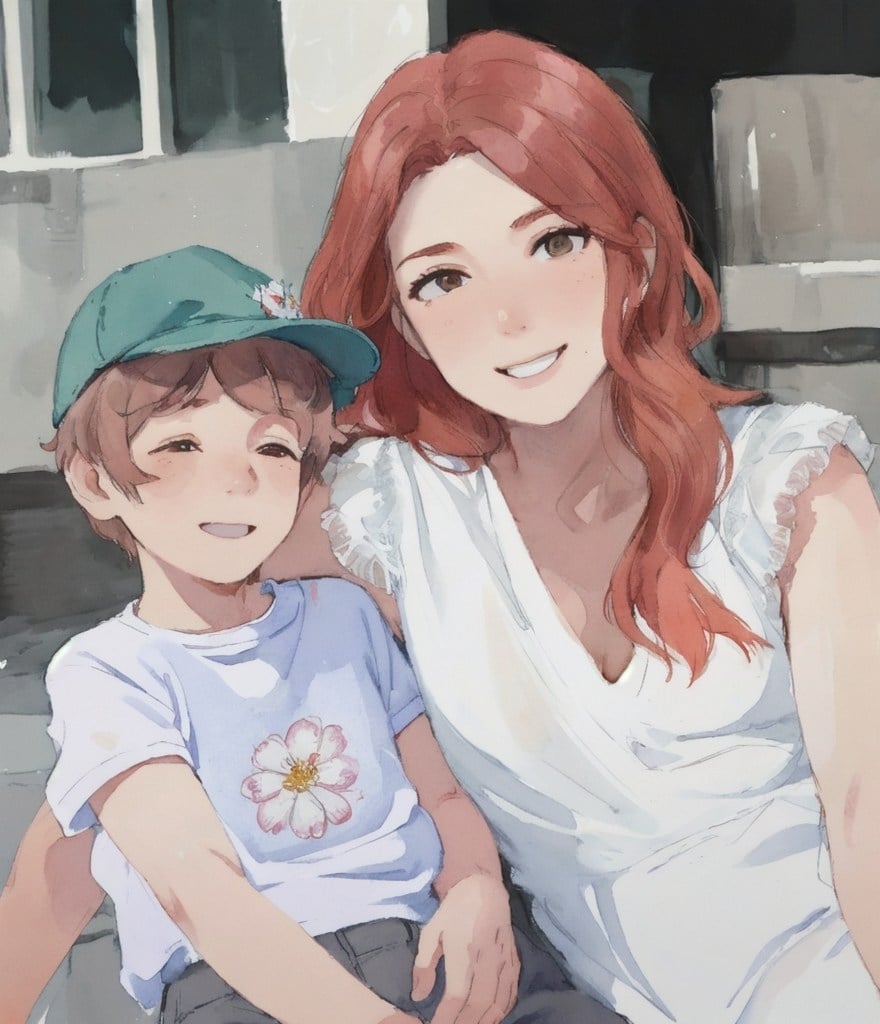
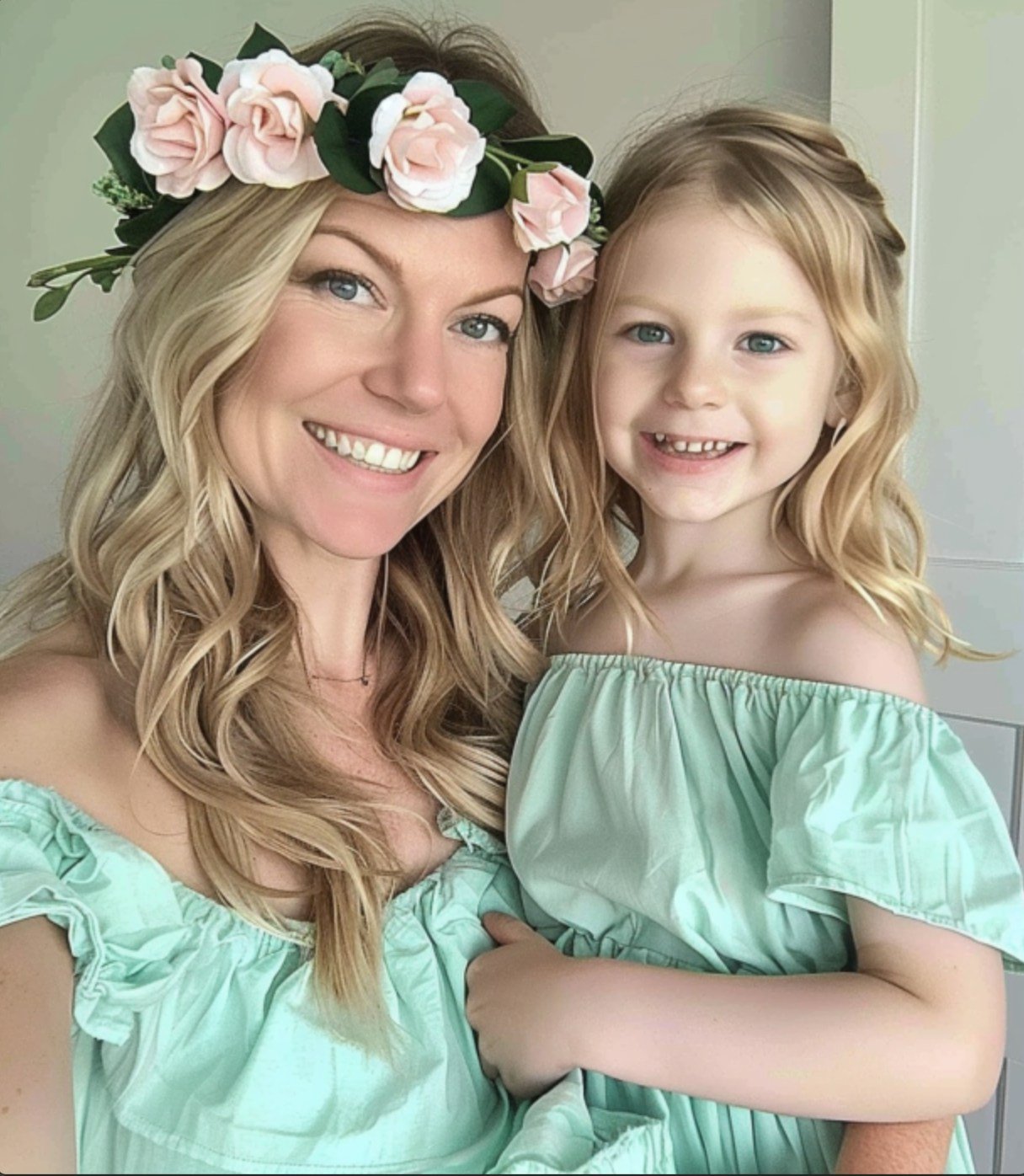
Mother's Day Photo to Watercolor
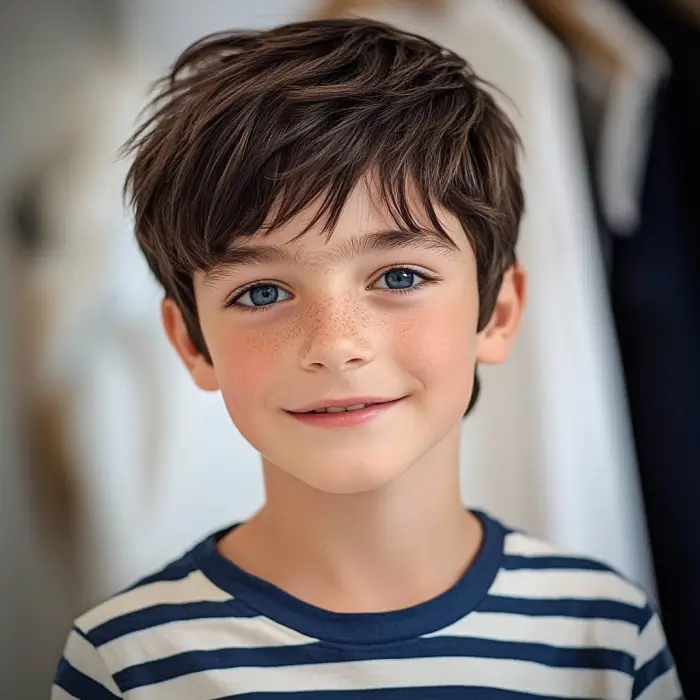
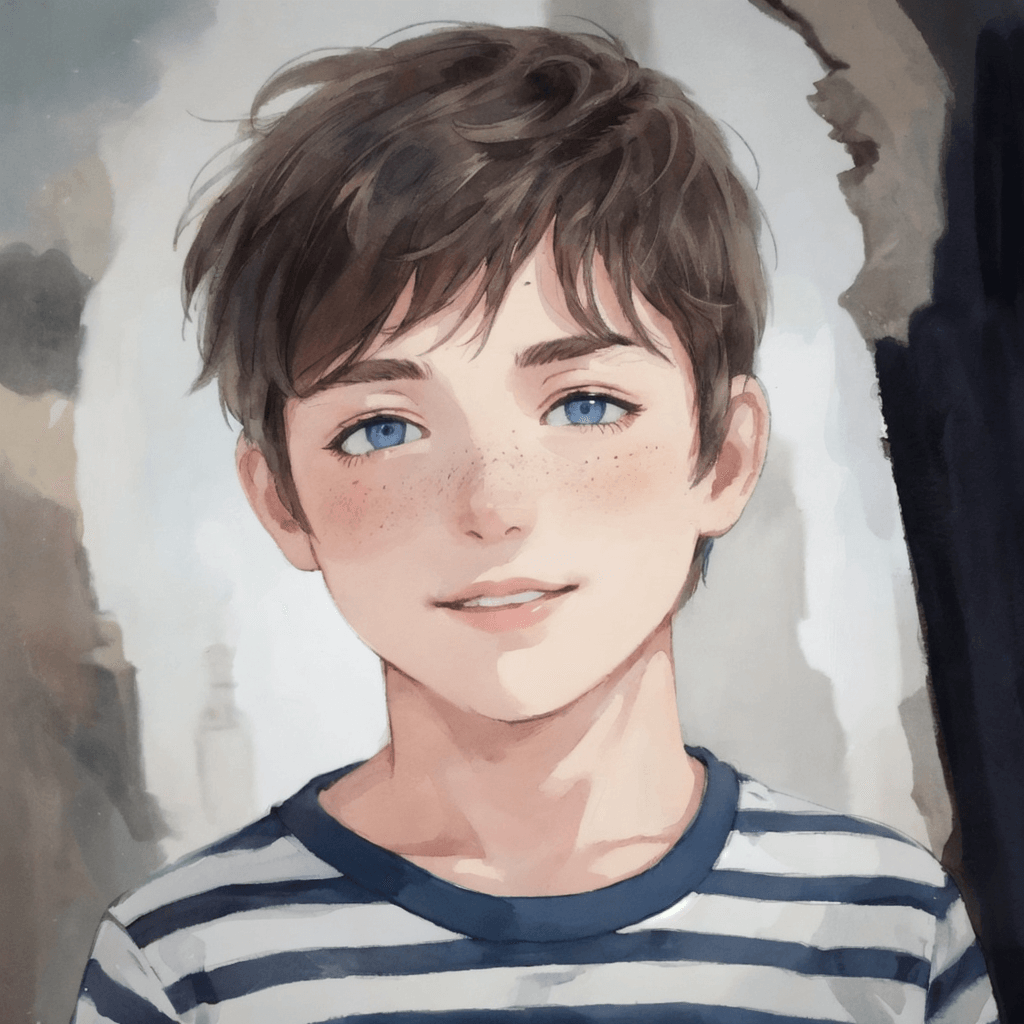
Boy Photo to Watercolor
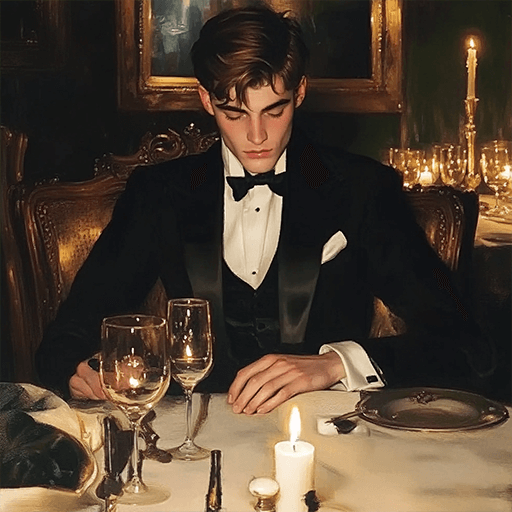
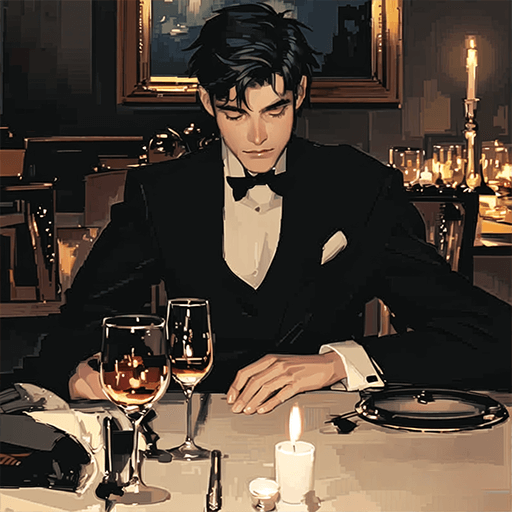
Young Millionaire Photo to Anime Cartoon
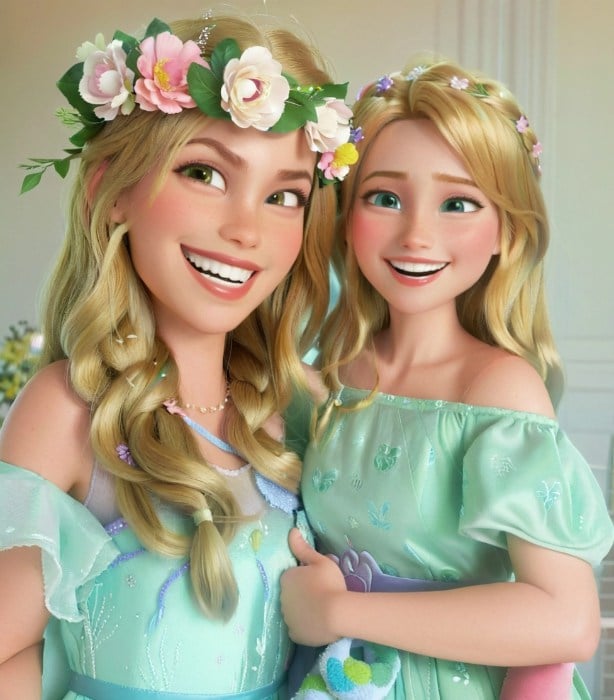
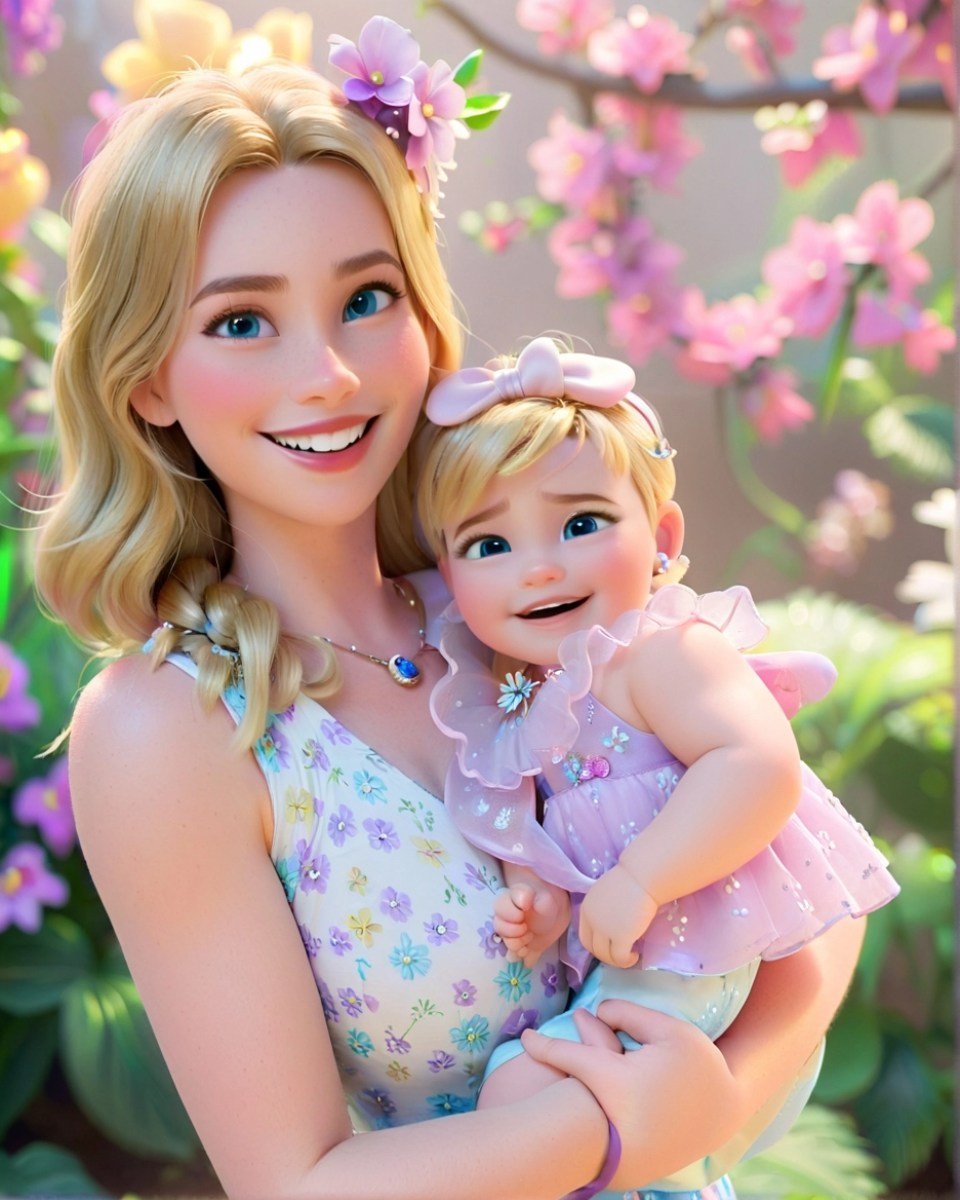
Mother's Day Disney Filter
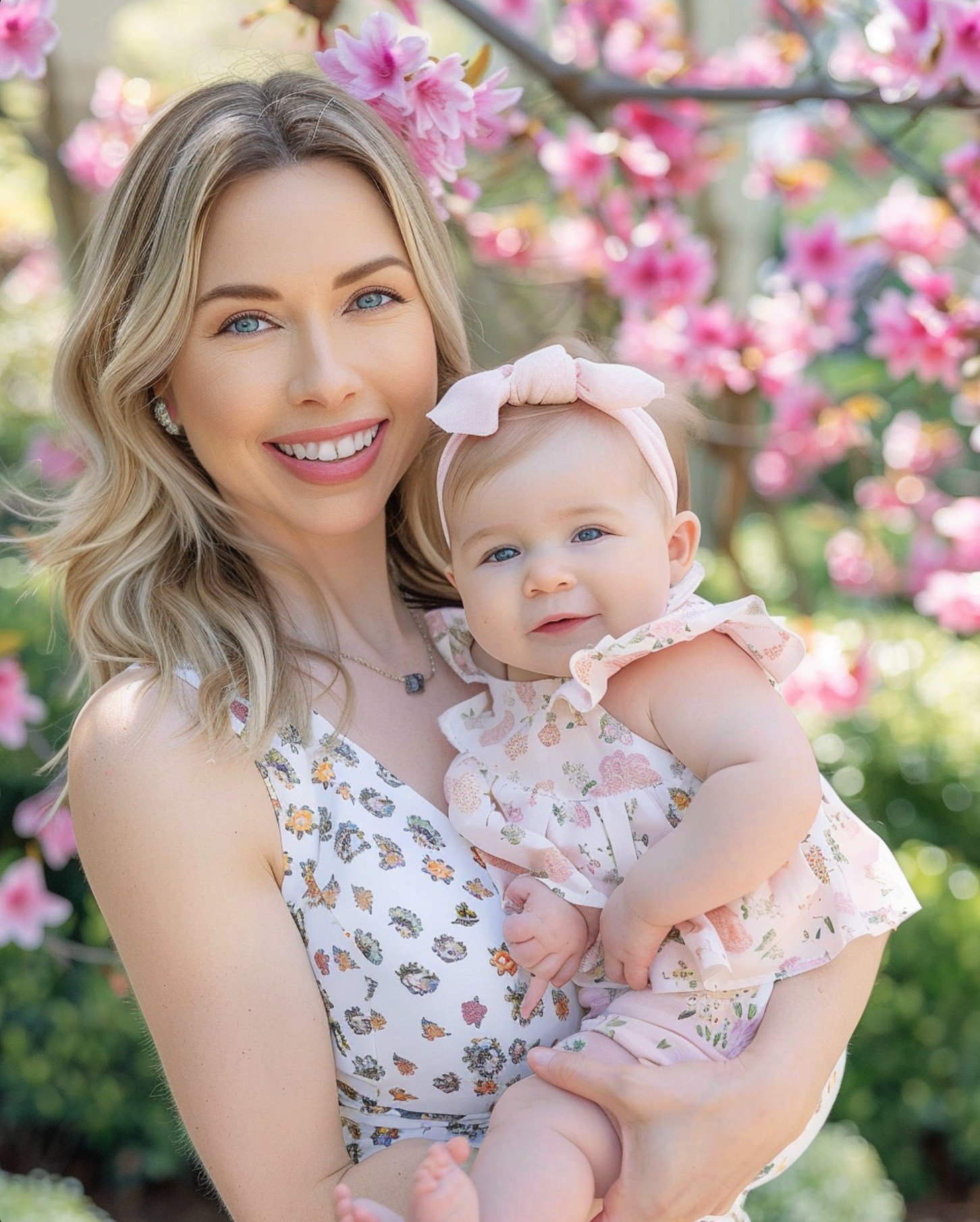
Disney Style Mother Holding Baby
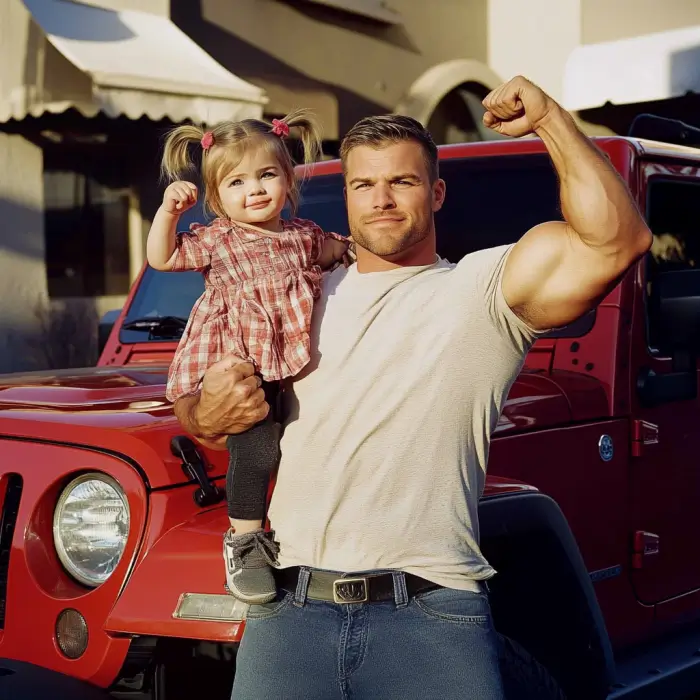
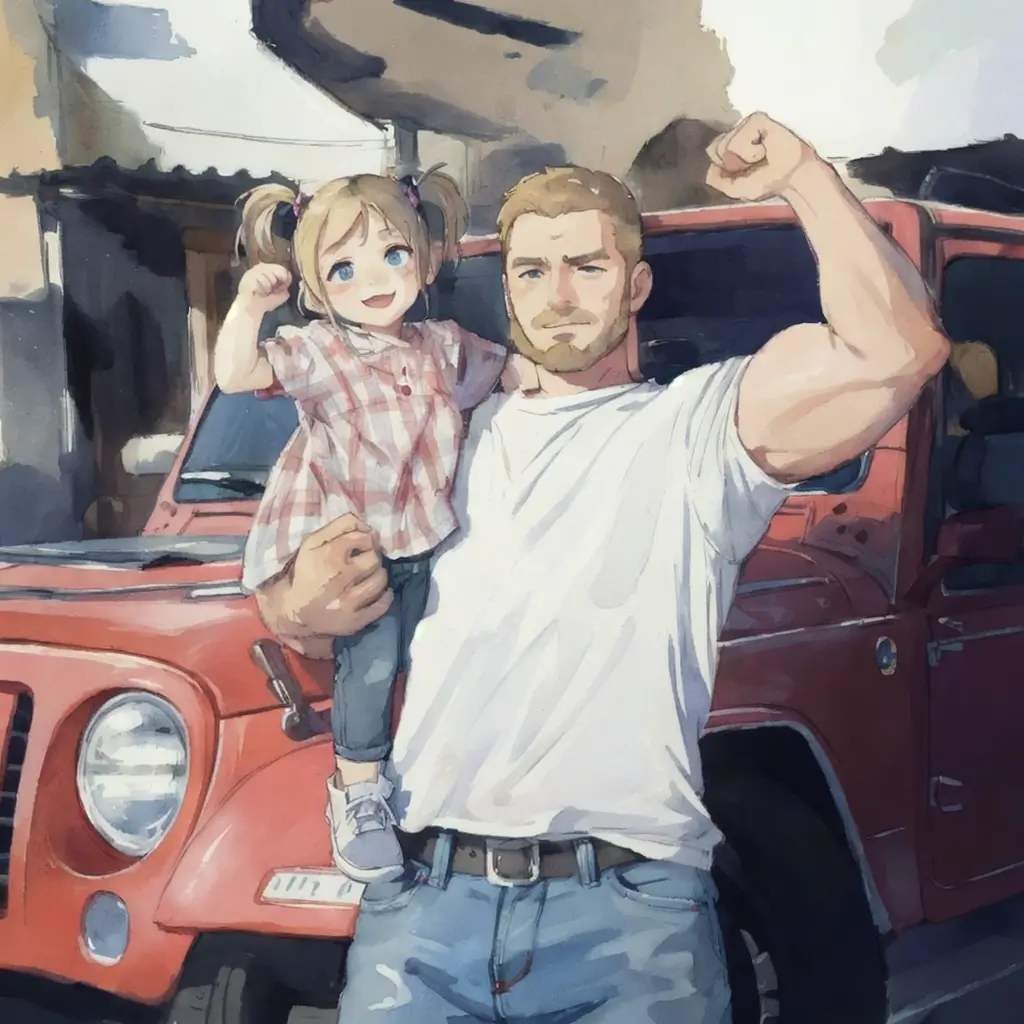
Father and Daughter in Watercolor
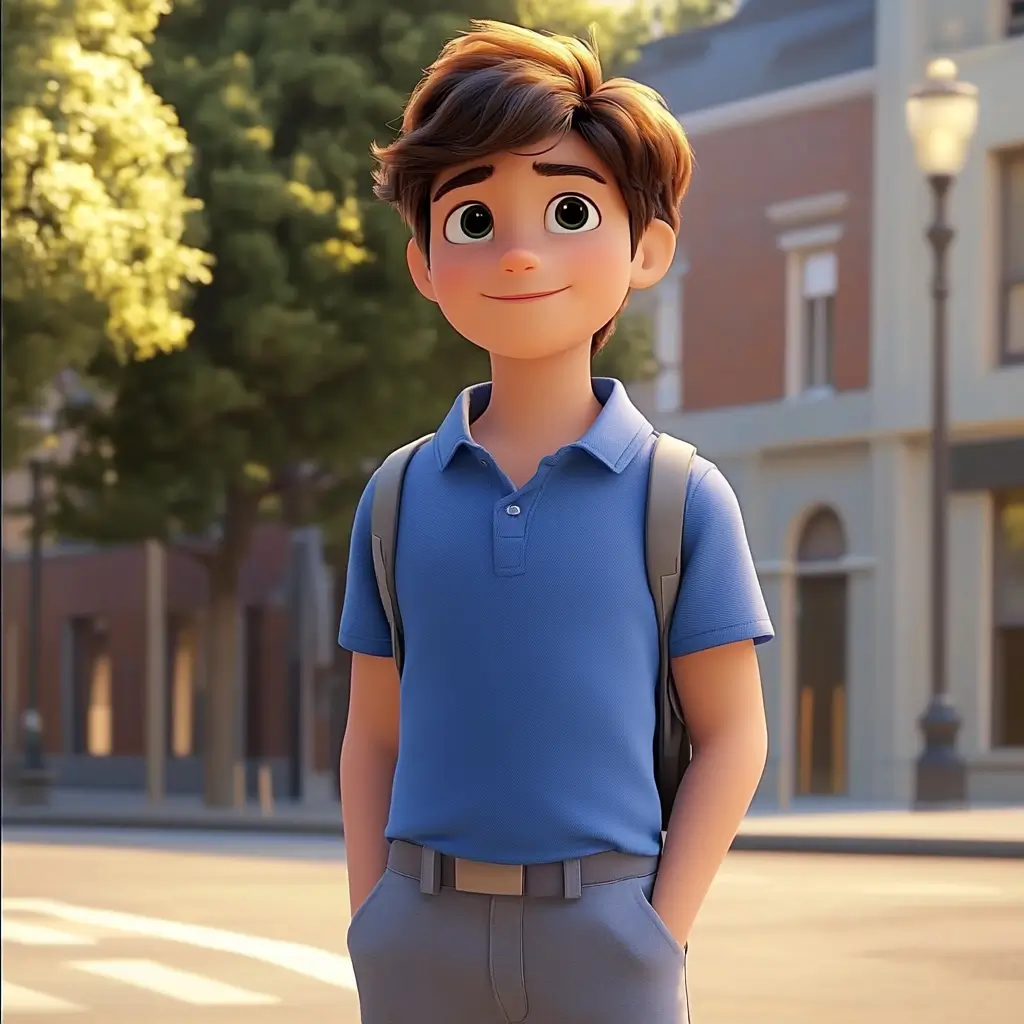
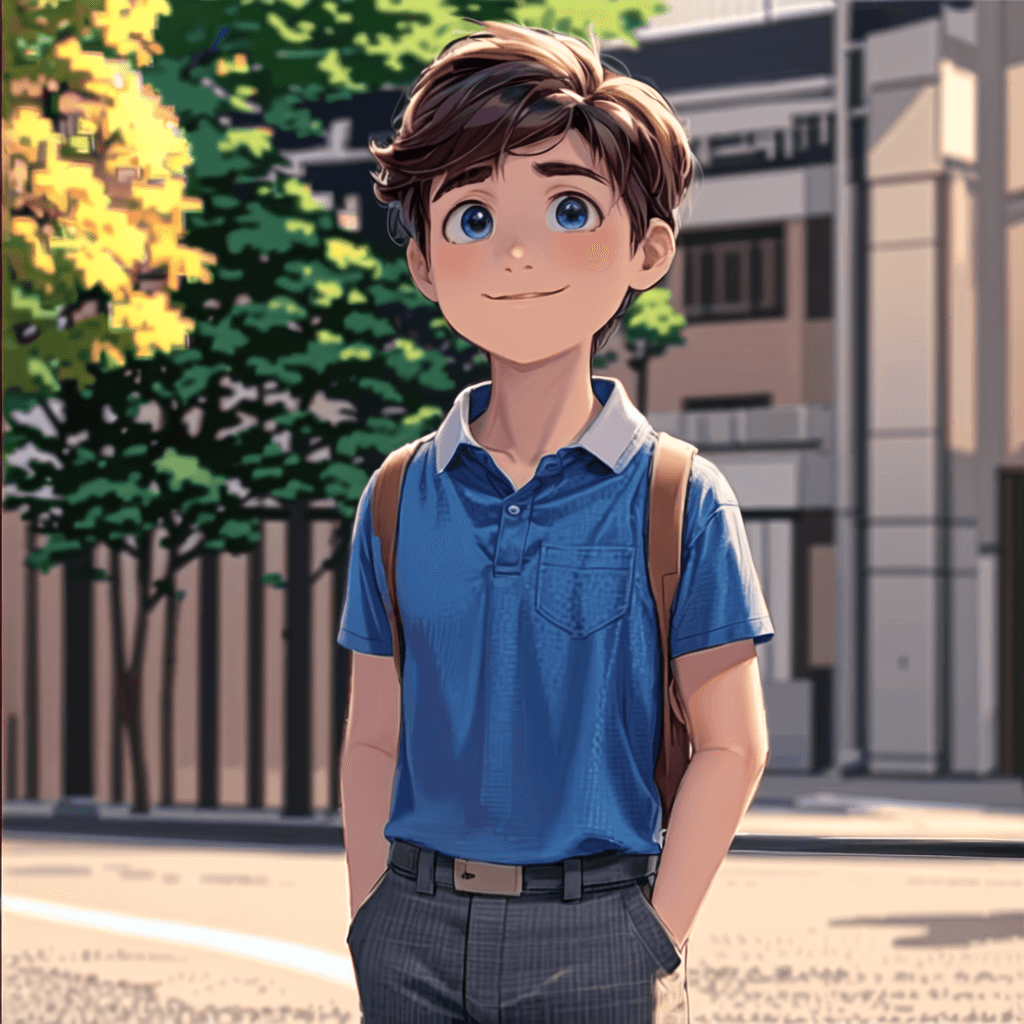
Cute Cartoon Boy
Cute Cartoon Boy
Cute Cartoon Boy
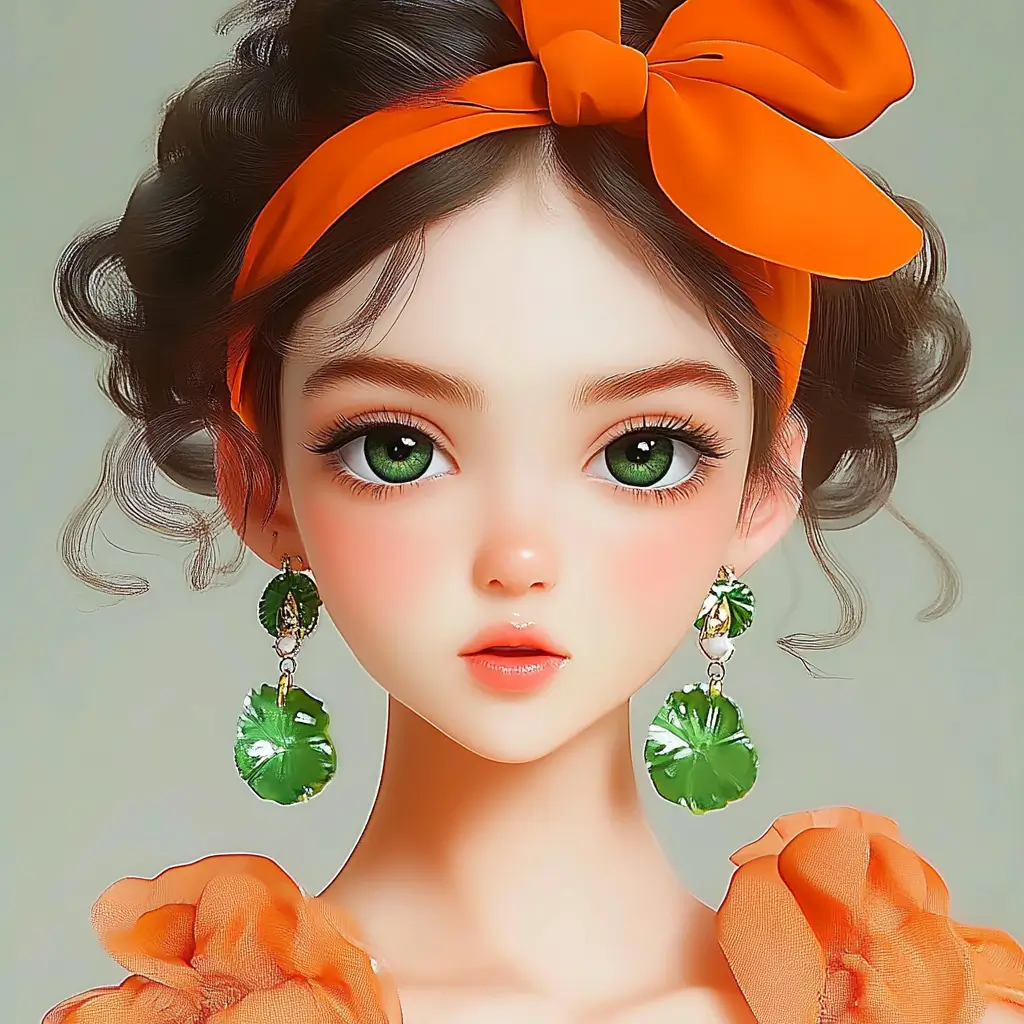
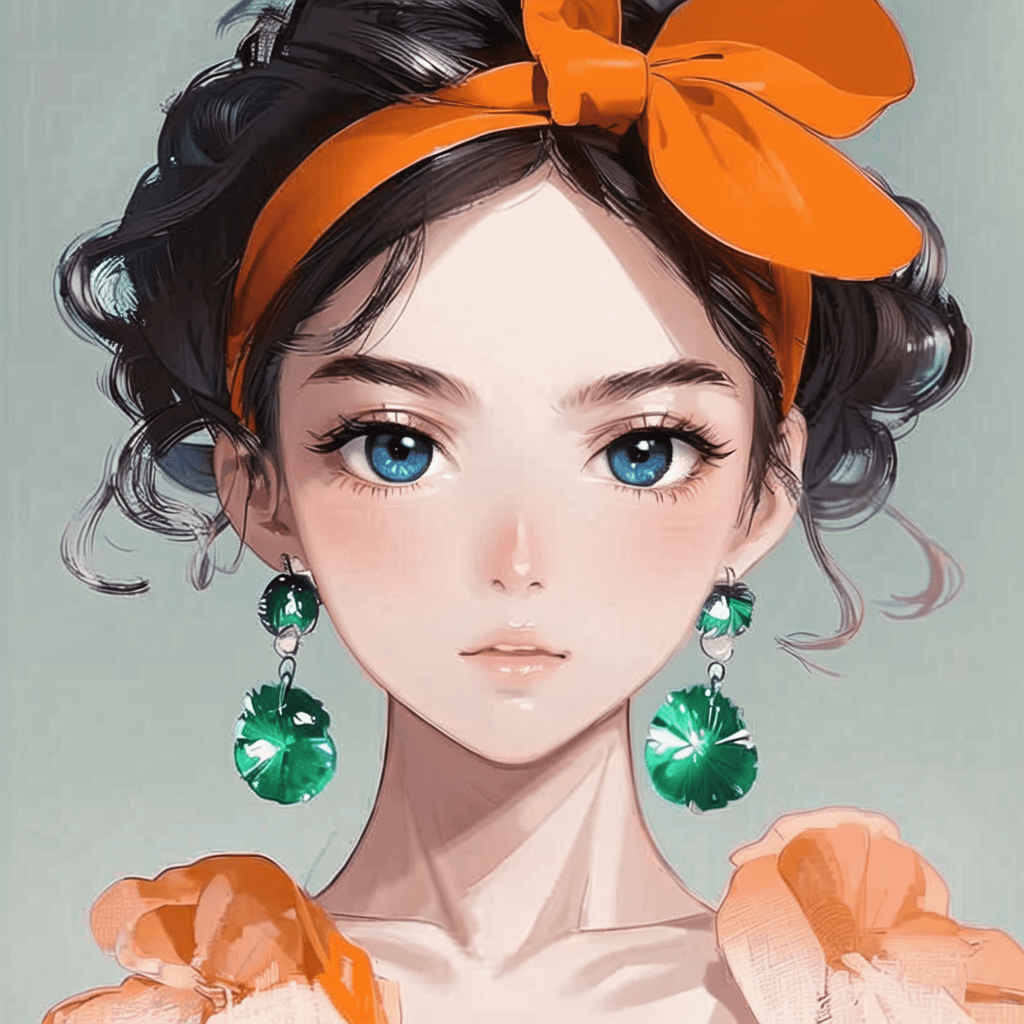
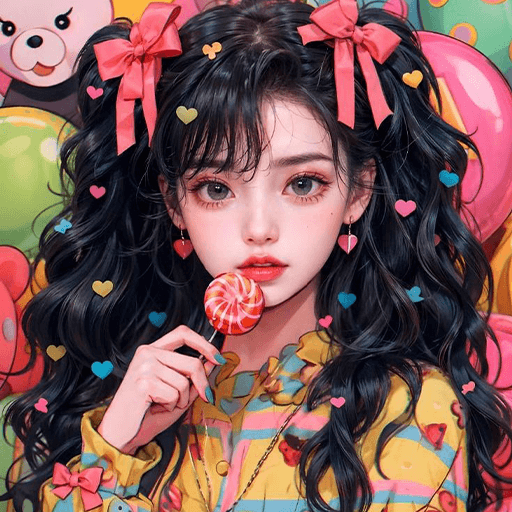
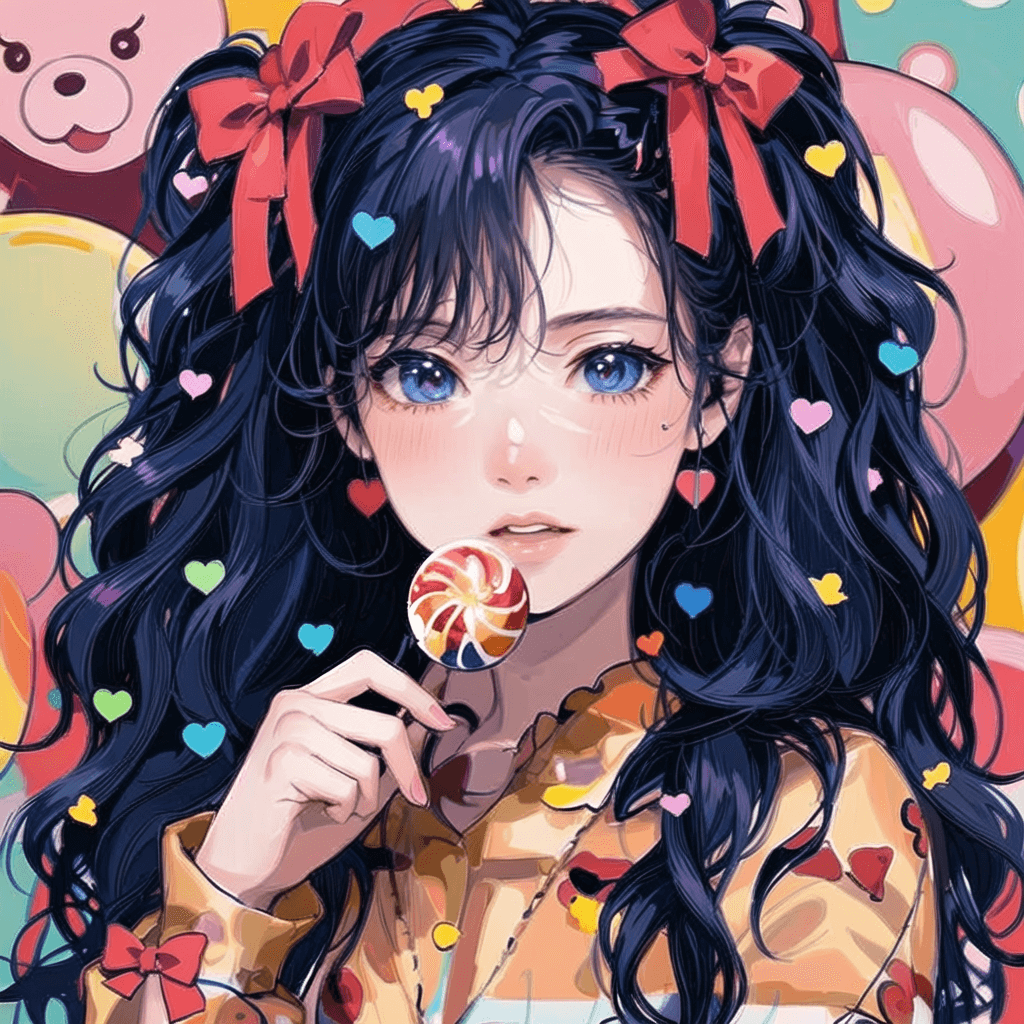
Attractive Anime Girl Filter
A girl in a blue shirt and black jacket sitting at a table with coffee and drinks, A steampunk-style background featuring intricate gears, brass pipes and glowing lights illuminating the scene. A desk with mechanical tools is in sharp focus while surrounding walls display vintage timepieces and cogs.
depicting futuristic cities with towering skyscrapers made from metallic gold and green hues. Include flying cars and high-tech elements to create a sense of wonder in space and cyberpunk aesthetics.
Beautiful Anime Girl
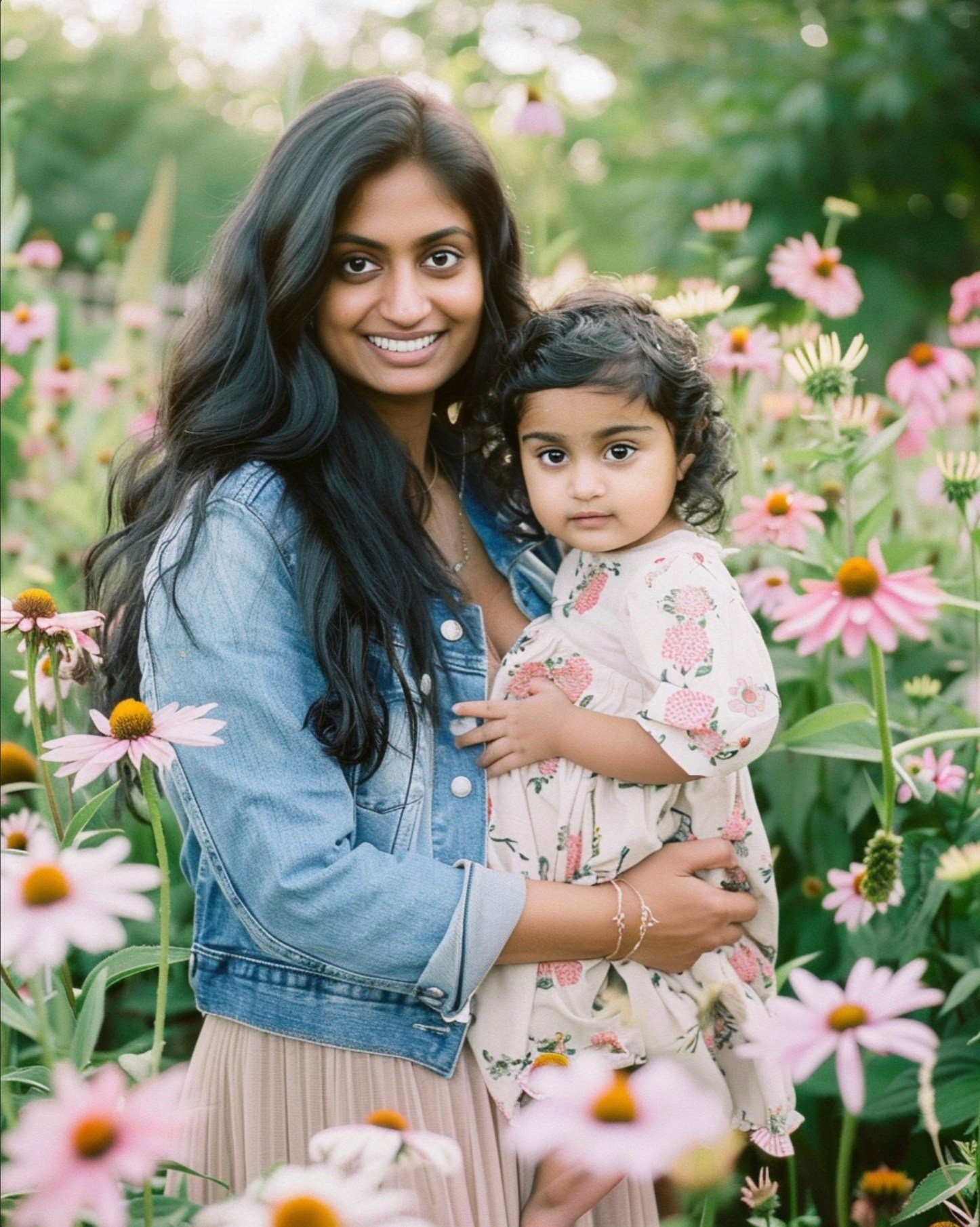
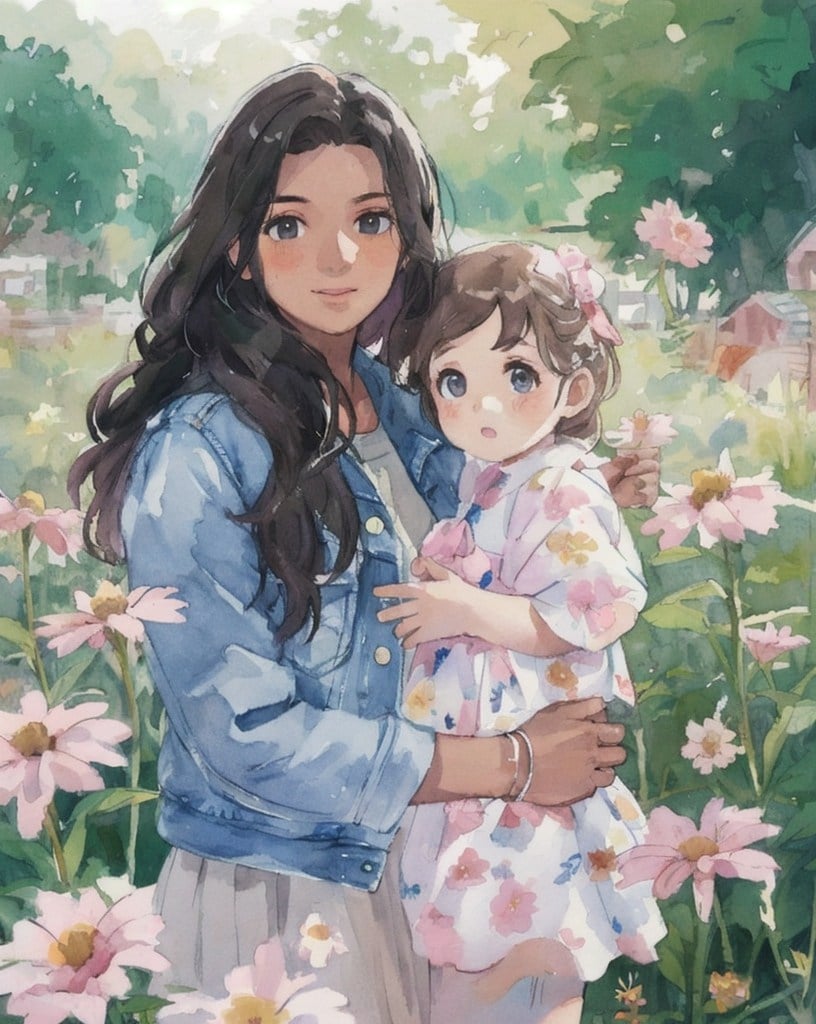
Watercolor Mother Holding Daughter
Convierte tus fotos en caricaturas con el filtro de caricatura con IA

Convierte tus fotos en caricaturas con el filtro de caricatura con IA

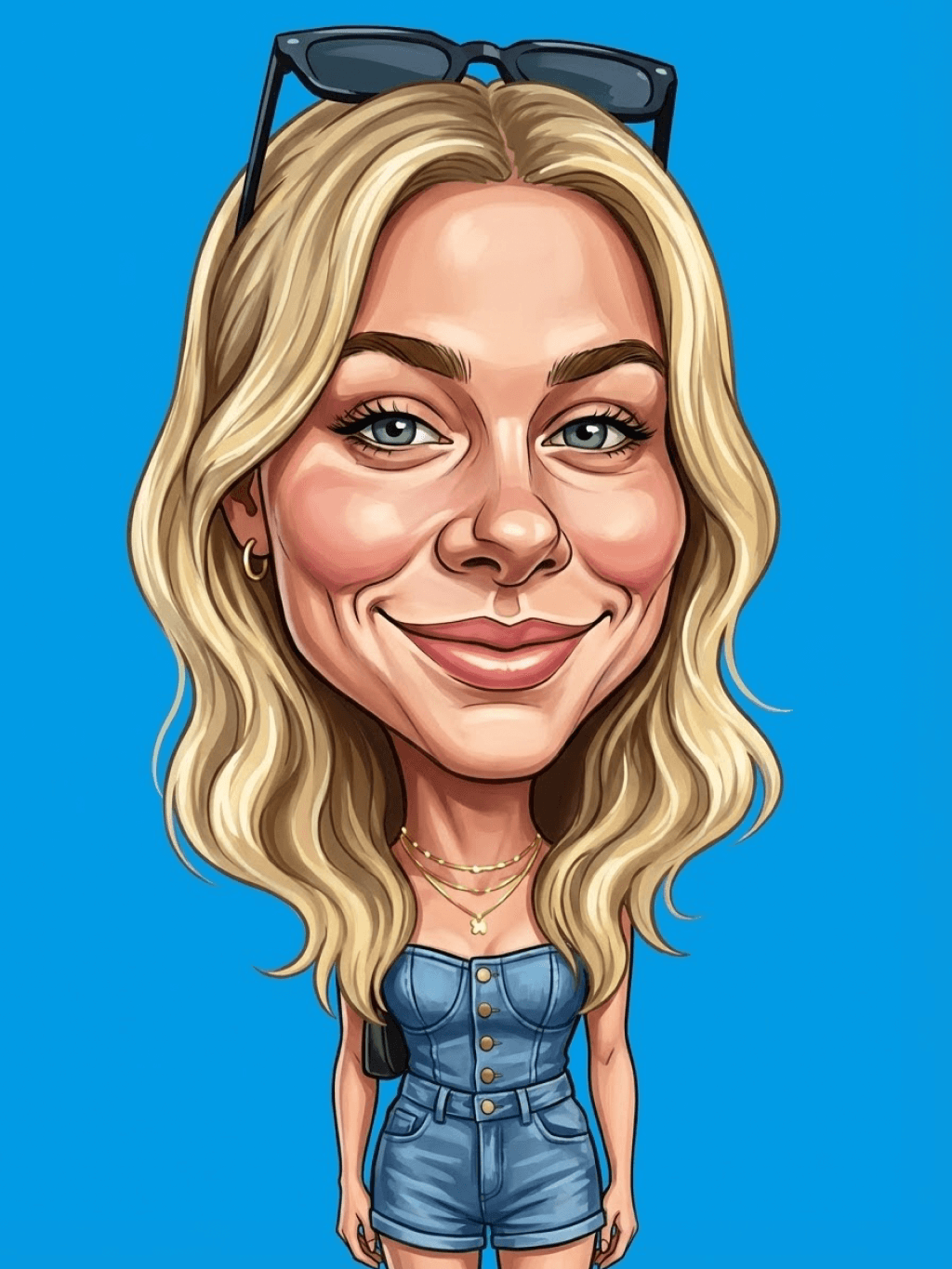
El filtro de caricatura con IA convierte tus fotos en creaciones divertidas y artísticas. Este filtro profesional transforma cualquier foto y aplica efectos de caricatura de alta calidad al instante. Es ideal para proyectos únicos o para mejorar publicaciones en redes sociales, añadiendo incluso un toque de humor.

Ya sea que crees contenido para entretenimiento, redes sociales o uso personal, nuestros filtros te ayudan a lograr fácilmente un estilo de caricatura original que destaque.

Convierte foto en caricatura
Convierte tus fotos en anime o manga con los filtros de anime con IA de insMind

Convierte tus fotos en anime o manga con los filtros de anime con IA de insMind

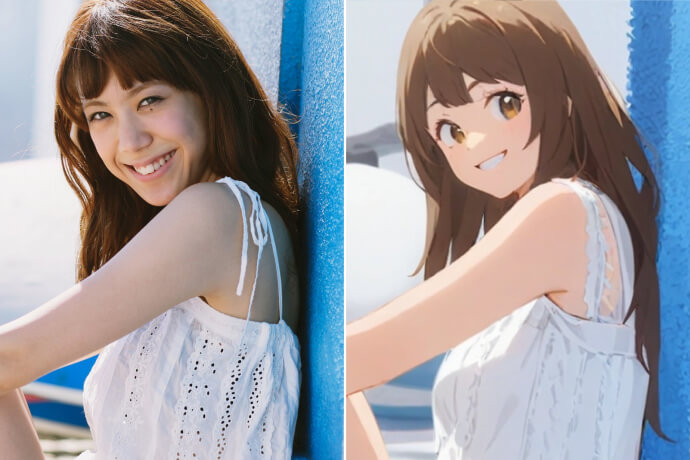
Para los amantes del arte japonés, los filtros de anime y manga con IA son ideales. Transforman retratos y fotos en estilo anime o en dibujos tipo manga con un solo clic. ¿Quieres añadir algo divertido a tus fotos o eres fan del anime? Estos filtros mejorarán tus selfies con un toque artístico y auténtico.
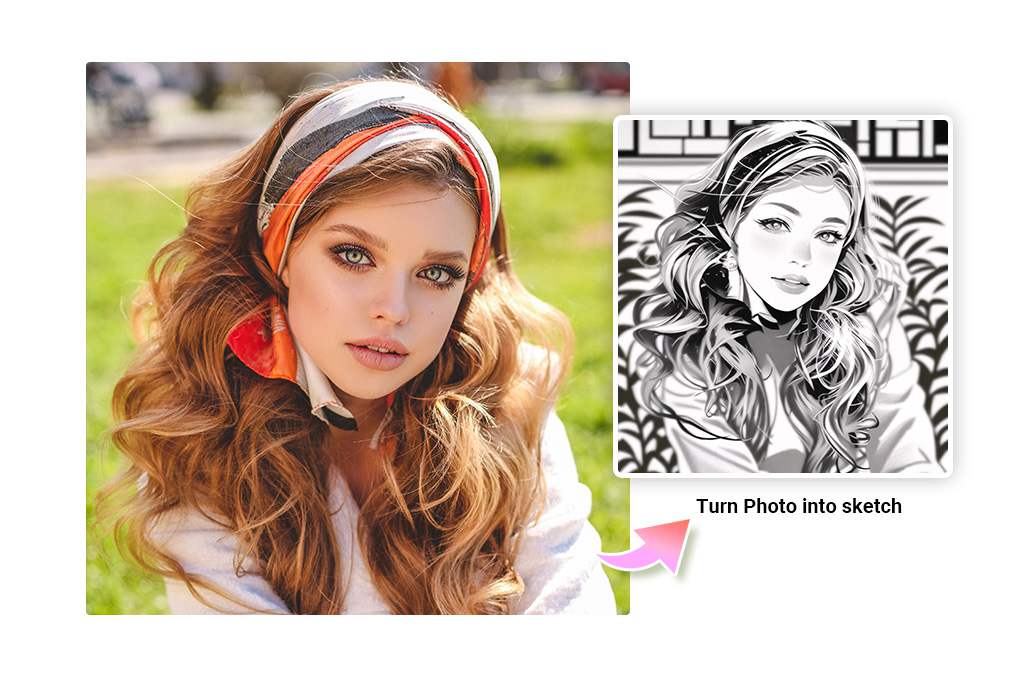
Convierte foto en anime
Convierte tus fotos en bocetos, arte lineal o dibujos de contorno

Convierte tus fotos en bocetos, arte lineal o dibujos de contorno

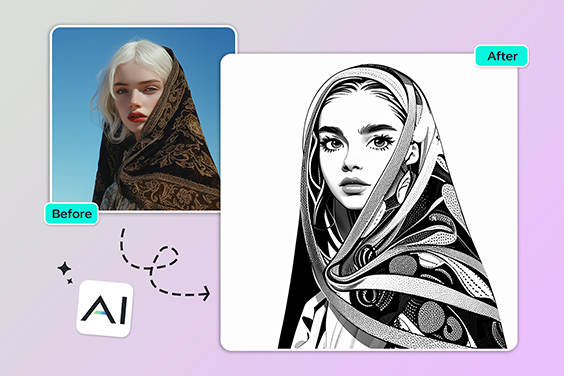
¿Quieres un efecto dibujado a mano? Estos filtros incluyen boceto, lápiz, arte lineal y dibujos de contorno, para dar a tus fotos un estilo ilustrado. Nuestro generador de bocetos con IA utiliza detección avanzada de bordes para transformar fotos en dibujos a lápiz con diversos estilos.

Además, el filtro de fotos con IA puede simplificar tu imagen en líneas de contorno ideales para tatuajes, efectos artísticos o ilustraciones conceptuales. Ya sea para preparar un diseño o explorar tu creatividad, nuestros filtros de fotos con IA lo hacen fácil.

Prueba filtros de boceto
Convierte tus fotos en acuarelas en línea con el filtro de acuarela con IA

Convierte tus fotos en acuarelas en línea con el filtro de acuarela con IA

Convierte tus fotos en hermosas pinturas de acuarela con nuestro filtro de acuarela con IA. Solo sube tu imagen, haz clic y observa cómo la IA la transforma en arte acuarelado realista. Perfecto para artistas y aficionados que buscan un estilo suave y fluido sin necesidad de materiales físicos.
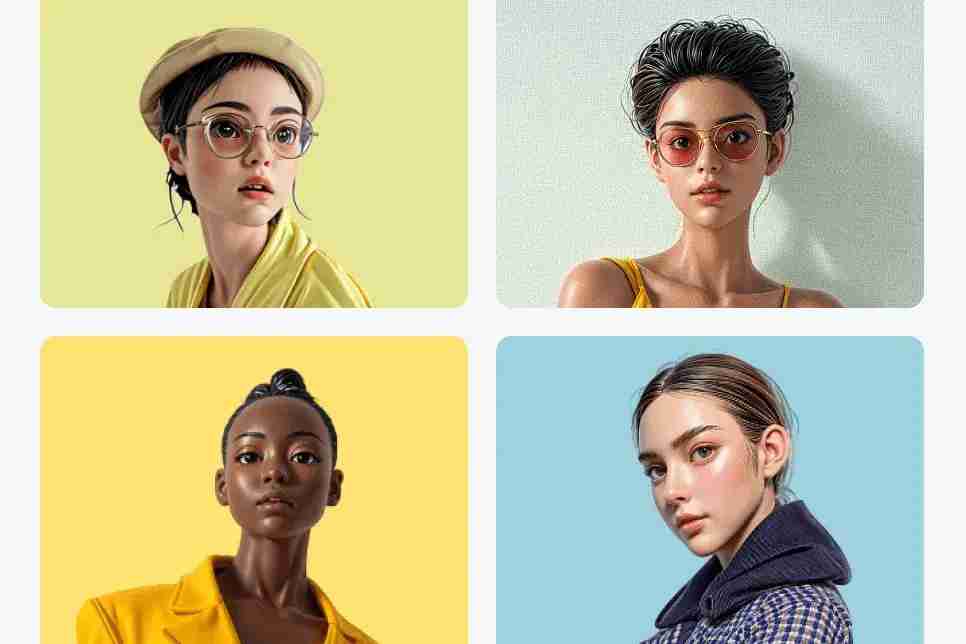
Convierte foto en acuarela
Transforma tus fotos con filtros CG de IA y consigue un estilo cinematográfico

Transforma tus fotos con filtros CG de IA y consigue un estilo cinematográfico

Convierte tus fotos en imágenes con estilo de cine o en elementos digitalizados gracias a nuestros potentes filtros con acabado de IA. Estos filtros añaden profundidad, equilibrio de color y una auténtica sensación cinematográfica.

Con el filtro CG de IA, podrás mejorar tus fotos con un estilo artístico profesional que realmente deja huella.
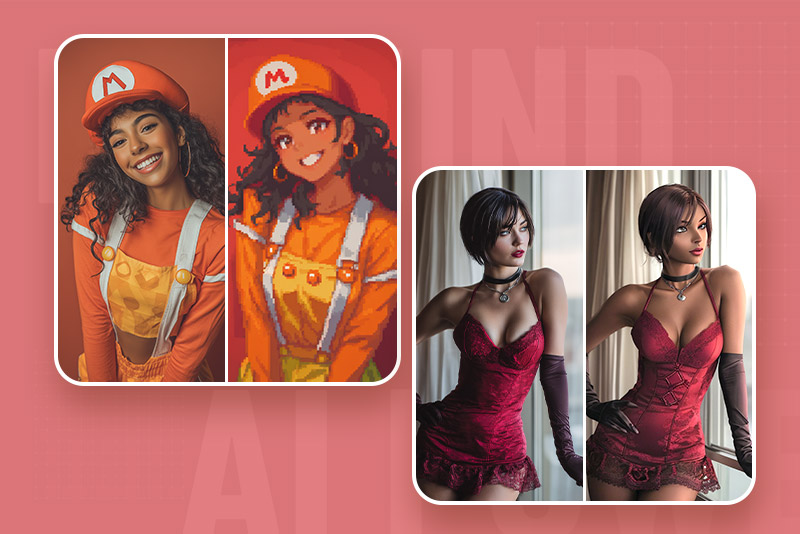
Convierte foto en CG
Filtros de Pixel Art y Personajes PS2 — Nostalgia gamer retro

Filtros de Pixel Art y Personajes PS2 — Nostalgia gamer retro

Despierta tu lado gamer con filtros de estilo retro. Nuestro filtro de pixel art y el filtro de personajes PS2 transforman imágenes modernas en visuales llenos de nostalgia. Reproducen el encanto pixelado de las primeras consolas y el diseño de personajes low-poly clásicos.

Ideales para fan art, avatares o contenido temático, los filtros de foto con IA ofrecen resultados retro consistentes sin necesidad de edición manual. Convierte fotos simples en versiones divertidas con estética de videojuego en solo segundos.
Prueba filtros retro ahora
Descubre la variedad de filtros de foto con IA para transformar tus imágenes

Descubre la variedad de filtros de foto con IA para transformar tus imágenes

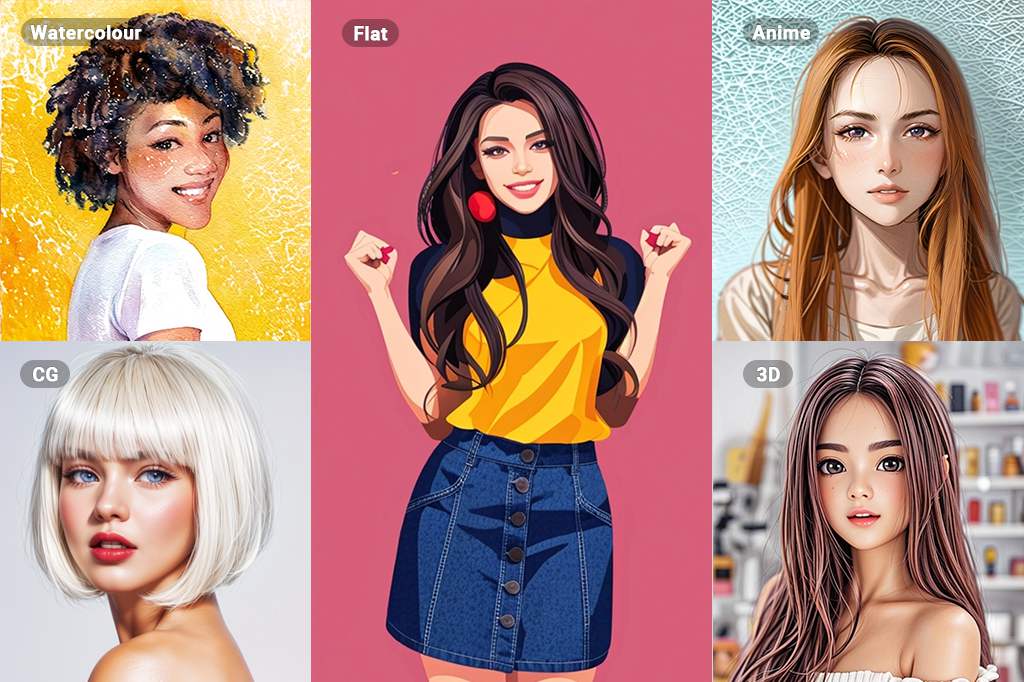
La amplia colección de filtros de foto con IA de insMind incluye estilos como Ghibli, Boceto, PS2, Disney, 3D, Acuarela, Pintura al Óleo, CG y más. Con ellos, podrás convertir tus imágenes en distintas formas de arte únicas. Cada filtro aporta a tus fotos efectos detallados y de alta calidad, por lo que nunca te quedarás sin opciones. Están diseñados para ayudarte a lograr resultados profesionales en el menor tiempo posible.
Aplica filtros ahora

Explora más funciones de filtros de foto con IA

¿Cómo aplicar filtros de foto con IA en insMind?
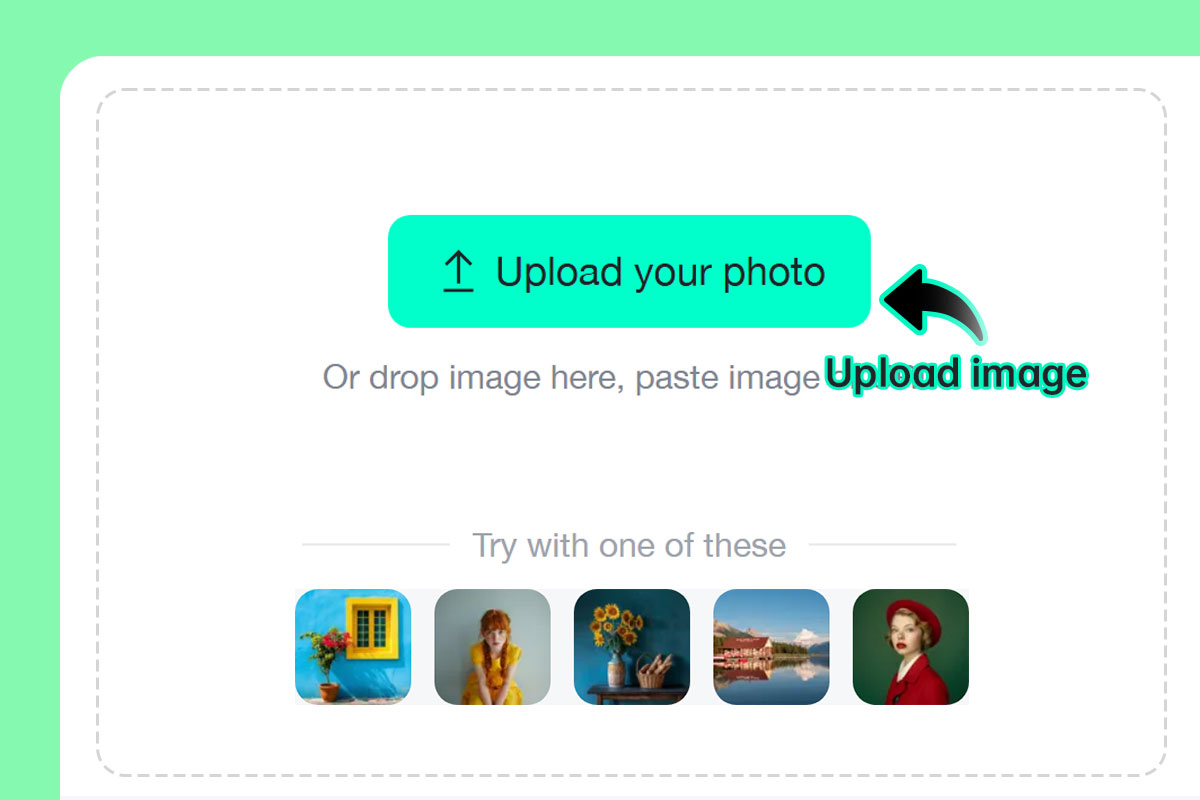
Paso 1: Sube tu foto
1

1 Paso 1: Sube tu foto

Elige cualquier retrato, paisaje o imagen de objetos. Nuestro sistema con IA admite una amplia variedad de fotos.
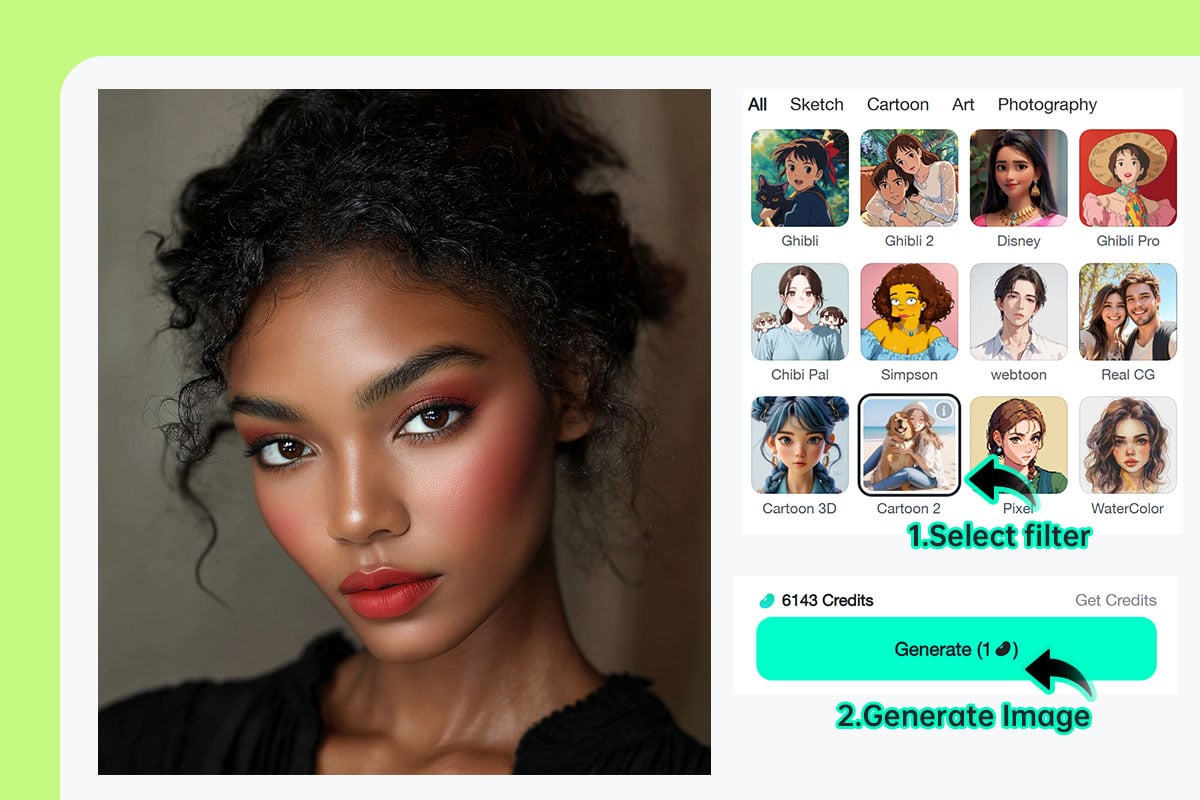
Paso 2: Elige tu filtro de IA favorito y haz clic en "Generar"
2

2 Paso 2: Elige tu filtro de IA favorito y haz clic en "Generar"

Selecciona entre opciones como caricatura, arte lineal, boceto, acuarela o filtro de anime con IA y haz clic en "Generar" para iniciar la transformación.
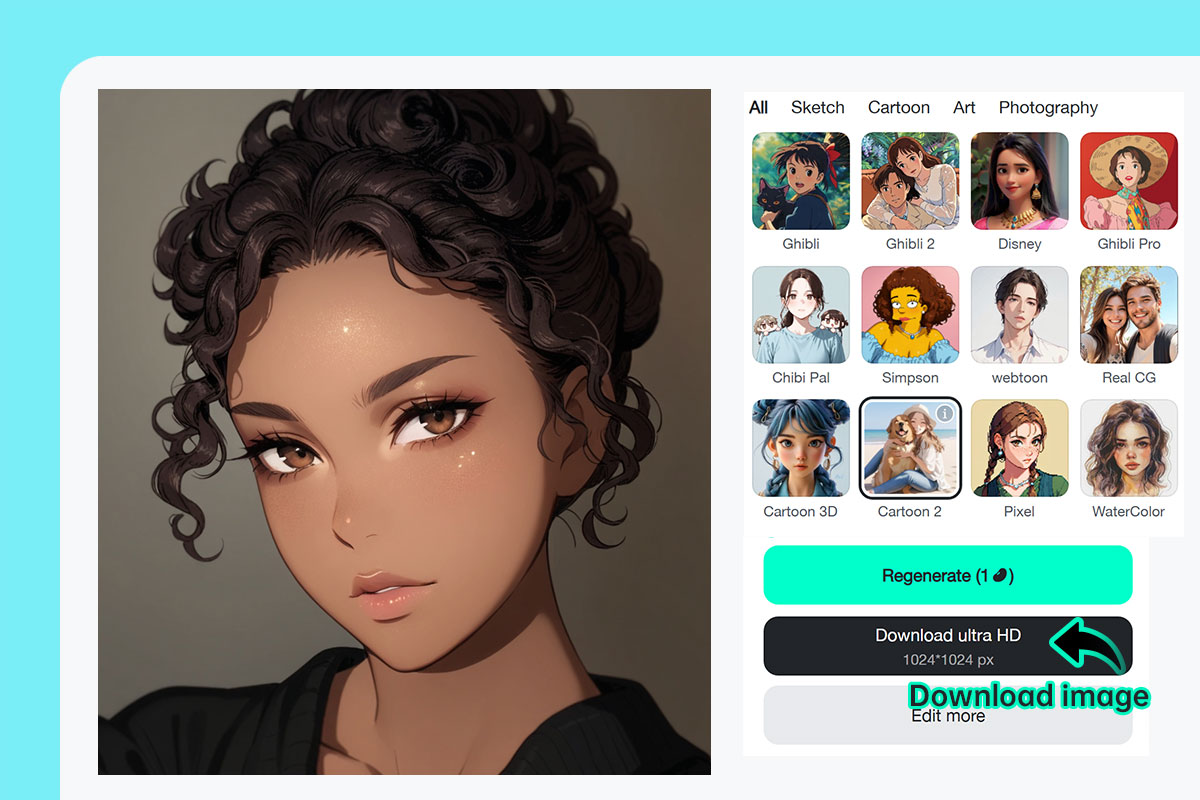
Paso 3: Descarga o comparte tu imagen filtrada al instante
3

3 Paso 3: Descarga o comparte tu imagen filtrada al instante

Haz clic en "Descargar" para guardar la imagen transformada en tu dispositivo. Luego, compártela en redes sociales, imprímela o utilízala en un proyecto digital.

Filtro de foto con IA en línea gratis para todos

insMind reúne todos los filtros de foto con IA que necesitas, desde proyectos creativos hasta fotos de perfil para redes sociales e incluso para trabajos profesionales.
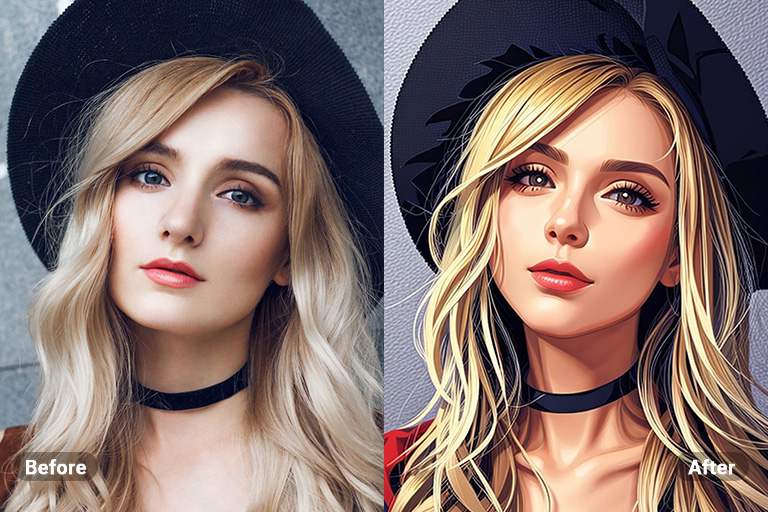
Foto a dibujo lineal

Foto a dibujo lineal

Muestra tu creatividad con insMind y convierte tus imágenes en efectos de caricatura. Ideal para dar un toque divertido y artístico a fotos personales, de mascotas u otras imágenes para redes sociales.
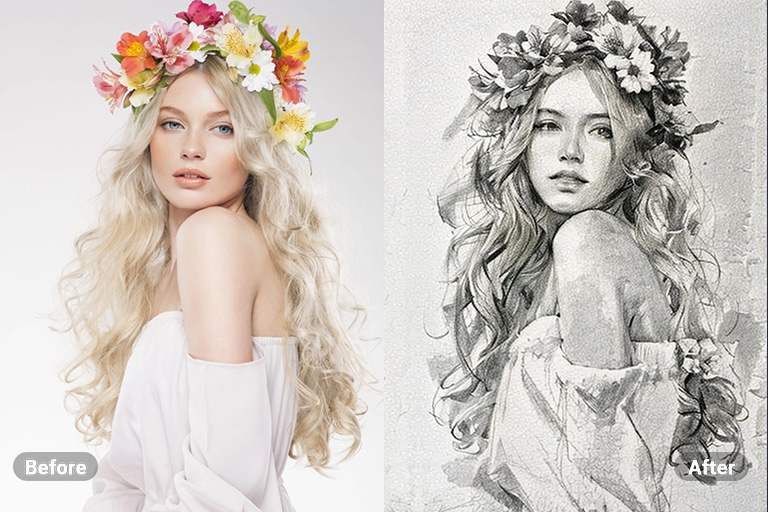
Foto a boceto

Foto a boceto

Da un toque sutil a tus imágenes al transformarlas en bocetos. Este proceso ofrece resultados detallados y realistas, como si estuvieran dibujados a mano.
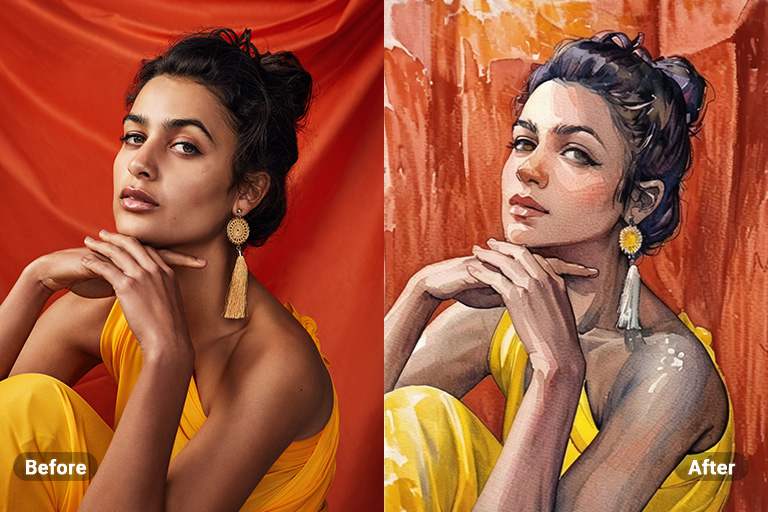
Foto a caricatura

Foto a caricatura

Transforma tus imágenes en pinturas de acuarela con trazos naturales de pincel, logrando un acabado que nadie podrá distinguir de una obra real creada con IA.
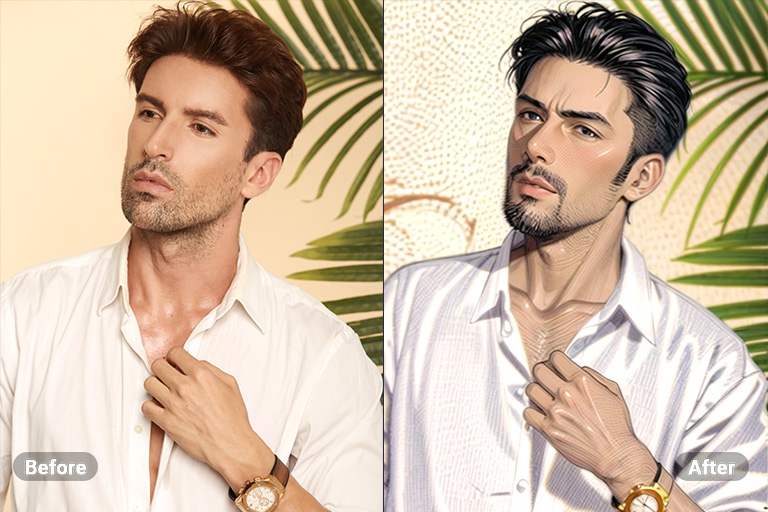
Foto a pintura

Foto a pintura

Desata tu imaginación transformando tus imágenes en vibrantes ilustraciones al estilo anime. Esta conversión añade un toque dinámico y encantador a tus fotos personales, perfectas para compartir en redes sociales.
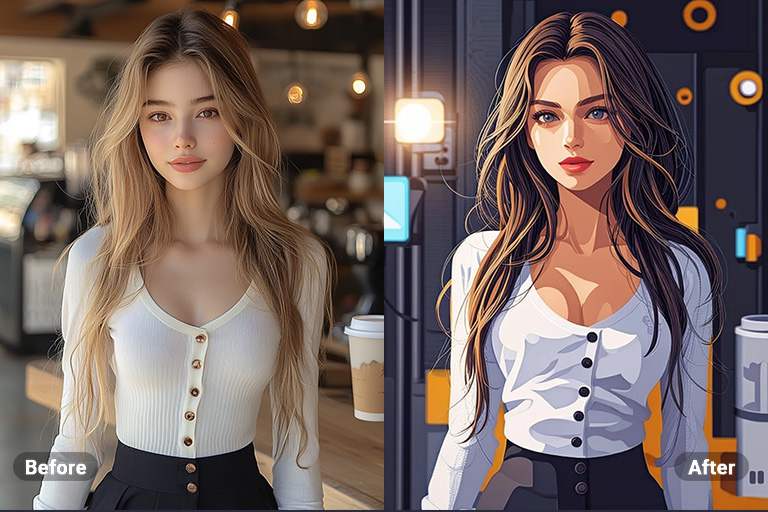
Foto a Pintura al Óleo

Foto a Pintura al Óleo

Convierte tus imágenes en pinturas al óleo que capturen la esencia del arte tradicional. Esta conversión aporta textura y profundidad únicas a tus fotos, haciendo que luzcan como si fueran creadas por un artista profesional.
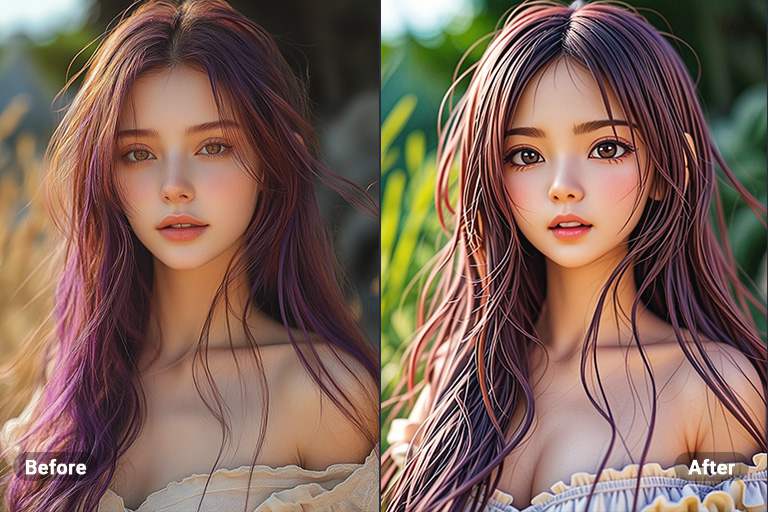
Foto a 3D

Foto a 3D

Transforma tus imágenes en caricaturas 3D, dándoles vida y volumen. Este proceso crea una experiencia visual llamativa, haciendo que tus fotos destaquen con una profundidad y perspectiva cautivadoras.
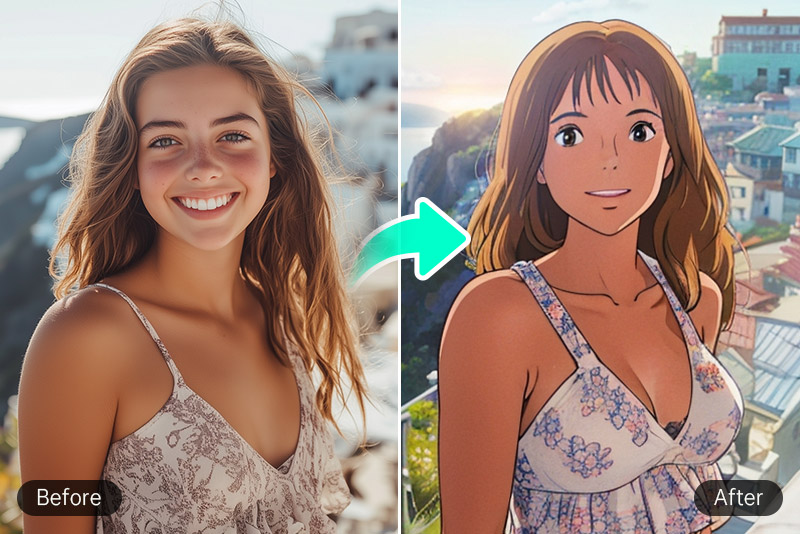
Filtro de Studio Ghibli

Filtro de Studio Ghibli

insMind ofrece visuales de ensueño con texturas suaves y estilo acuarela, inspiradas en las producciones de Ghibli.
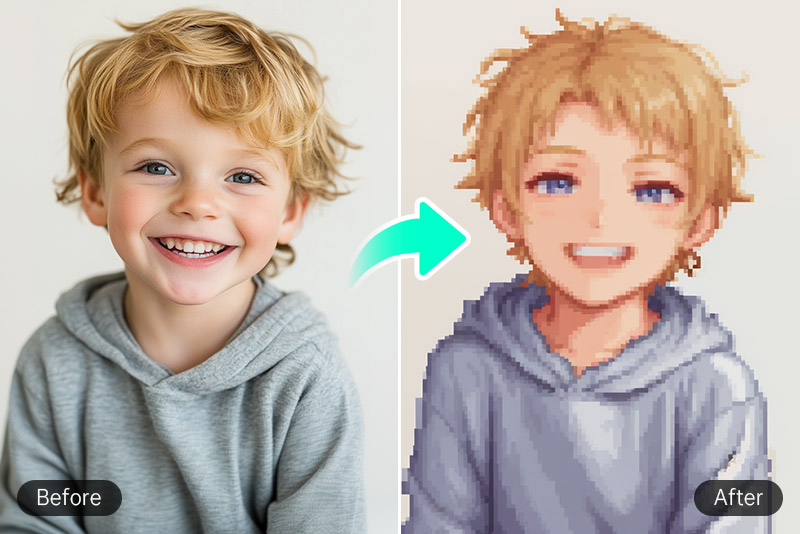
Filtro Pixel Art

Filtro Pixel Art

Añade una cuadrícula 2D de estilo retro a tu imagen para revivir la nostalgia de los videojuegos clásicos.
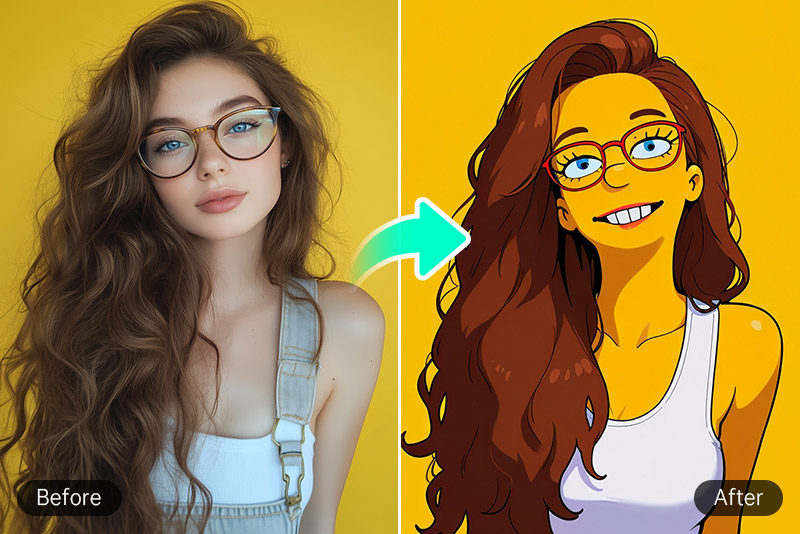
Filtro de Los Simpson

Filtro de Los Simpson

Usa colores llamativos y dibujos divertidos para un efecto caricaturesco. El filtro de los Simpsons de insMind te transporta al mundo de esta icónica serie.

Por qué elegir el filtro de foto con IA de insMind

Filtros de foto potenciados por IA

Filtros de foto potenciados por IA

Con insMind, todo está impulsado por inteligencia artificial, lo que significa que no necesitas editar de forma manual. Así ahorras tiempo y energía, obteniendo resultados rápidos y de alta calidad.

Úsalo en cualquier momento y lugar

Úsalo en cualquier momento y lugar

Los filtros de foto con IA de insMind forman parte de una herramienta en línea que puedes usar desde cualquier dispositivo con acceso a navegador.

Edición sin esfuerzo para todos

Edición sin esfuerzo para todos

Sin necesidad de edición manual, insMind ofrece una experiencia sencilla e intuitiva. Es perfecta tanto para principiantes como para profesionales.

Preguntas frecuentes sobre el filtro de foto con IA

¿Qué es un filtro de IA?

insmind expand icon
Un filtro de IA es un filtro de foto que utiliza algoritmos de inteligencia artificial para aplicar efectos y transformaciones a las imágenes.

¿Cómo cambian los filtros de IA el aspecto de mis imágenes?

insmind expand icon
Los filtros de foto con IA pueden modificar tus imágenes de muchas maneras: ajustando el color, la textura y otros detalles para transformarlas en bocetos, pinturas o ilustraciones estilo anime.

¿Las imágenes filtradas con IA son de alta resolución?

insmind expand icon
Sí, con insMind puedes conservar la nitidez y la alta calidad de la imagen incluso después de aplicar el procesamiento con IA.

¿Qué estilos de caricatura puedo elegir?

insmind expand icon
Ofrecemos estilos Ghibli, anime, Disney, chibi, 3D, arcilla, Simpsons y más, usando nuestro filtro de foto con IA para obtener resultados totalmente personalizables.

¿Se puede usar el Filtro de IA de insMind para crear imágenes estilo anime?

insmind expand icon
Sí, puedes usar el filtro de anime con IA de insMind para transformar cualquier imagen en una ilustración al estilo anime.

¿Los Filtros de Imagen de IA en insMind son gratuitos?

insmind expand icon
Sí, los filtros de foto con IA en línea de insMind son gratuitos, salvo que quieras acceder a funciones Pro.

¿Funciona en teléfonos móviles?

insmind expand icon
Sí. La herramienta gratuita de filtro de foto con IA en línea está optimizada tanto para navegadores de escritorio como para móviles.

¿Puedo usar los filtros en dibujos o ilustraciones?

insmind expand icon
¡Por supuesto! La función de filtro de foto con IA para dibujos admite tanto ilustraciones hechas a mano como arte digital, logrando un acabado más estilizado.

Te podría interesar
Haz que tus imágenes destaquen con funciones completamente gratuitas.

Foto a boceto

Foto a boceto

Convierte fácilmente tus fotos en bocetos artísticos con nuestro convertidor de fotos a bocetos online y obtén resultados impresionantes al instante.
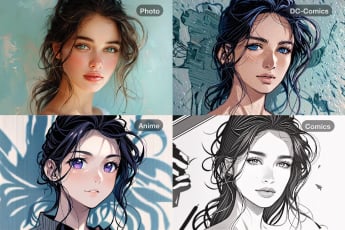
Foto a dibujo lineal

Foto a dibujo lineal

Transforma tus fotos en dibujos lineales minimalistas perfectos para proyectos creativos, ilustraciones o diseño profesional.
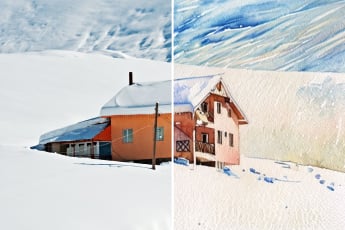
Foto a caricatura

Foto a caricatura

Crea divertidas caricaturas a partir de tus fotos con nuestro generador online, ideal para redes sociales y perfiles únicos.
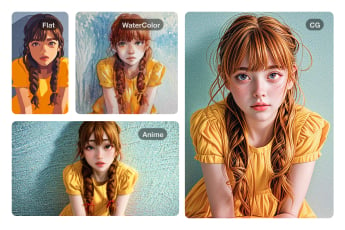
Foto a acuarela

Foto a acuarela

Convierte tus fotos en hermosas pinturas de acuarela con nuestra herramienta online y logra un toque artístico y elegante.
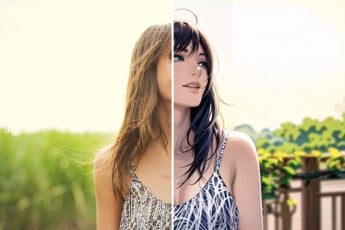
Foto a pintura

Foto a pintura

Transforma tus fotos en increíbles pinturas digitales con acabados realistas para darles un estilo único y creativo.
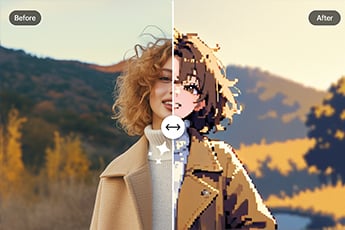
Foto a anime

Foto a anime

Convierte tu foto en arte estilo anime en segundos y obtén un look divertido y llamativo.
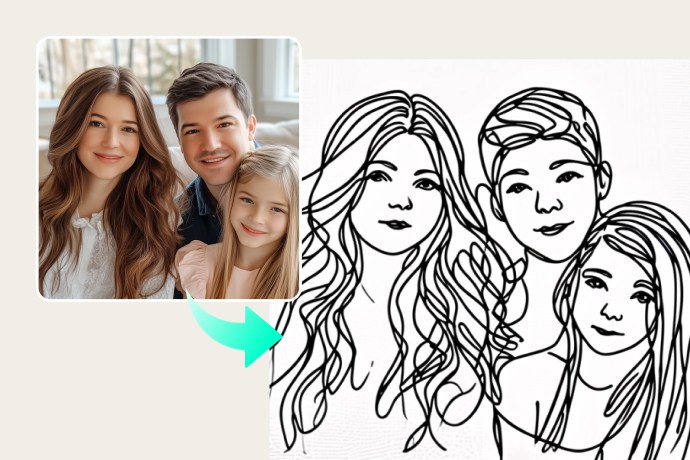
Foto a pixel art

Foto a pixel art

Crea pixel art a partir de tus fotos con nuestro fácil convertidor online y revive el encanto retro.
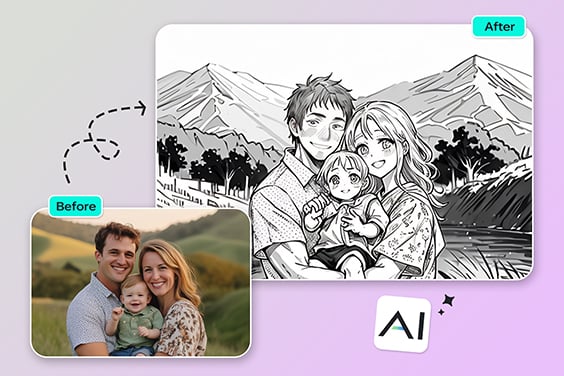
Foto a contorno

Foto a contorno

Convierte tus fotos en contornos limpios de forma automática, perfectos para bocetos, diseños o trabajos artísticos.
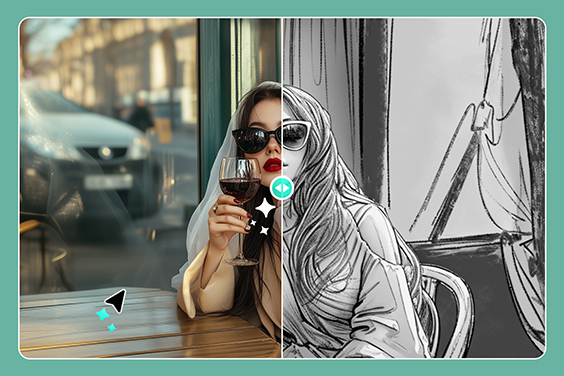
Foto a dibujo a lápiz

Foto a dibujo a lápiz

Transforma tus fotos en dibujos a lápiz con sombreado detallado y un acabado artístico profesional.
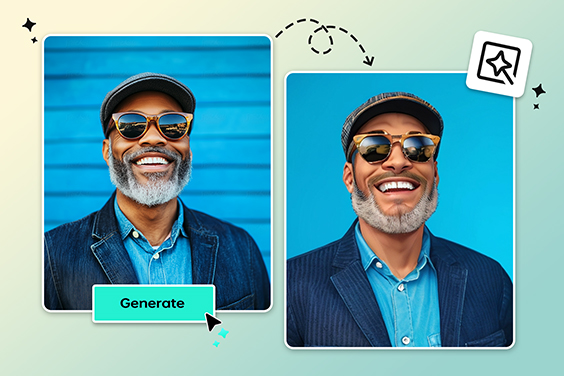
Filtro de PS2 con IA

Filtro de PS2 con IA

Recrea la estética nostálgica de PS2 en tus fotos con filtros potenciados por inteligencia artificial.
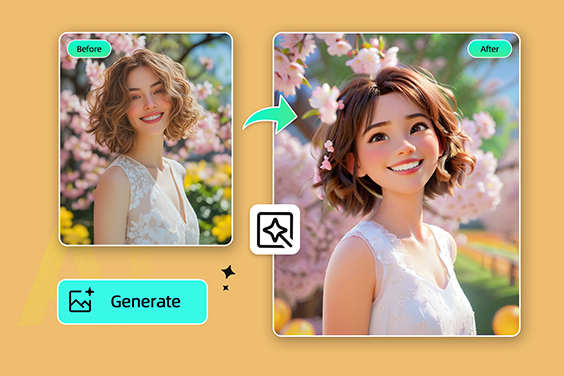
Filtro de Disney

Filtro de Disney

Convierte tus fotos en mágicos personajes de estilo Disney gracias a nuestro filtro con IA.
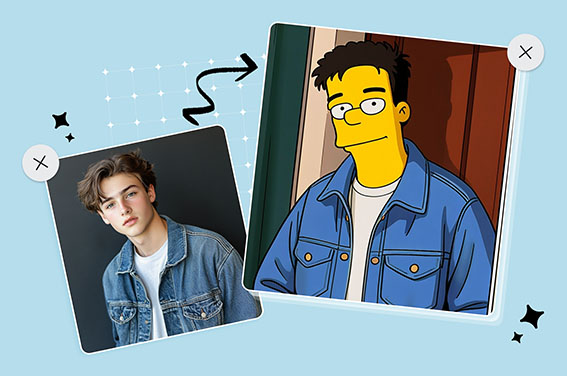
Filtro de Los Simpson

Filtro de Los Simpson

Transfórmate en un personaje de Los Simpson gratis y compártelo con tus amigos.
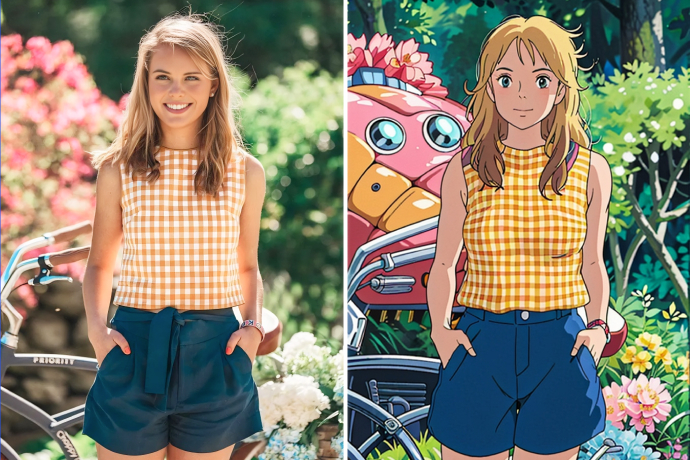
Filtro de Studio Ghibli

Filtro de Studio Ghibli

Convierte tu foto en arte al estilo Studio Ghibli con un solo clic y resultados encantadores.
Filtro de manga con IA

Filtro de manga con IA

Crea versiones de tus fotos en estilo manga japonés con IA, gratis y online.
Filtro de cómic

Filtro de cómic

Aplica efectos de cómic a tus fotos para lograr una transformación divertida, creativa y llamativa.