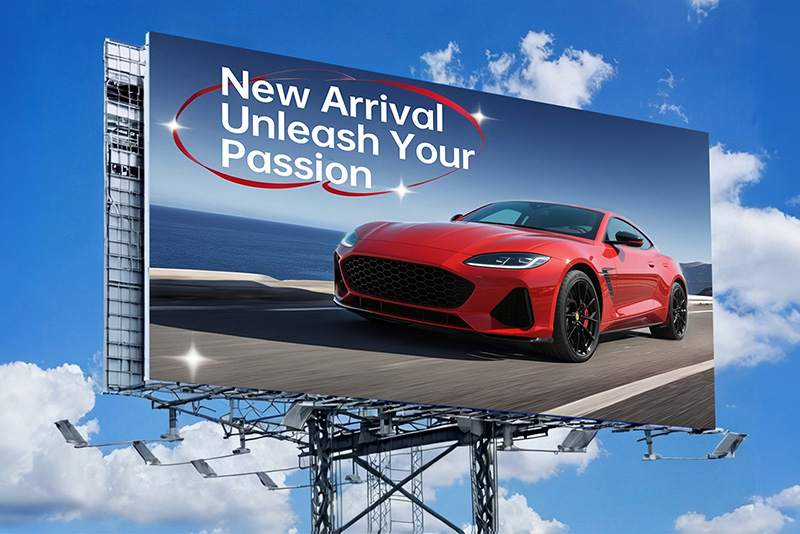
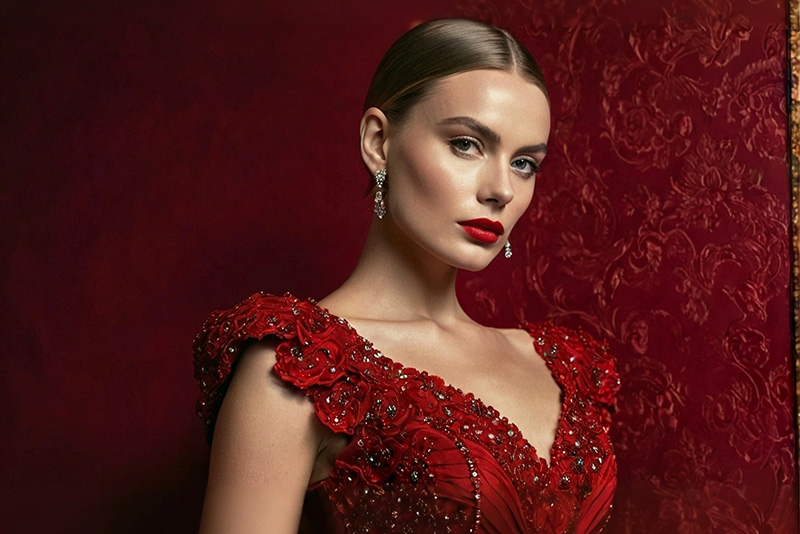
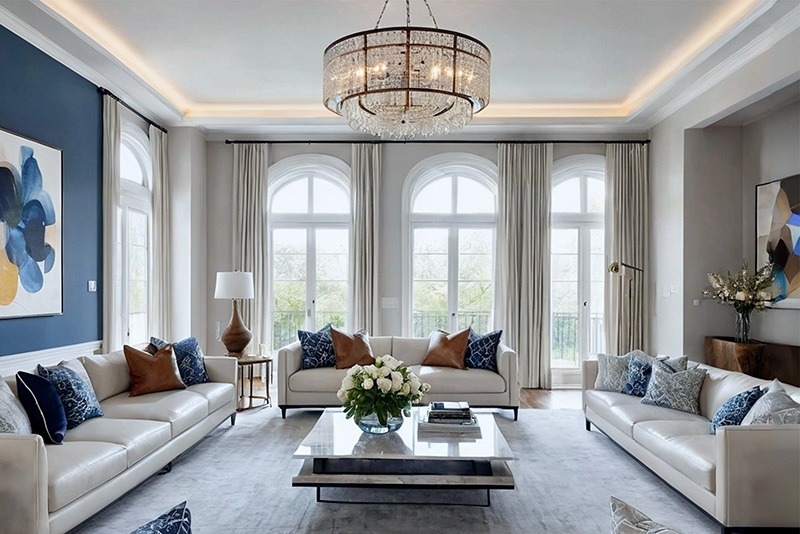
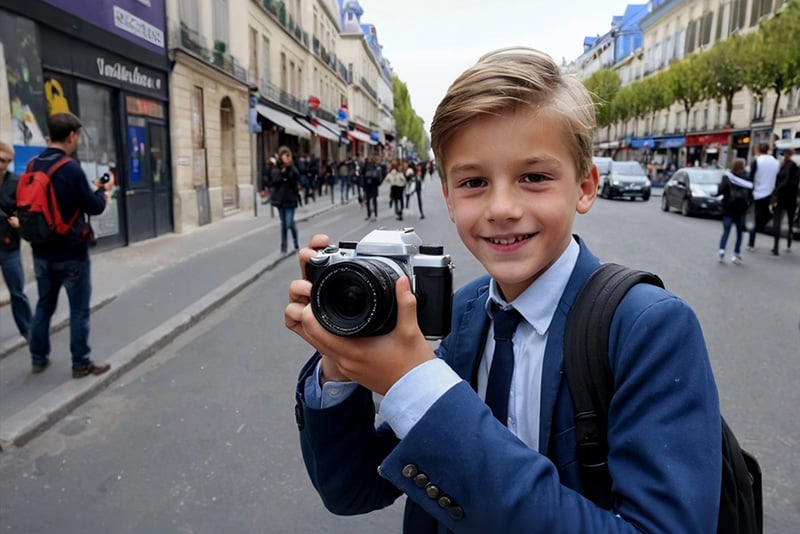
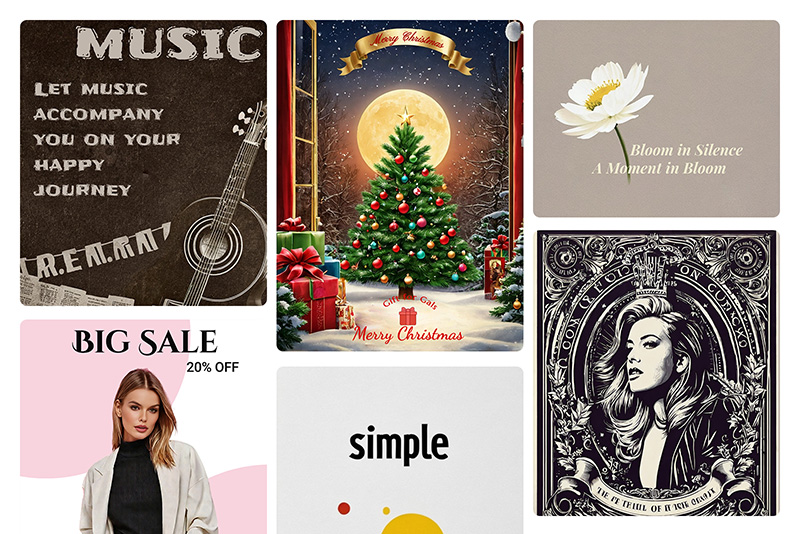
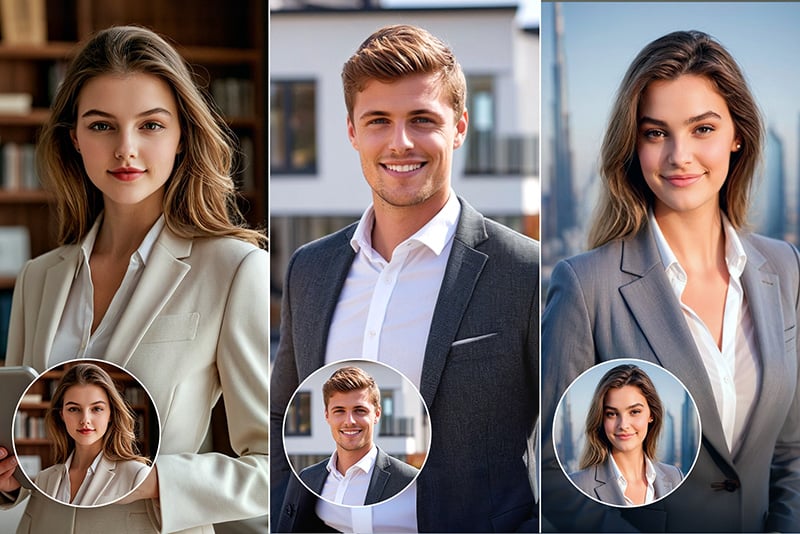
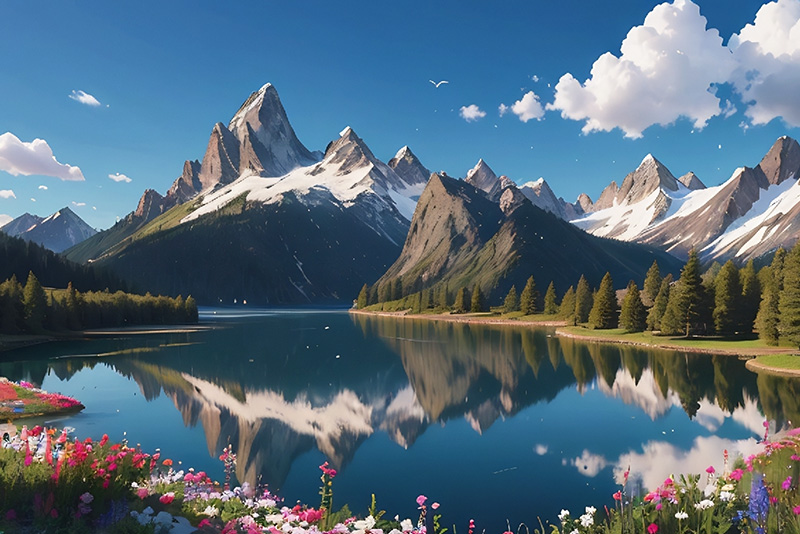
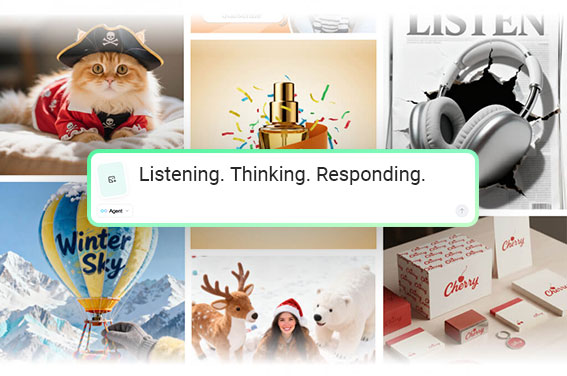
Crea immagini AI da prompt con più modelli in un solo posto

Scrivi cosa vuoi ottenere, scegli il modello o lo stile più adatto e genera immagini per social, prodotti, concept art, loghi e campagne. Se parti da un'immagine di riferimento, puoi usarla come base e rifinire il risultato con gli strumenti di editing di insMind.

00:00
00:00
00:00
00:00
Scegli il modello AI più adatto alla tua immagine

Scegli il modello AI più adatto alla tua immagine

Non tutti i prompt hanno bisogno dello stesso modello. Con insMind puoi passare tra modelli e stili diversi in base al risultato: una scena realistica, un'illustrazione, un mockup di prodotto, un personaggio o un'immagine più grafica per campagne e social.


Prima di generare, controlla prompt, formato e stile. Se il primo risultato è vicino ma non perfetto, modifica il prompt o prova un modello diverso invece di ricominciare da zero.

Prova un modello AI

Cosa puoi creare con il generatore di immagini AI

Usalo come punto di partenza per idee visive, bozze creative e contenuti pronti da rifinire. Ogni scenario funziona meglio con un prompt chiaro, uno stile coerente e un formato pensato per il canale finale.

Illustrazioni

Illustrazioni

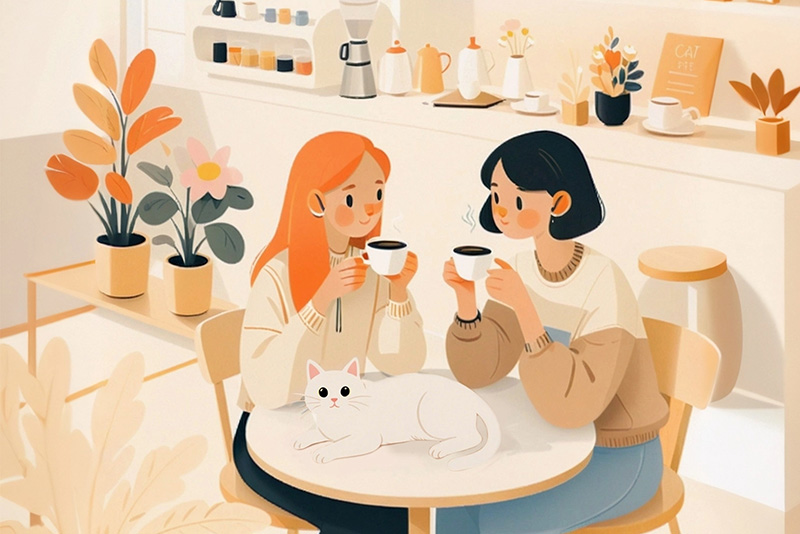
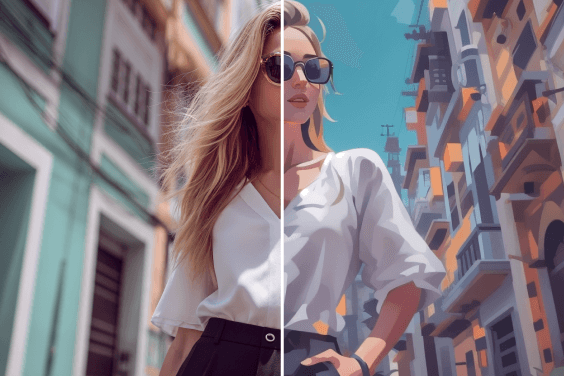
Crea illustrazioni per copertine, post, concept art o storyboard. Indica soggetto, atmosfera, stile e dettagli importanti nel prompt per evitare risultati troppo generici.
Oggetti e scene 3D

Oggetti e scene 3D

Genera icone, personaggi, oggetti o ambienti in stile 3D per branding, gaming o presentazioni. Specifica materiale, luce e angolazione quando serve un risultato più controllato.
Cartoni e anime

Cartoni e anime

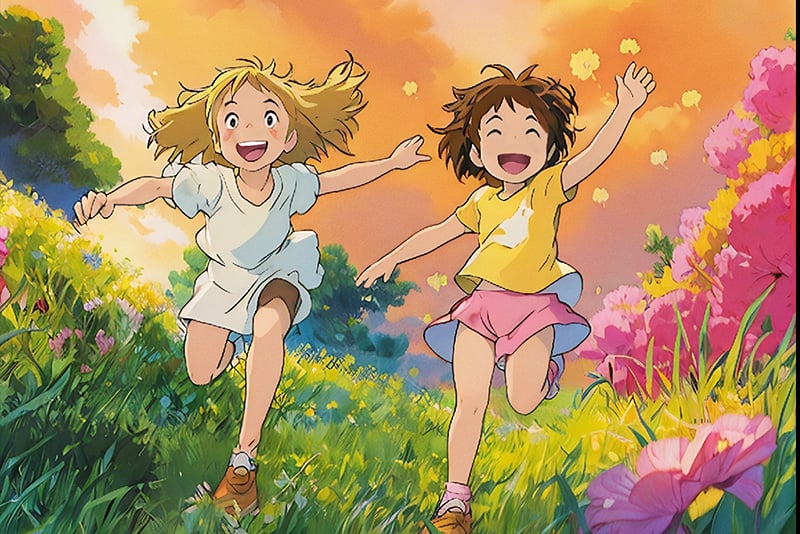
Prepara avatar, scene cartoon o personaggi in stile anime partendo da una descrizione. Per mantenere coerenza tra più immagini, riusa lo stesso stile e gli stessi tratti del personaggio.
Logo e idee grafiche

Logo e idee grafiche

Usa l'AI per esplorare direzioni visive prima del design finale: palette, simboli, texture e moodboard. Mantieni il prompt semplice quando vuoi confrontare più varianti.
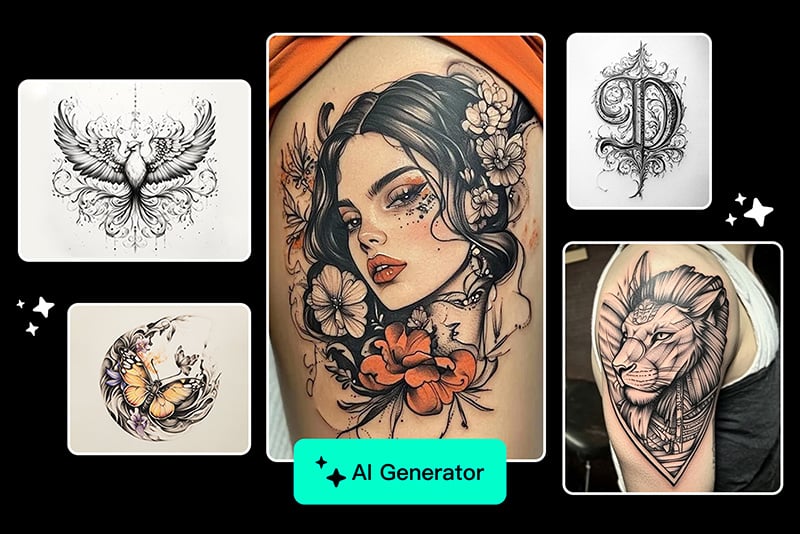
Tatuaggi e pattern

Tatuaggi e pattern

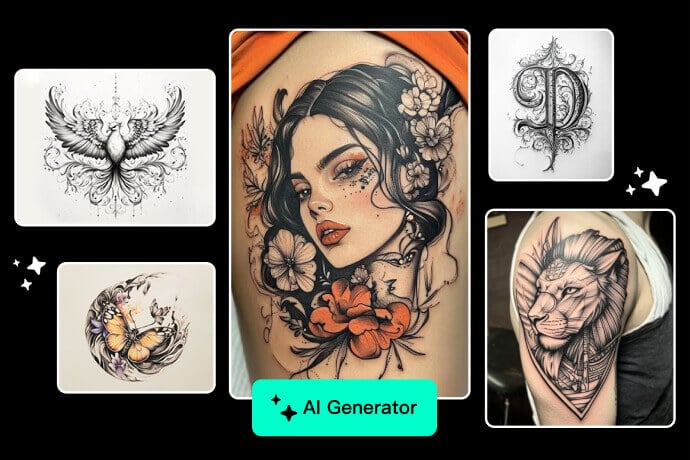
Prova linee, simboli e composizioni prima di passare al disegno definitivo. Per risultati più leggibili, indica stile, posizione e livello di dettaglio nel prompt.
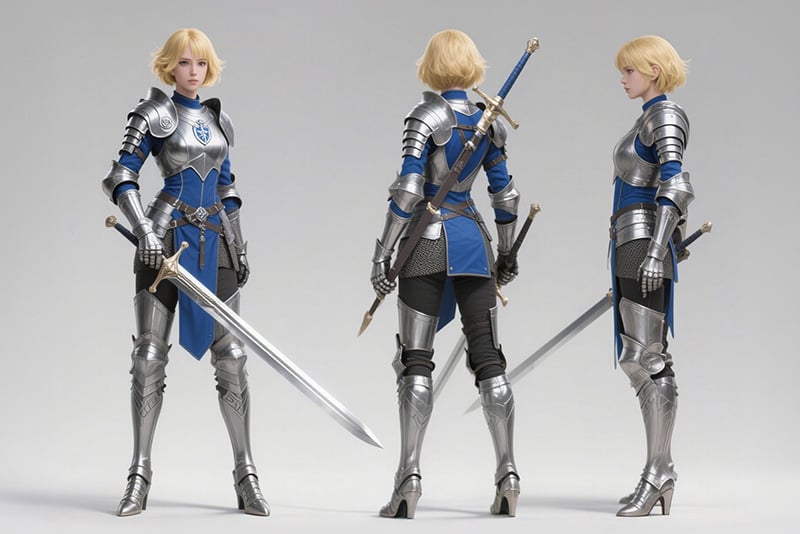
Personaggi

Personaggi

Crea personaggi di fantasia per concept, giochi, storie o avatar. Descrivi abiti, espressione, posa e atmosfera quando vuoi mantenere una direzione precisa.
Arte digitale

Arte digitale

Trasforma un'idea in un'immagine artistica scegliendo stile, composizione e atmosfera. Funziona bene per poster, cover, sfondi e materiale di ispirazione.
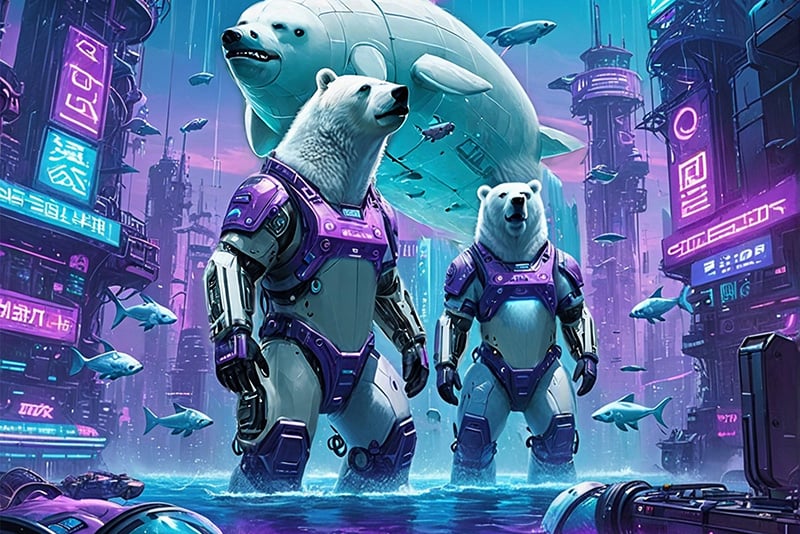
Cyberpunk e stili creativi

Cyberpunk e stili creativi

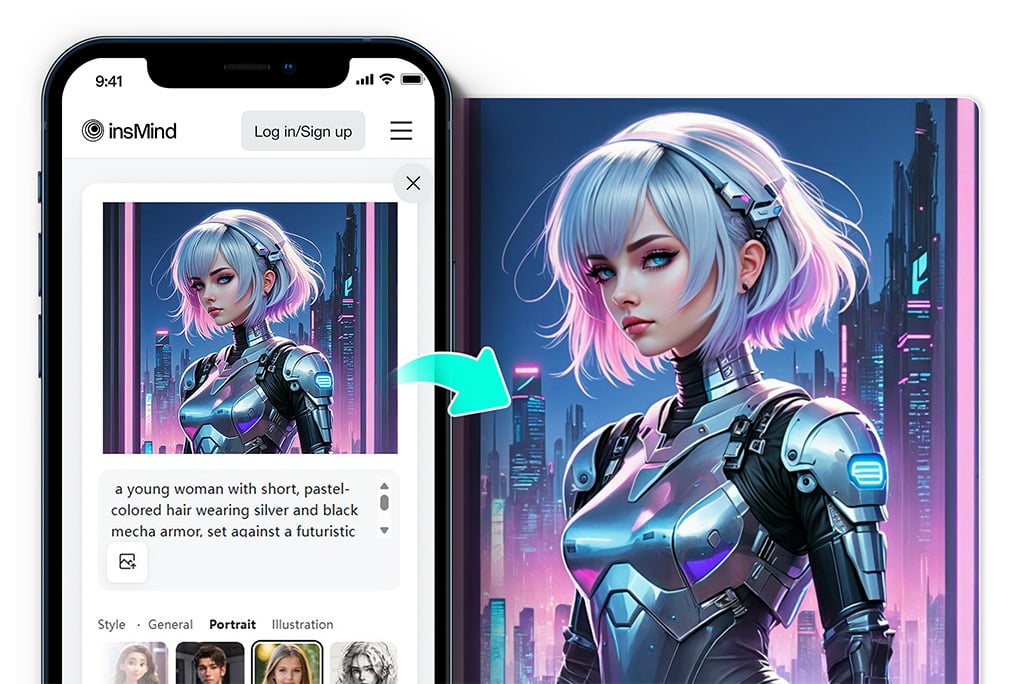
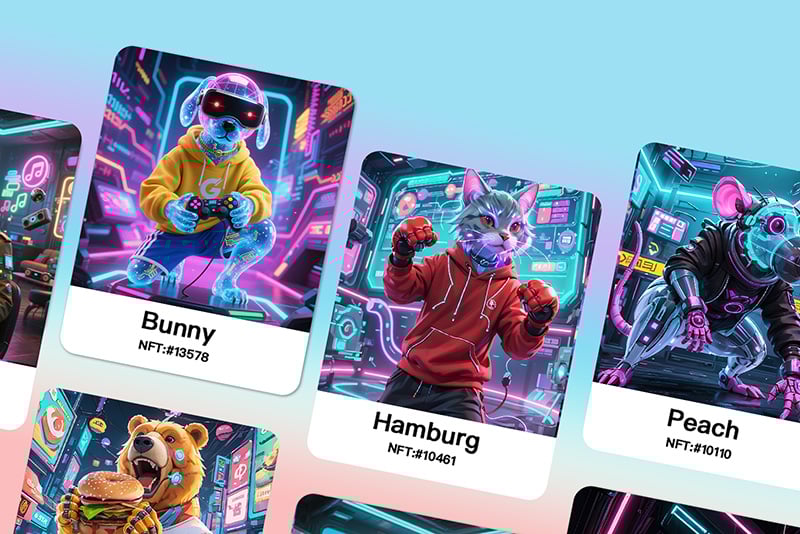
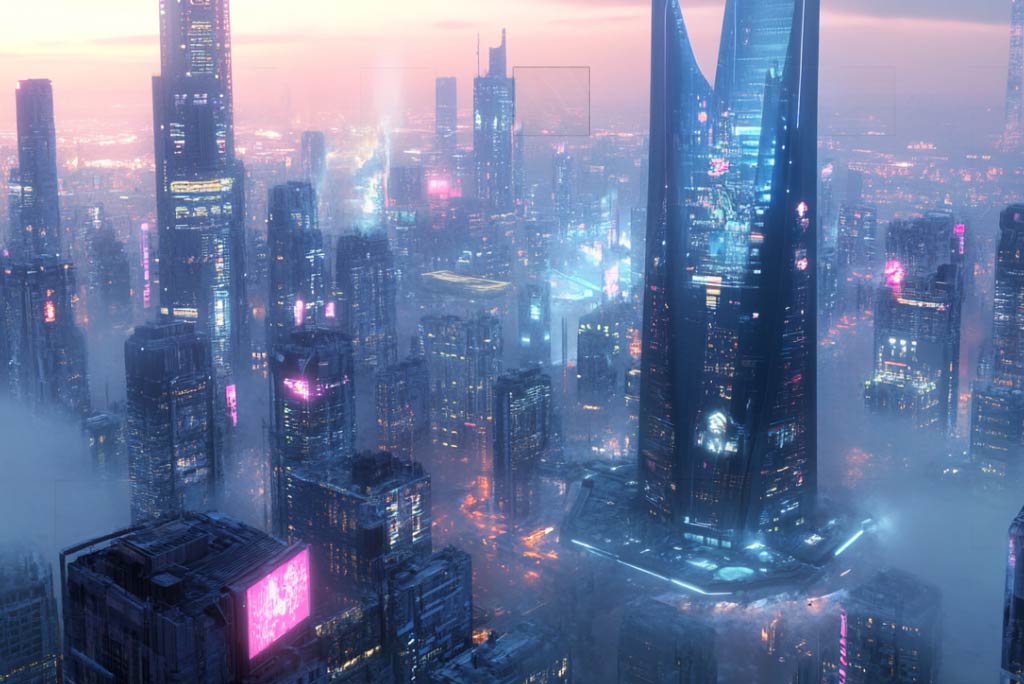
Sperimenta con stili forti come cyberpunk, fantasy o futuristico. Usa parole chiave su luce, città, colori e materiali per ottenere immagini meno generiche.
Generatore da testo a immagine per visual pronti da rifinire

Generatore da testo a immagine per visual pronti da rifinire

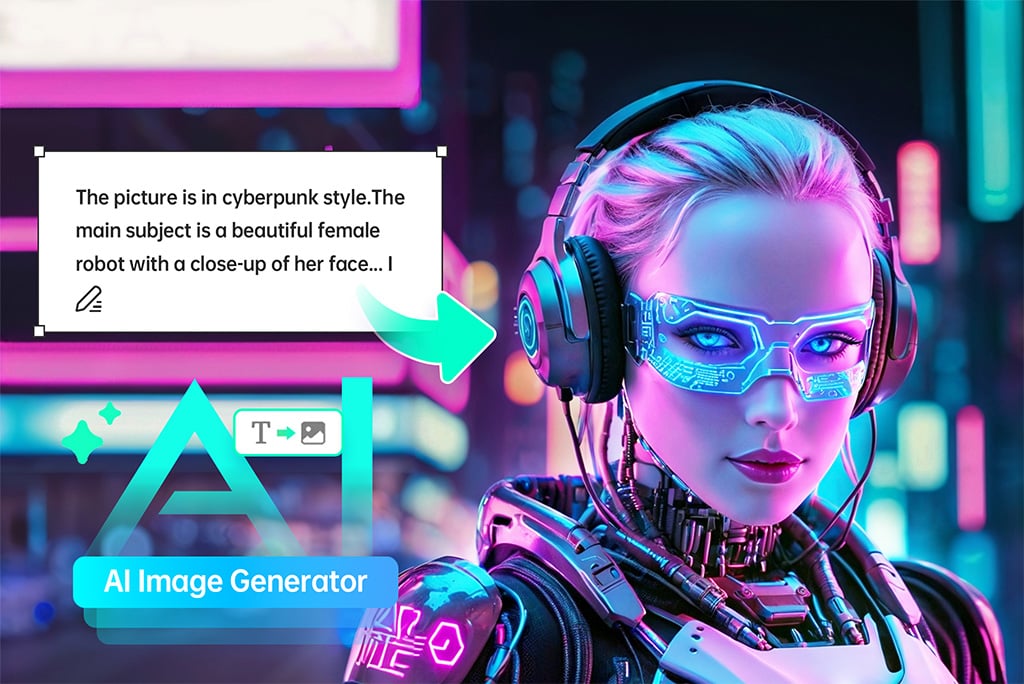
Scrivi un prompt e crea una prima versione dell'immagine senza partire da un file vuoto. Aggiungi soggetto, stile, formato e uso finale: social, prodotto, copertina, banner o concept. Dopo la generazione puoi scaricare il risultato o continuare a modificarlo in insMind.
Genera immagine AI ora
Da immagine a immagine per mantenere una base visiva

Da immagine a immagine per mantenere una base visiva

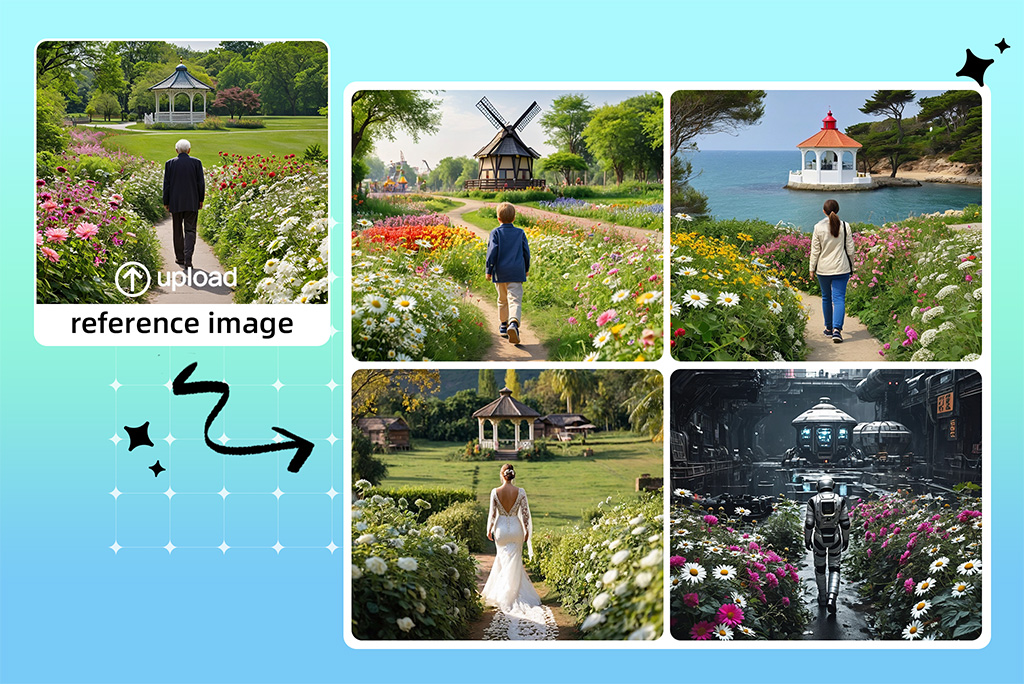
Carica un'immagine di riferimento quando vuoi conservare composizione, posa o idea iniziale e trasformarla in uno stile diverso. È utile per rifinire schizzi, creare varianti coerenti o sviluppare personaggi e prodotti senza perdere la direzione visiva.
Genera immagine AI ora
Generatore di disegni AI per bozze e concept

Generatore di disegni AI per bozze e concept

Crea disegni, illustrazioni e concept partendo da una descrizione. Funziona meglio quando il prompt include soggetto, tecnica, atmosfera e livello di dettaglio, invece di una richiesta troppo breve.
Genera immagine AI ora
Trasforma un'immagine AI in un breve video

Trasforma un'immagine AI in un breve video

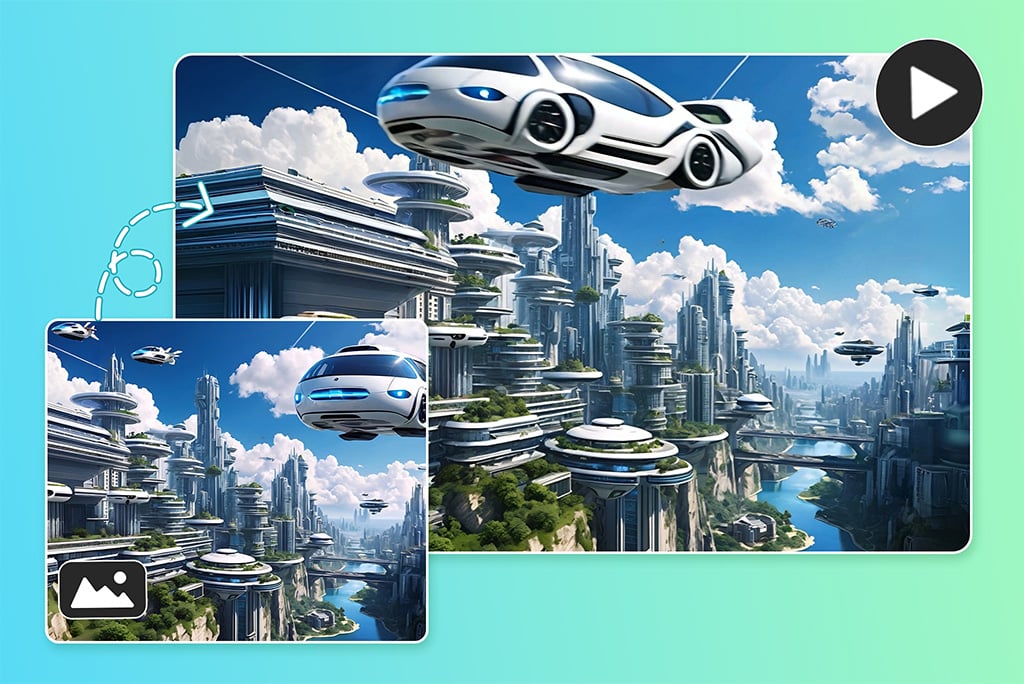
Quando un'immagine generata funziona, puoi usarla come punto di partenza per una versione animata. È una buona soluzione per teaser, post social e contenuti promozionali che hanno bisogno di più movimento.
Genera immagine AI ora
Genera immagini AI dal browser, anche da mobile

Genera immagini AI dal browser, anche da mobile

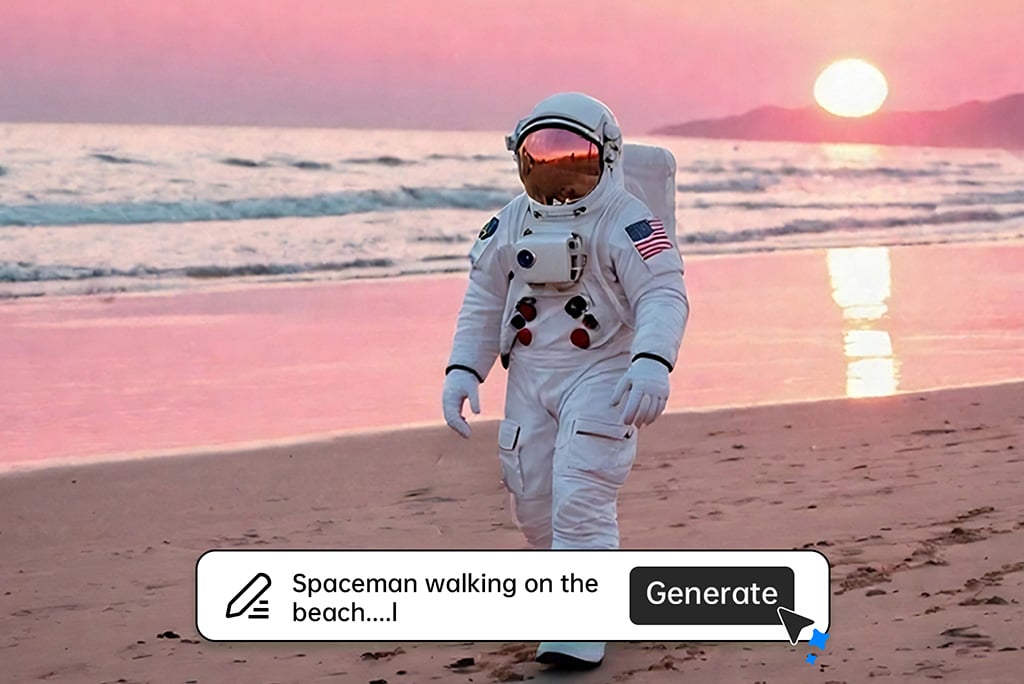
Non devi installare software complessi per provare un'idea. Apri insMind dal browser, inserisci il prompt, scegli modello e formato, poi scarica o modifica l'immagine quando il risultato è pronto.
Genera immagine AI ora

Un generatore di arte AI per progetti diversi

Usa insMind per passare da prompt, modelli, immagini di riferimento e strumenti di editing senza spezzare il flusso creativo.

Visual per creator e social

Visual per creator e social

Trasforma idee rapide in immagini per post, miniature, caroselli e contenuti editoriali. Parti da un prompt chiaro e rifinisci formato e sfondo prima della pubblicazione.
Mockup e immagini prodotto

Mockup e immagini prodotto

Crea bozze visive, concept e immagini di supporto per prodotti o campagne. Usa il risultato come base e verifica sempre dettagli, proporzioni e coerenza del brand.
Risorse per giochi e mondi creativi

Risorse per giochi e mondi creativi

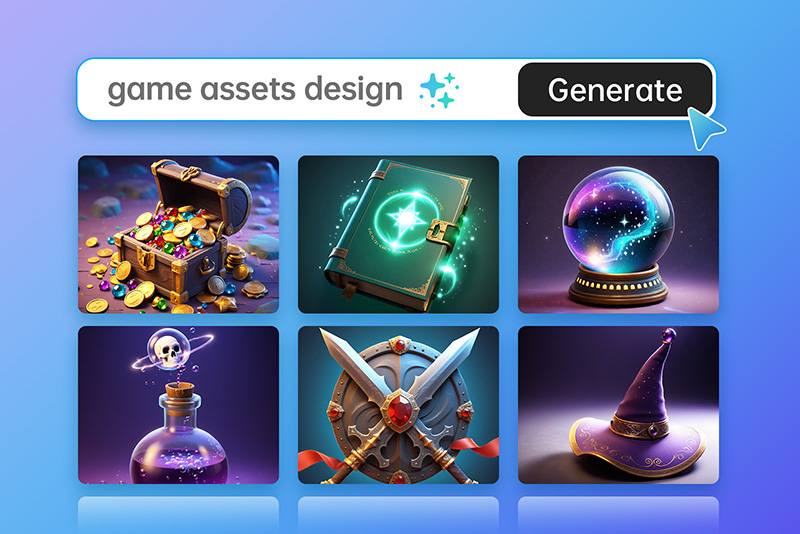
Genera personaggi, oggetti, ambienti e texture di partenza per giochi, storyboard o moodboard. Specifica stile, camera e materiali per ottenere risultati più coerenti.
Pubblicità e marketing

Pubblicità e marketing

Prepara direzioni visive per banner, annunci e landing page. Lavorare con più varianti ti aiuta a scegliere il tono prima di passare alla produzione finale.
Moda e bellezza

Moda e bellezza

Esplora look, styling, palette e scenari creativi per moodboard o campagne. Evita claim realistici non verificati e controlla sempre dettagli di volto, mani e tessuti.
Interior design

Interior design

Prova atmosfere, colori e stili d’arredo prima di creare un render definitivo. Specifica stanza, materiali, luce e punto di vista nel prompt.
Immagini creative e compositing

Immagini creative e compositing

Crea concept visivi sperimentali solo con risorse che hai il diritto di usare. Per volti o persone reali, verifica consenso e diritti prima della pubblicazione.
Poster e copertine

Poster e copertine

Genera immagini di partenza per poster, copertine e grafiche editoriali. Lascia spazio per titoli e testo quando l’immagine dovrà diventare un layout.
Sfondi e texture

Sfondi e texture

Crea sfondi per social, presentazioni, desktop o materiali di marketing. Indica colori, densità degli elementi e formato finale.
Avatar e volti AI

Avatar e volti AI

Crea avatar e personaggi originali per profili, storie o concept. Mantieni il prompt coerente se ti servono più varianti dello stesso personaggio.
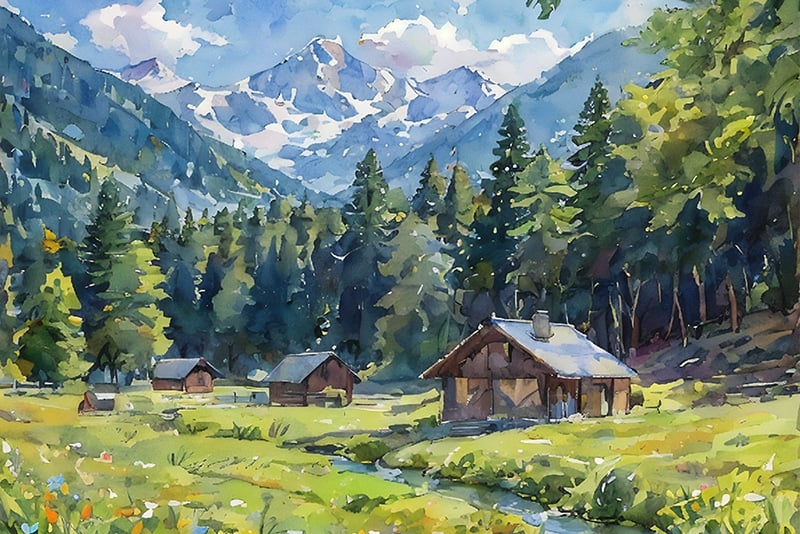
Paesaggi e ambienti

Paesaggi e ambienti

Genera scenari per storytelling, giochi, cover o ispirazione visiva. Atmosfera, stagione, luce e distanza della camera cambiano molto il risultato.
Arte fantasy e collezionabili digitali

Arte fantasy e collezionabili digitali

Esplora creature, mondi e stili fantasy per concept creativi. Prima di usare l’immagine in progetti commerciali, controlla diritti e condizioni del modello usato.

Esempi creati con il generatore di immagini AI

Crea Simile

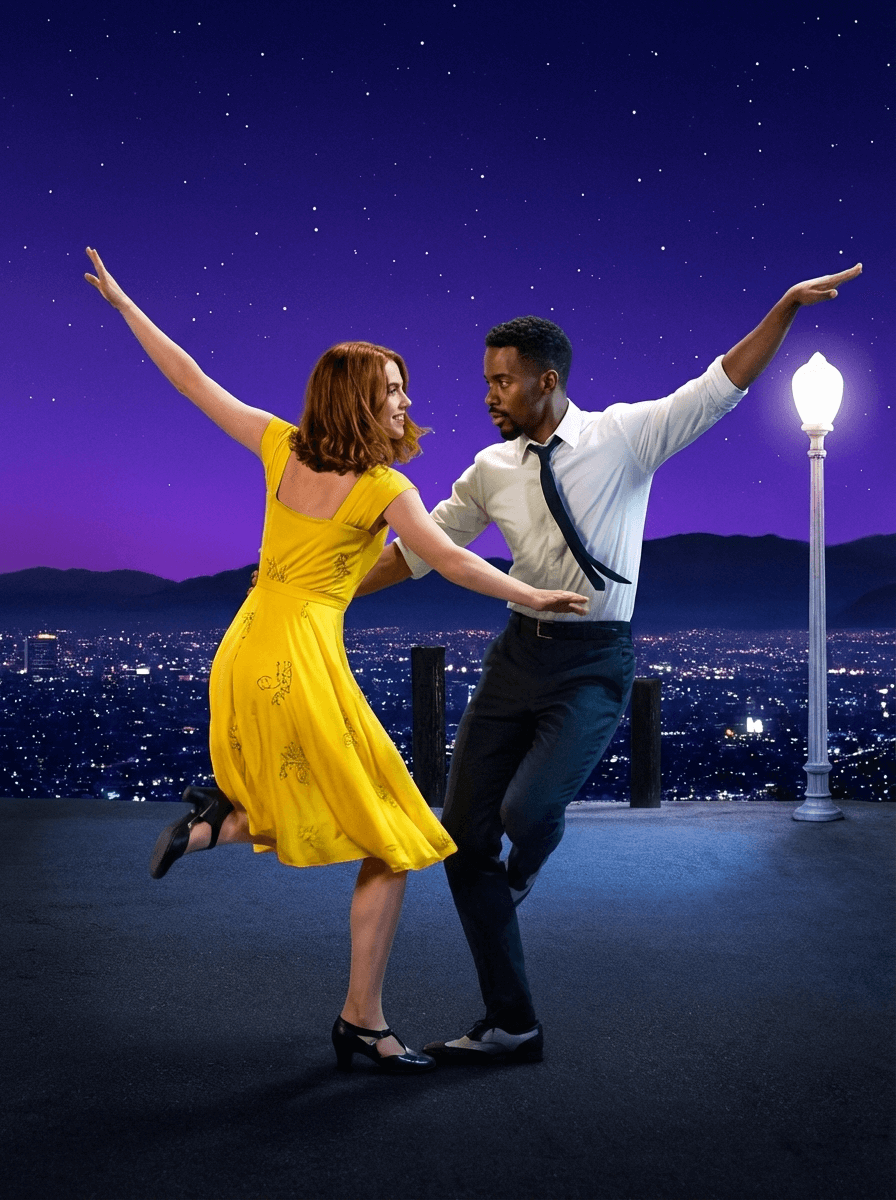
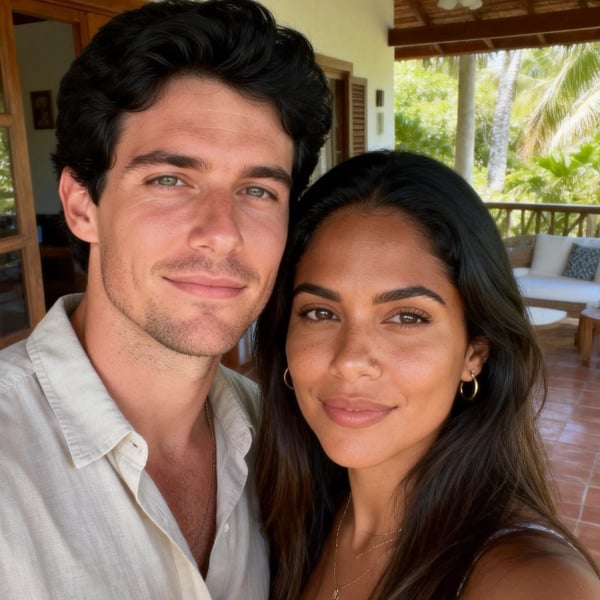
Please handle the uploaded photos strictly according to the original appearance of the people in the pictures - maintaining their facial features, hairstyles, race, posture, and proportions. Use a slightly downward shooting angle, a fixed focal length of 50mm, aperture f/2.8, shutter speed 1/180 second, and a medium close-up lens. Cut the scene below the character's feet. Character clothing: The female: wearing a bright yellow vintage dress and black Mary Jane dance shoes. The male: wearing a white shirt, a dark tie and slacks. Actions: The female: the center of gravity is on the right leg, the left leg is lifted and bent, the toes are straightened, the upper body is slightly twisted and reclined to the left, the right arm is raised to the left upper corner, the left arm is extended and lightly touches the male. The head turns to the right, looking at the male, with a smile on the face. The male: the center of gravity is on the left leg, the right leg is bent and drawn inward, the toes touch the ground. The upper body is slightly twisted and leans to the right, the left arm is raised to the upper right corner, the right arm is bent and gently supports the female, the head turns to the left, looking at the female, with a focused expression. Two-person interaction: eye contact, arms touching each other, corresponding movements, forming a dual dance interaction posture. Scene: Dark gray hard viewing platform ground, on the right side, a tall vintage white street lamp. The night view of Los Angeles, the city lights blend into one, the building outlines are faintly visible in the night. The dark silhouette of distant mountains is cut in the middle between the city and the stars, dividing the picture layers. The deep gradient purple-blue starry sky, dotted with dense white star points, creating a dreamy visual effect.
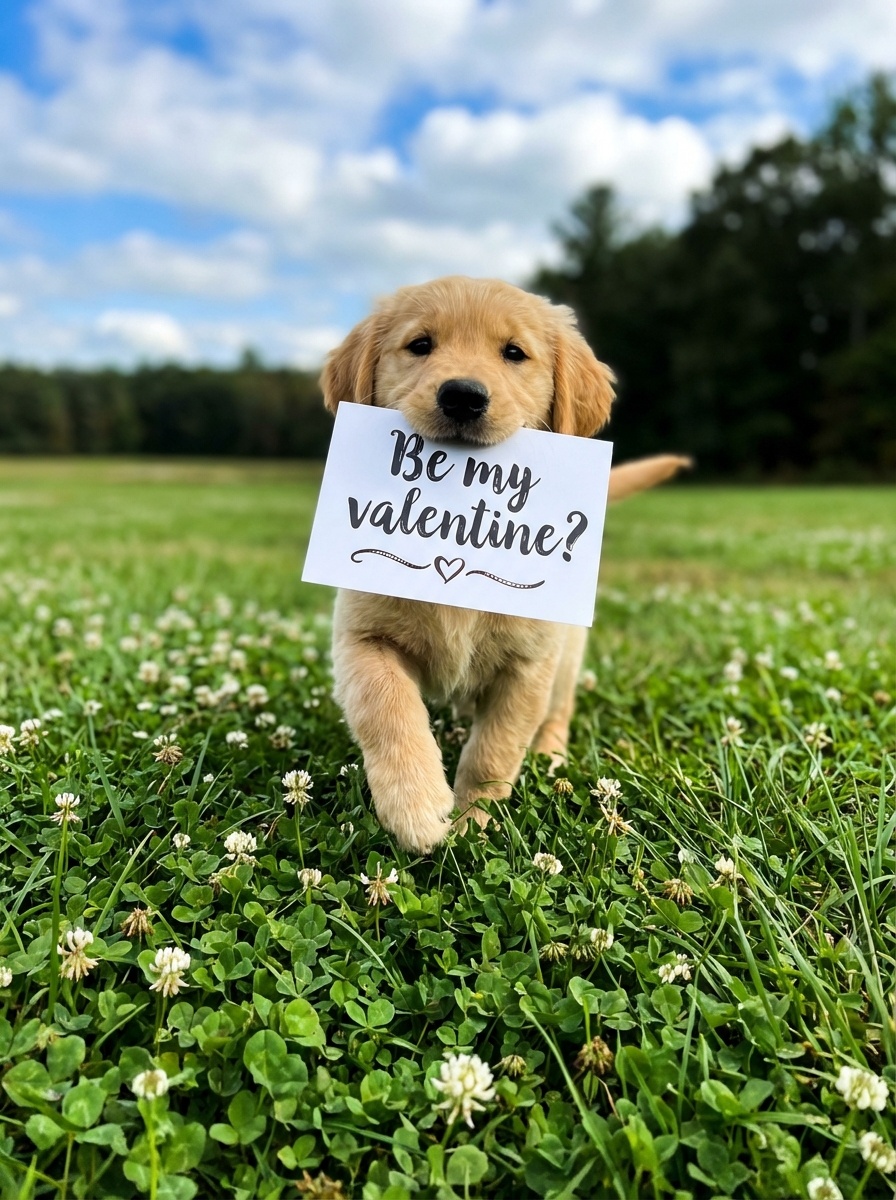
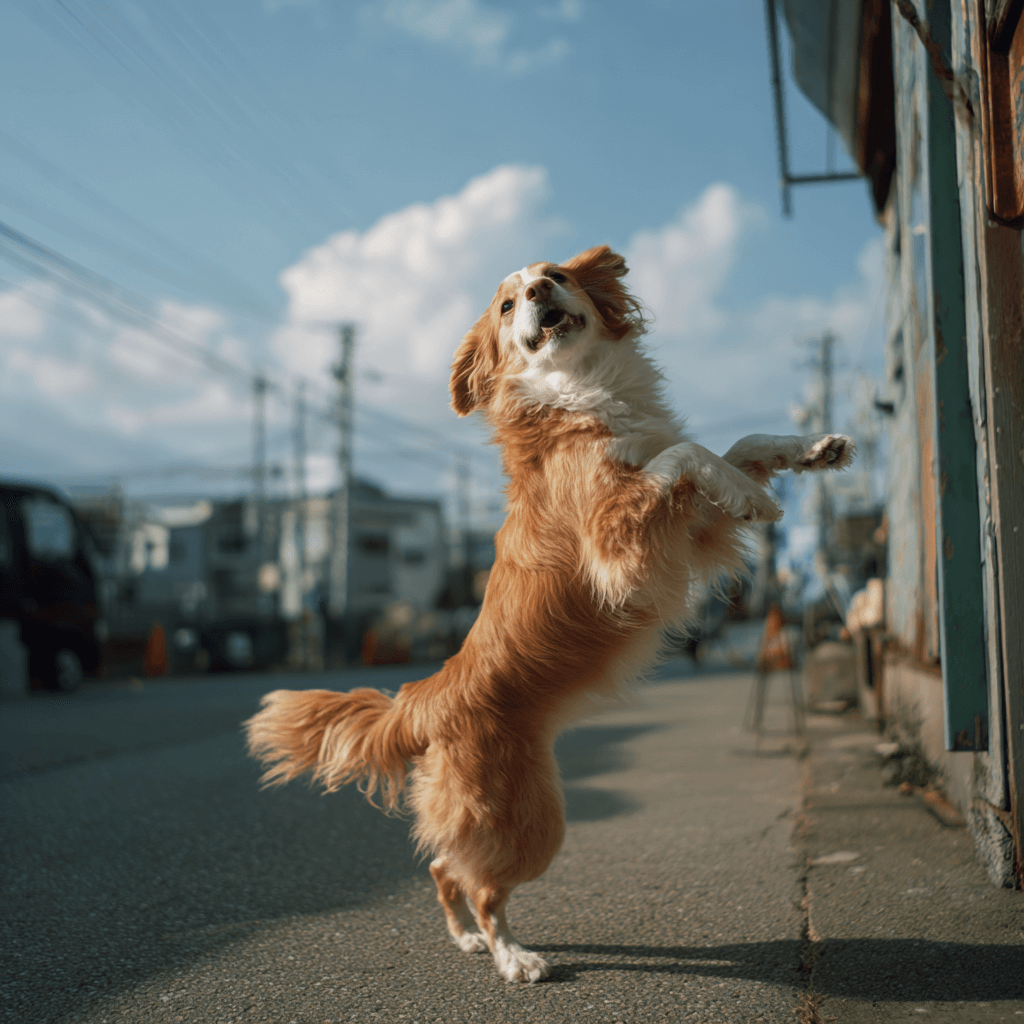
This is a low-angle overhead close-up shot captured with a 24mm wide-angle fixed-focus lens. It has a shallow depth of field, with the main character, the little golden puppy, occupying approximately 50% of the vertical height of the frame. It is the absolute visual subject. The foreground consists of a close-up sharp cluster of lush clover and white flowers. The mid-close-up is the core golden puppy (running forward, raising its front paws, with a cheerful expression) holding a white hard card in its mouth. The card reads "Be my valentine?" (with a brushstroke feel, handwritten). Below the black text, there is a heart-shaped pattern. The background is the expansive grassland, deep green forest, and blue sky and white clouds in the medium and long shot. The 24mm wide-angle lens enhances the sense of depth and the sense of the grassland enveloping the scene. The low-angle overhead shot makes the puppy's posture appear more lively. The shallow depth of field highlights the subject, and the environment is fresh and bright. The dynamic running of the puppy and the expansive natural scene form a contrast of "small subject, large environment", highlighting the vitality and cuteness of the animal, while also showcasing the healing and vitality of the natural scene. The dynamic blur of the running. No people
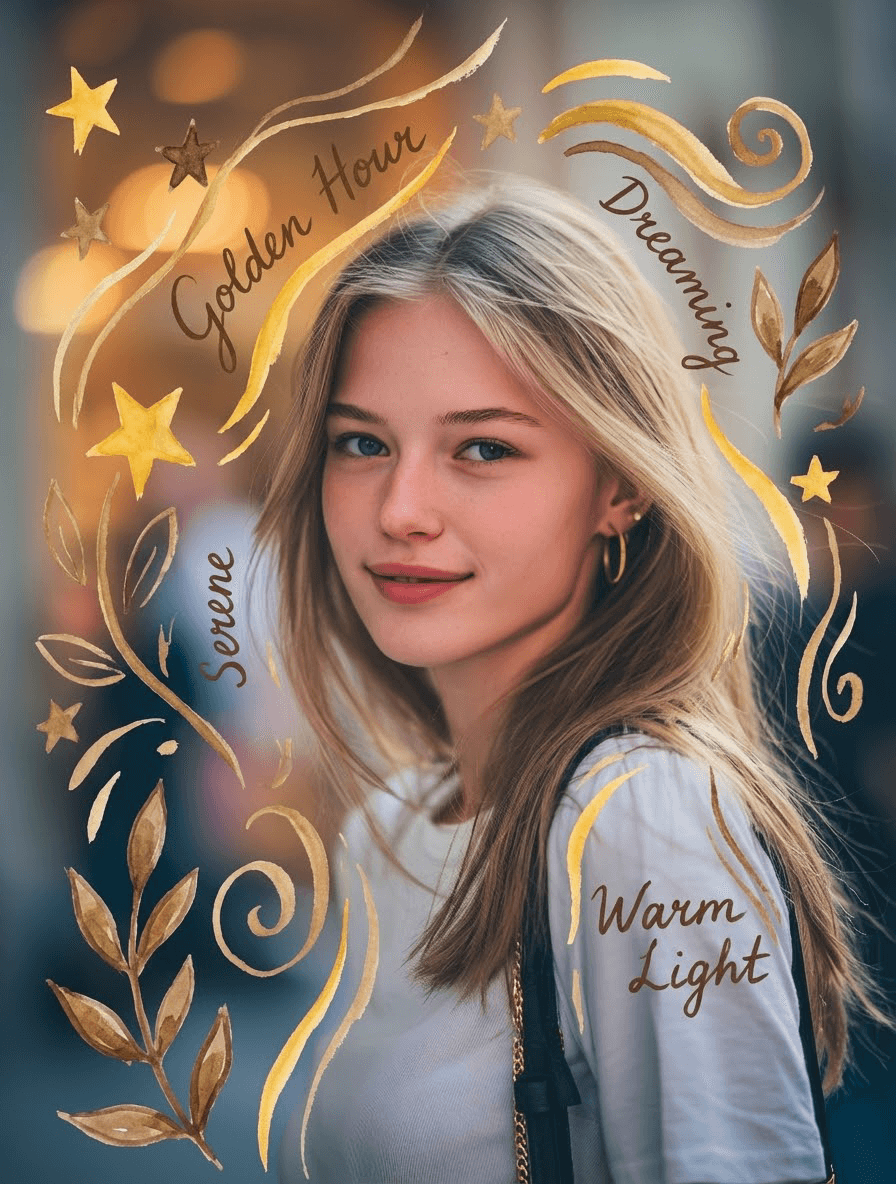
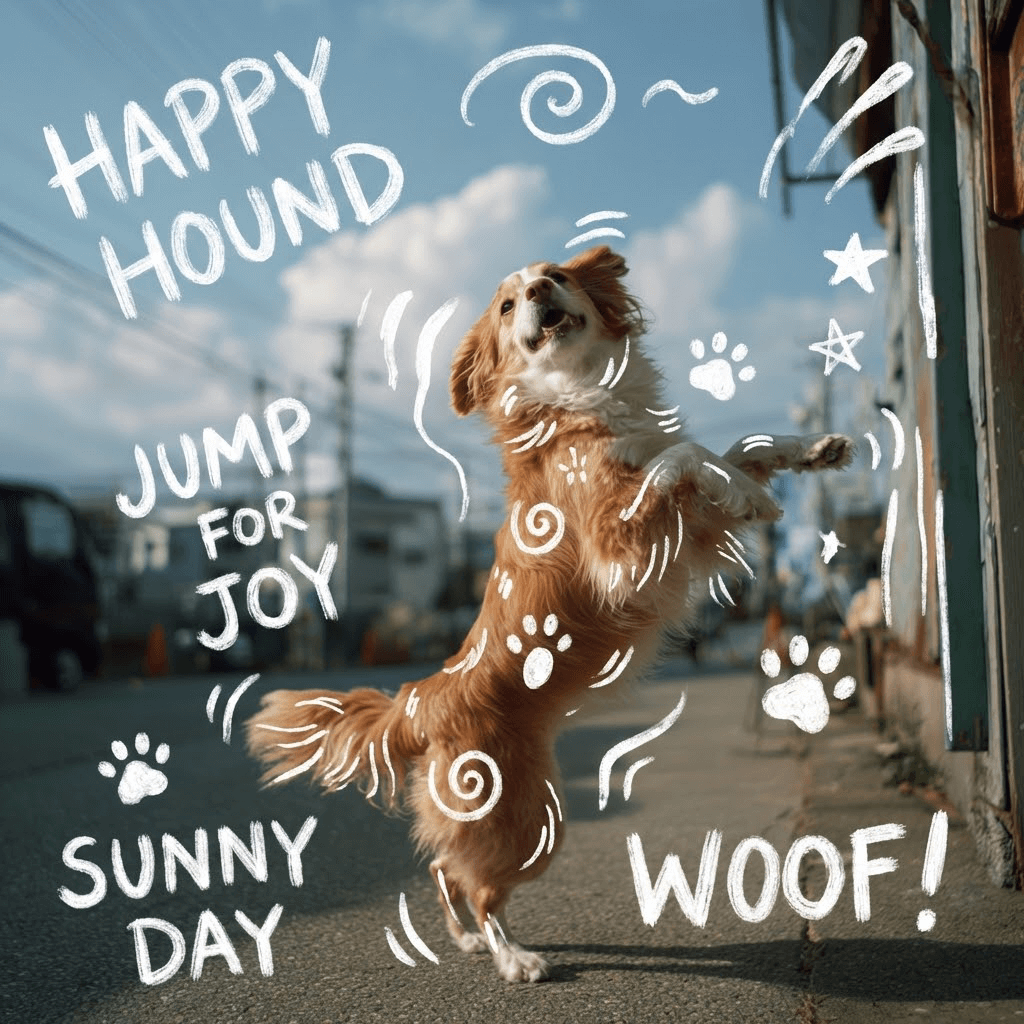
A photograph of [auto_detected_photo_subject] with a [auto_detected_photo_mood] mood. Overlay a handwritten paint effect in a [auto_selected_paint_style] style using a [auto_selected_paint_color] color. The painted elements will include simple illustrations, shapes, and short text or phrases that organically complement the image's detected theme and atmosphere.
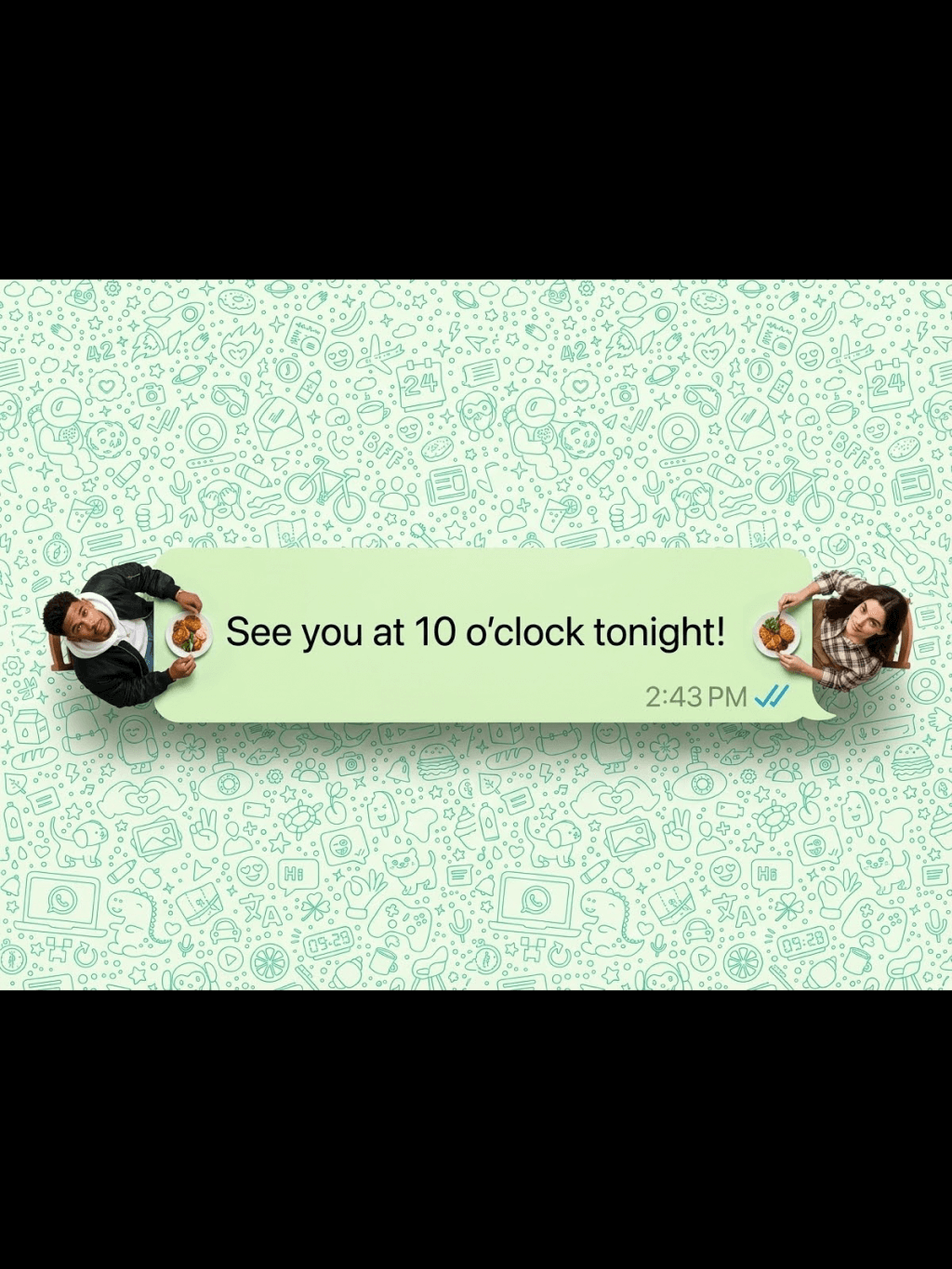
A creative top-down shot where a giant, Hyper-realistic top-down macro photography. A long, light green WhatsApp speech bubble acting as a dining table. Reproduce the two figures in the picture at a 1:1 ratio,Two real living humans (shrunk to tiny scale) are sitting at dialog box opposite ends. They are NOT plastic figures; they have visible skin texture, natural hair, and realistic clothing folds. The two characters looked up towards the camera.The characters are seated on both sides of the picture (on the left and the right).They are eating real food that looks freshly cooked, not play-doh. The text inside reads: "See you at 10 o'clock tonight!". Bottom right has a timestamp '2:43 PM' and blue ticks. The background is completely filled with a high-density, seamless WhatsApp doodle pattern (line art icons) covering the entire surface edge-to-edge with no empty spaces, resembling the original dense WhatsApp wallpaper. Professional studio lighting, 8k resolution, sharp focus.The composition is symmetrical and has a very strong sense of graphic design.Set the image generation ratio to 4:3"
Ultra-realistic digital illustration style, themed around the scene from the user-uploaded image, presenting the passage of the four seasons within a single, unified composition. From left to right, the image naturally transitions through winter, spring, summer, and autumn: The far left depicts winter, showing a cold, snow-covered environment. Gradually moving right, the snow melts, nature awakens, and fresh buds emerge, signaling a vibrant spring. Continuing further, vegetation becomes dense and lush under bright, intense sunlight, revealing the fullness of summer. Finally, the scene gently transitions into autumn on the far right, where leaves gradually turn golden yellow and orange-red, expressing the rich colors and atmosphere of fall. The entire image has no visible dividing lines; climate, lighting, and vegetation blend seamlessly between seasons, creating smooth transitions and forming a unified composition filled with a sense of time’s flow and symbolic meaning. Rich, highly realistic details, cinematic-quality lighting and shading, 8K ultra-high resolution, fine and delicate textures, 4:3 aspect ratio.
Use the subject from the uploaded photo and transform it into a 1/7–scale premium ornament. Preserve the original shape, structure, and details of the product exactly as in the uploaded image (do not remove lids, change openings, or alter any design elements). Render it realistically with smooth, high-quality textures, clearly toy-like but not lifelike human skin. Hang this ornament on an indoor Christmas tree using a wide silk ribbon or string, ensuring it blends naturally with the branches. The scene should be warm and festive, filled with golden lights, ornaments, and a cozy Christmas glow. Ensure the product feels like a high-end collectible, fully integrated with the environment, with the image clean, clear, and focused on the ornament.
The Cat robot, presented in a high-contrast scientific studio render against a pure black void. This tight right-side profile features a false-color thermal X-ray aesthetic, where the transparent shell reveals a sharply detailed internal architecture of batteries, drivers, and sensors using a vibrant heatmap gradient. The colors shift from deep cool blues to intense yellows and red highlights, creating a futuristic, clinical look with orthographic perspective and a soft, neon-like glow.
A hyper-realistic fisheye wide-angle selfie, captured with a vintage 35mm fisheye lens creating heavy barrel distortion. without any camera or phone visible in the subject’s hands. Subject & Action: A close-up, distorted group photo featuring [Person From Uploaded Image] taking selfie with Jesus and Santa Claus. Everyone is making wild, exaggerated faces, squinting slightly from the flash. Lighting & Texture: Harsh, direct on-camera flash lighting that creates hard shadows behind the subjects. Authentic film grain, slight motion blur on the edges, and chromatic aberration. It looks like a candid, amateur snapshot as if captured during a chaotic behind-the-scenes moment, not a studio photo.
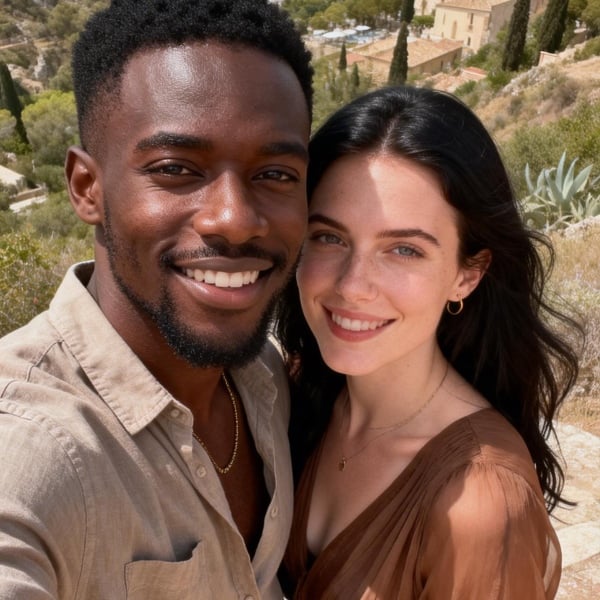
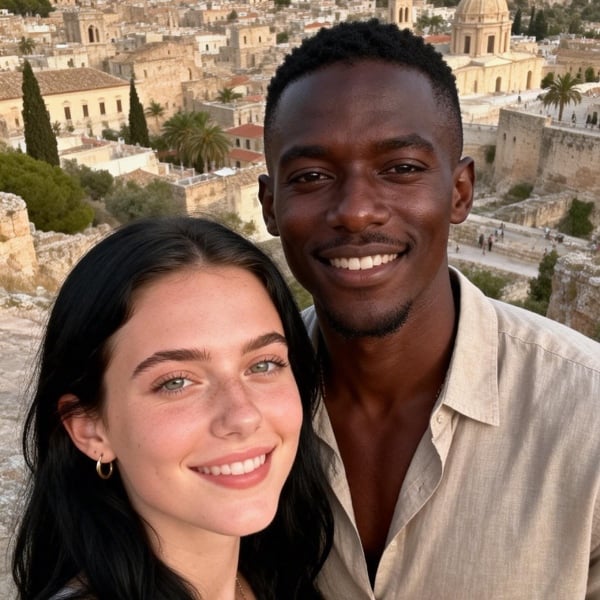
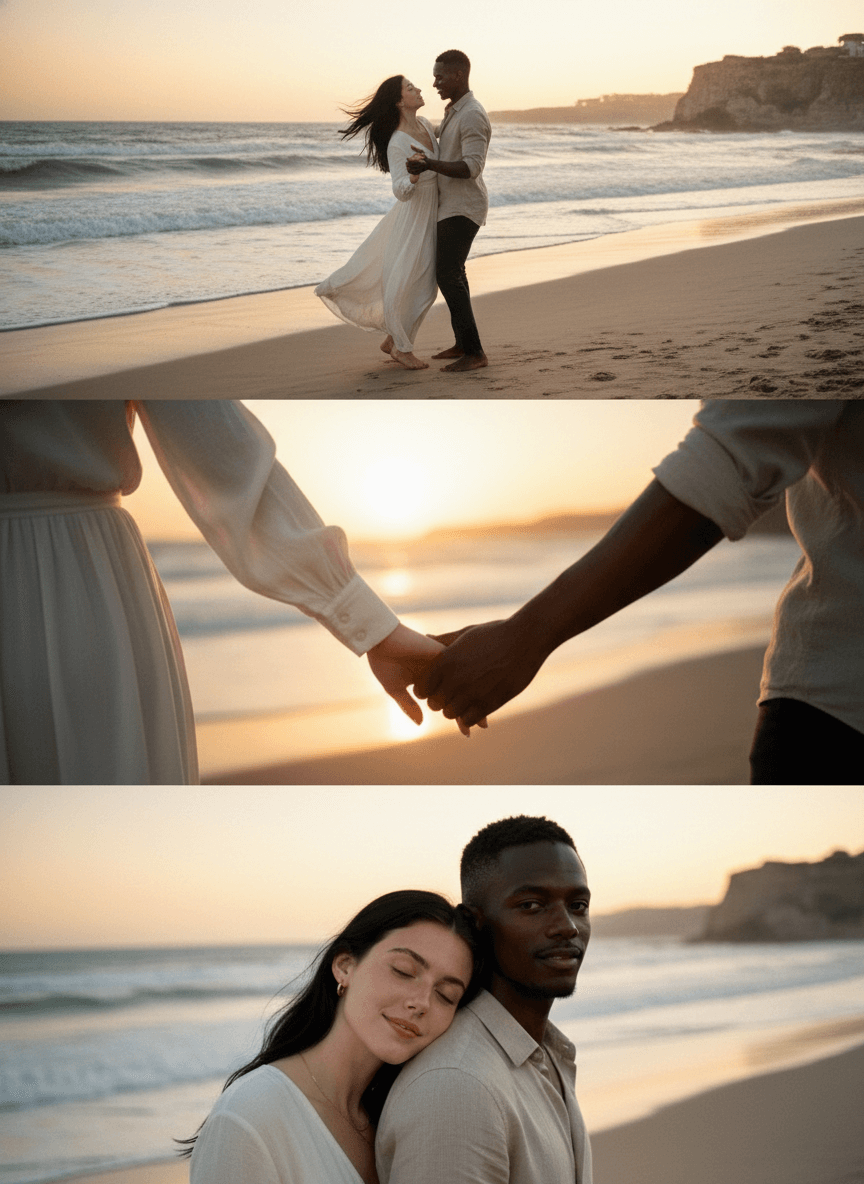
Please process each person exactly as they appear in the uploaded photos - maintaining their facial features, hairstyle, race, posture and proportions. Keep the same number of people as in the original image. Create a vertical 4K triptych consisting of three equally wide horizontal panels, seamlessly stitched together, presenting all the original figures together. Character clothing: Woman: White flowing dress, Man: White shirt + dark pants. Overall scene and atmosphere: Sunset beach, moist sand, gentle waves, the setting sun forming golden reflections on the water, distant coastline and cliff silhouette, the sky dyed warm golden by the setting sun. Use a 35mm standard prime lens as the main lens, with a sensitivity of 400, aperture of f/2.8, shutter speed of 1/180 seconds, balancing both the environment and the details of the characters, with natural perspective. Colors: Warm golden, orange, soft white, throughout the warm-toned atmosphere of the golden hour of the sunset. Frame 1 - Medium shot Side backlighting of the sunset, the edges of the characters are outlined by the sunlight, the sea and the sand reflect warm light, the overall tone is warm and transparent, full of a dreamy feeling. Action: Woman: Long hair is lifted by the sea breeze, the body slightly reclines, dancing together with the man, the posture is light and romantic. Man: Both hands wrap around the waist of the woman, the body slightly leans to the side, looking down gently at the woman, Frame 2 - Close-up shot The foreground core is a hand close-up, occupying the main part of the frame, fully presenting the details of the cuffs of the woman and the man, as well as the clasped hands. Background: Blurred sky in warm golden color. Frame 3 - Close-up shot Straight-on view, focusing on the upper body of the characters, action: Woman: The head leans lightly on the man's shoulder, eyes closed lightly, expression gentle and relaxed. Man: Looking at the camera, head of the woman rests together with his, background: Blurred sea and sky
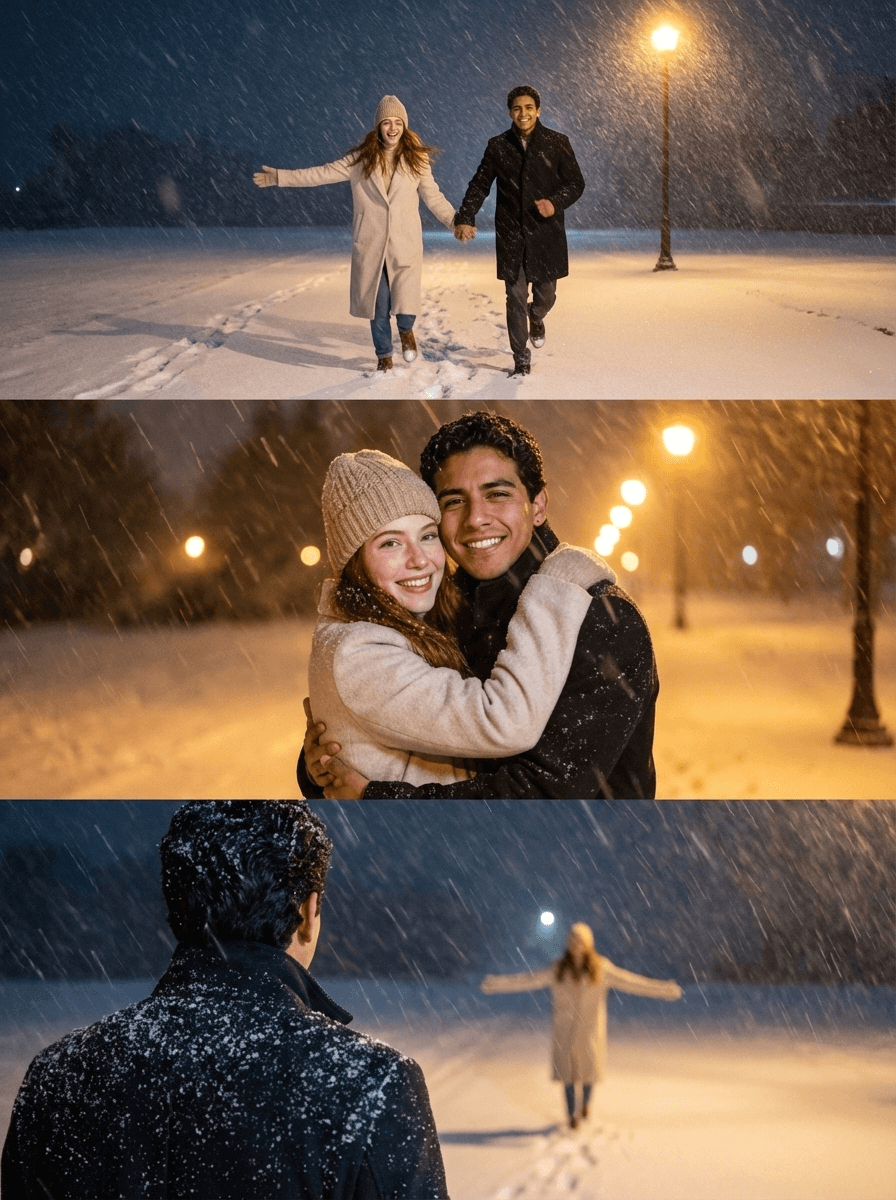
Please process each person exactly as they appear in the uploaded photos - maintaining their facial features, hairstyle, race, posture and proportions.Create an 8K vertical triptych consisting of three equally wide horizontal panels, seamlessly joining the three panels together, showing all the original characters. Overall scene: An empty ground covered with thick snow, clear footprints, a dark, silent and empty background. On the right side of the picture, there is a tall, warm yellow street lamp. Strong wind and snow dynamic, large snowflakes flying diagonally, creating a romantic atmosphere of a winter night, with a quiet and romantic cinematic feel.Character clothing: Woman: Light-colored long coat + same color pants + beige knitted hat. Man: Dark-colored long coat + dark-colored pants.Use a 35mm/50mm standard fixed focus as the main method, with a sensitivity of 400, aperture of f/2.8, shutter speed of 1/180 seconds, balancing both the environment and the details of the characters, with natural perspective.Light and atmosphere: The overall color tone is cold, with a warm color light source. The light is soft, and the snowflakes form light spots under the light, creating a contrast between the cold snowy ground and the warm light. Scene 1 - Medium shot Frontal view, fully capturing the full body dynamics of the charactersAction: The two are holding hands and running forward, the woman's arms are naturally spread out, the body slightly leaning forward, full of vitality; the man is holding the woman. Scene 2 - Close-up shot Action: The two are tightly embracing, facing the camera, the expressions of both are happy.Background blurring Scene 3 - Subjective shot Foreground (man): Only the back and shoulders are presented, the hair and shoulders are covered with snow, the gaze is directed towards the woman in the distance.Background (woman): In the distance, the whole body, arms spread out, light steps, smiling and looking back at the man, a lively posture
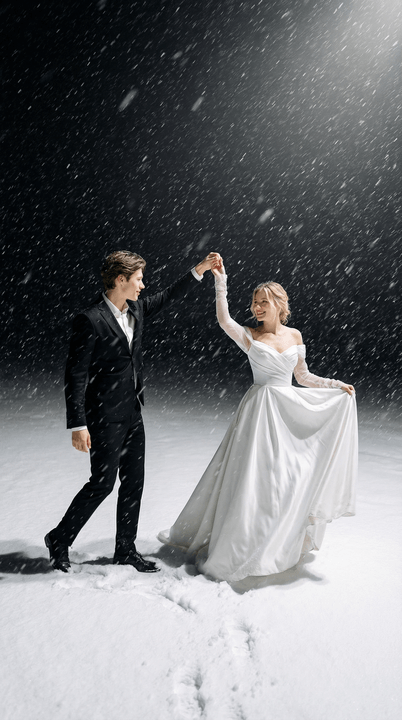
{"scene_description":"A wide-angle cinematic shot of a young couple dancing in a heavy snowstorm at night. The woman is positioned on the left of the frame, the man on the right, on a thick, textured blanket of white snow.","subjects":{"woman":{"action":"Twirling gracefully, holding the hem of her dress with one hand and the man's hand with the other.","attire":"Elegant off-the-shoulder white wedding gown with a full, flowing silk skirt and long sheer sleeves.","appearance":"Use uploaded female character, lock face + hair color, do not lock hairstyle/makeup/expression, smiling joyfully."},"man":{"action":"Leading the dance, holding the woman's hand while stepping forward slightly.","attire":"Tailored classic black suit with a white dress shirt.","appearance":"Use uploaded male character, lock face + hair color, do not lock hairstyle/makeup/expression."}},"environment":{"ground":"Deep, powdery snow with visible footprints and soft undulations.","atmosphere":"A heavy blizzard with thick, elongated white snowflakes falling diagonally across the frame.","background":"A dark, void-like night sky that creates a sharp contrast with the brightly lit foreground."},"lighting_and_color":{"lighting_style":"High-key spotlighting from above, creating a glow on the subjects and the snow while leaving the background in deep shadow.","color_palette":"Monochromatic contrast of stark whites, deep blacks, and neutral grays.","mood":"Romantic, ethereal, and dramatic."},"technical_specs":{"aspect_ratio":"2:3 (vertical)","camera_angle":"Eye-level, medium-wide shot.","focal_details":"Soft focus on the falling snow to create a sense of motion blur, while the subjects remain the primary focal point."}}
A photograph of [auto_detected_photo_subject] with a [auto_detected_photo_mood] mood. Overlay a handwritten paint effect in a [auto_selected_paint_style] style using a [auto_selected_paint_color] color. The painted elements will include simple illustrations, shapes, and short text or phrases that organically complement the image's detected theme and atmosphere.
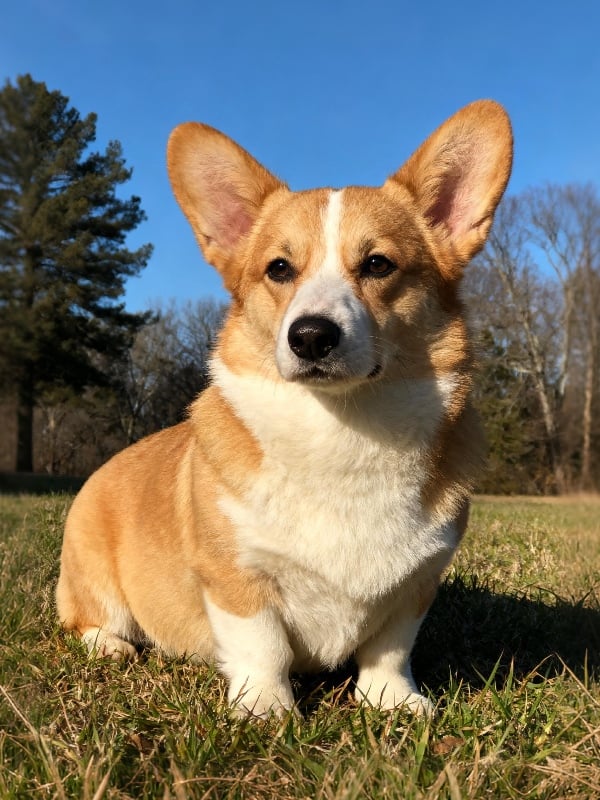
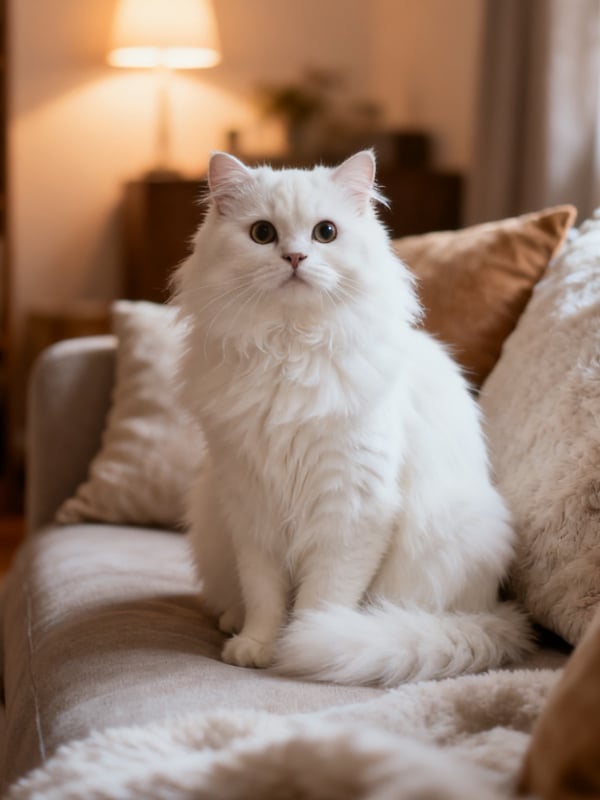
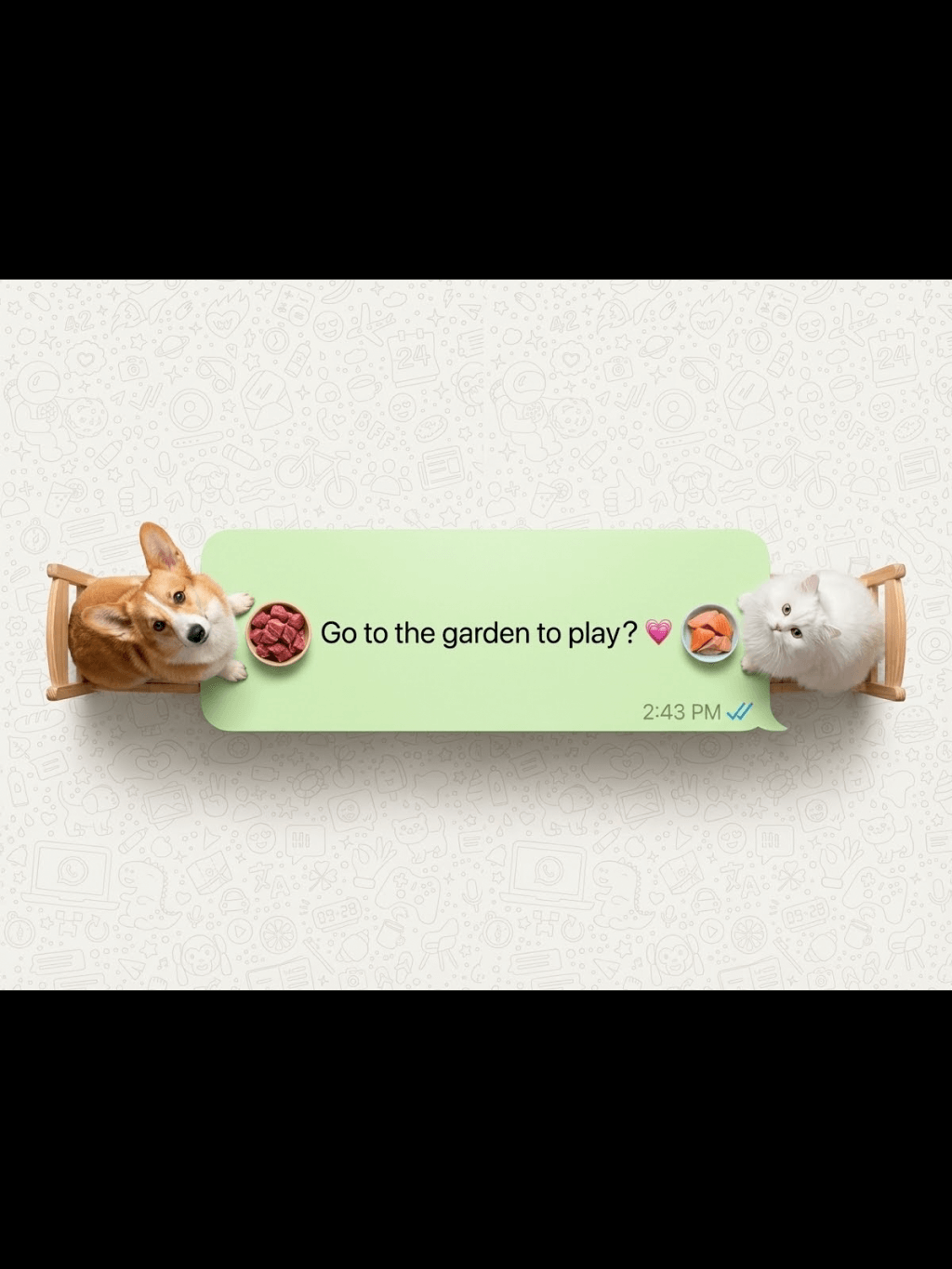
A creative top-down shot where a giant, Hyper-realistic top-down macro photography. A long, light green WhatsApp speech bubble acting as a dining table. Reproduce the two character in the picture at a 1:1 ratio,Two real living pet (shrunk to tiny scale) are sitting at dialog box opposite ends. They are NOT plastic figures; they have visible natural hair, The two characters looked up towards the camera.The characters are seated on both sides of the picture (on the left and the right).They are eating real food (Raw beef, raw fish),not play-doh. They sits on a miniature wooden chair.The text inside reads: "Go to the garden to play?💗". Bottom right has a timestamp '2:43 PM' and blue ticks. The background is completely filled with a high-density, seamless WhatsApp doodle pattern (line art icons) covering the entire surface edge-to-edge with no empty spaces, resembling the original dense WhatsApp wallpaper. Professional studio lighting, 8k resolution, sharp focus.The composition is symmetrical and has a very strong sense of graphic design.Set the image generation ratio to 4:3,
Use the subject from the uploaded photo — including the subject’s actual gender — and apply an artistic red–blue double-exposure effect using two poses of the same person. Keep the base layer as the original pose and background exactly as in the uploaded photo. Generate a second pose where their head angle, facial direction, or expression is slightly different, as if captured a moment earlier or later. Color the second pose in red, the base pose in cyan, and offset the layers to create a clean ghosting effect. Preserve skin texture, tattoos, contrast, and maintain the original background.
Use the nano pro model to generate a Christmas tree formed by deep green ribbons spiraling upward with smooth curves and a glossy, dimensional texture. Decorate the tree with the beauty products from the user-uploaded image, preserving their original appearance, colors, packaging, and printed details without alteration. Add silver Christmas balls, heart-shaped ornaments, a vintage pocket watch, and red-and-white candy canes as additional festive elements. The background should be a clean, rich red tone that feels premium and vibrant. Use soft, bright lighting to highlight the ribbon texture and showcase the beauty products clearly. Maintain a centered, balanced composition with a modern, celebratory visual style.
Use the person from the user’s uploaded Image 1 holding a giant-sized version of the product from Image 2. Bright metal elevator interior, brushed stainless-steel texture, clean reflections, soft overhead lighting. Slight top-down camera angle from elevator ceiling corner. Fresh Japanese aesthetic: airy tones, gentle contrast, light desaturation, natural skin texture. The person’s expression and posture remain true to Image 1, but with natural, youthful energy, relaxed shoulders, lively eyes. The giant product should feel physically present with correct lighting, proportional shadows, and slight squeeze in the character’s arms to show weight. Elevator control panel and metal seams visible for realism. Overall atmosphere: playful, clean, bright, modern. This is an EDIT, not a new character. Preserve: facial identity, hairstyle, clothing style, and camera perspective from Image 1. Integrate giant product from Image 2 seamlessly into the person’s arms.
Puppy nose close-up with a fisheye lens, exaggerated perspective, rounded frame, edges warped, playful expression, soft daylight, warm tones, social media viral style, background outside fisheye area completely black.no text
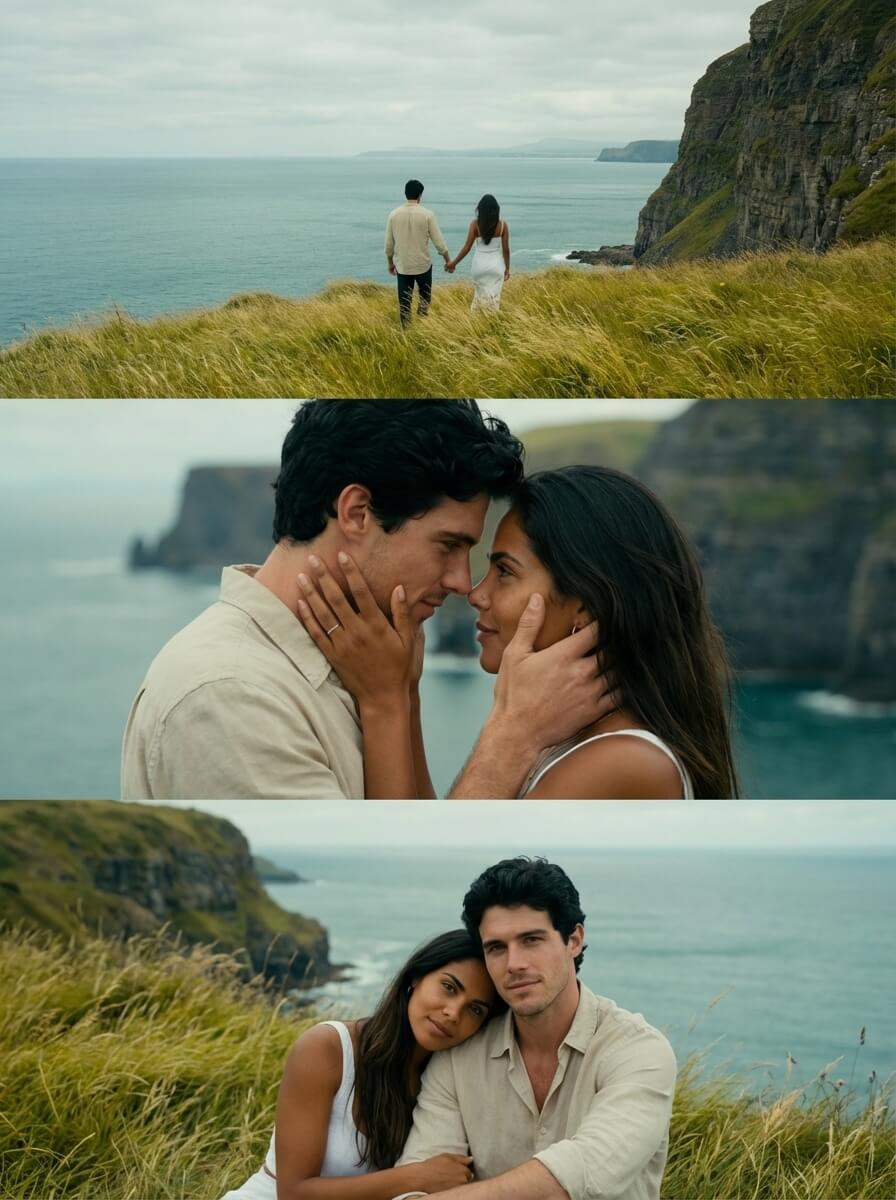
Please process each person exactly as they appear in the uploaded photos - maintaining their facial features, hairstyle, race, posture, clothing, and proportions. Create a vertical 4K (2160×3840) triptych, consisting of three equally wide horizontal panels, seamlessly stitched together, presenting all the original figures together. Using mainly 35mm/50mm standard fixed focal lengths, aperture f/2.8, shutter speed 1/180 second, flash on.balancing both the environment and the details of the people, with natural perspective Color: Soft diffused light on a cloudy day, no strong shadows, a typical film-like retro green tone, low saturation and cool base + warm skin tone, a serene and distant atmosphere Panel 1 - Back view Shot from slightly behind, showing the back and side outlines. The center of the panel: a man and a woman holding hands and walking forward, with relaxed and natural postures, both in back view + side view Background: Yellow-green long grass covering the edge of the cliff, grass leaves swaying gently in the wind, calm blue-green sea surface, soft ripples, steep cliff on the right, clear rock textures, distant coastline blurred Panel 2 - Close-up shot Shot size: Medium close-up, frontal view, focusing on the interaction of the upper body and face The two main characters' foreheads touch, their faces gently caress each other, an extremely intimate emotional interaction, full of tenderness and attachment. Background: Blurred coastline and sea surface, Panel 3 - Medium shot Level view with slight overhead, showing sitting and leaning positions,The two are quietly leaning against each other, the woman's head resting on the man's shoulder, facing the camera, with relaxed limbs, presenting a calm and comforting sense of companionship after a journey Scene: Yellow-green long grass-covered ground, clear grass leaf textures, open sea surface and cliff, distinct layers, a serene and healing atmosphere
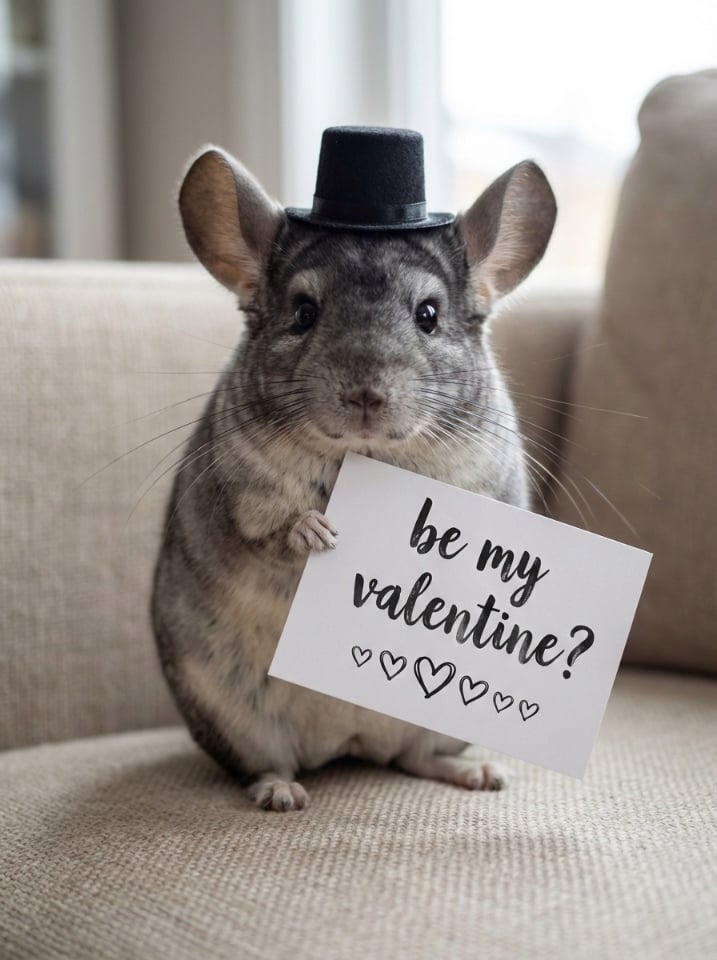
The obese chinchilla stands upright on the beige sofa. The chinchilla's eyes are bright and it looks directly at the camera. The chinchilla's body is round, its ears are large. It wears a black mini bow hat. Its left front paw holds a white card with the words "be my valentine?" (handwritten, pen script) Below the black text, there is a heart-shaped pattern. The chinchilla has a cute, innocent, and obedient expression, looking gentle and serious. The shot is 50mm medium focal length, with a large aperture and shallow depth of field. The indoor light is soft and natural, with a centered composition. It has high-definition texture and soft background blurring.
A photograph of [auto_detected_photo_subject] with a [auto_detected_photo_mood] mood. Overlay a handwritten paint effect in a [auto_selected_paint_style] style using a [auto_selected_paint_color] color. The painted elements will include simple illustrations, shapes, and short text or phrases that organically complement the image's detected theme and atmosphere.
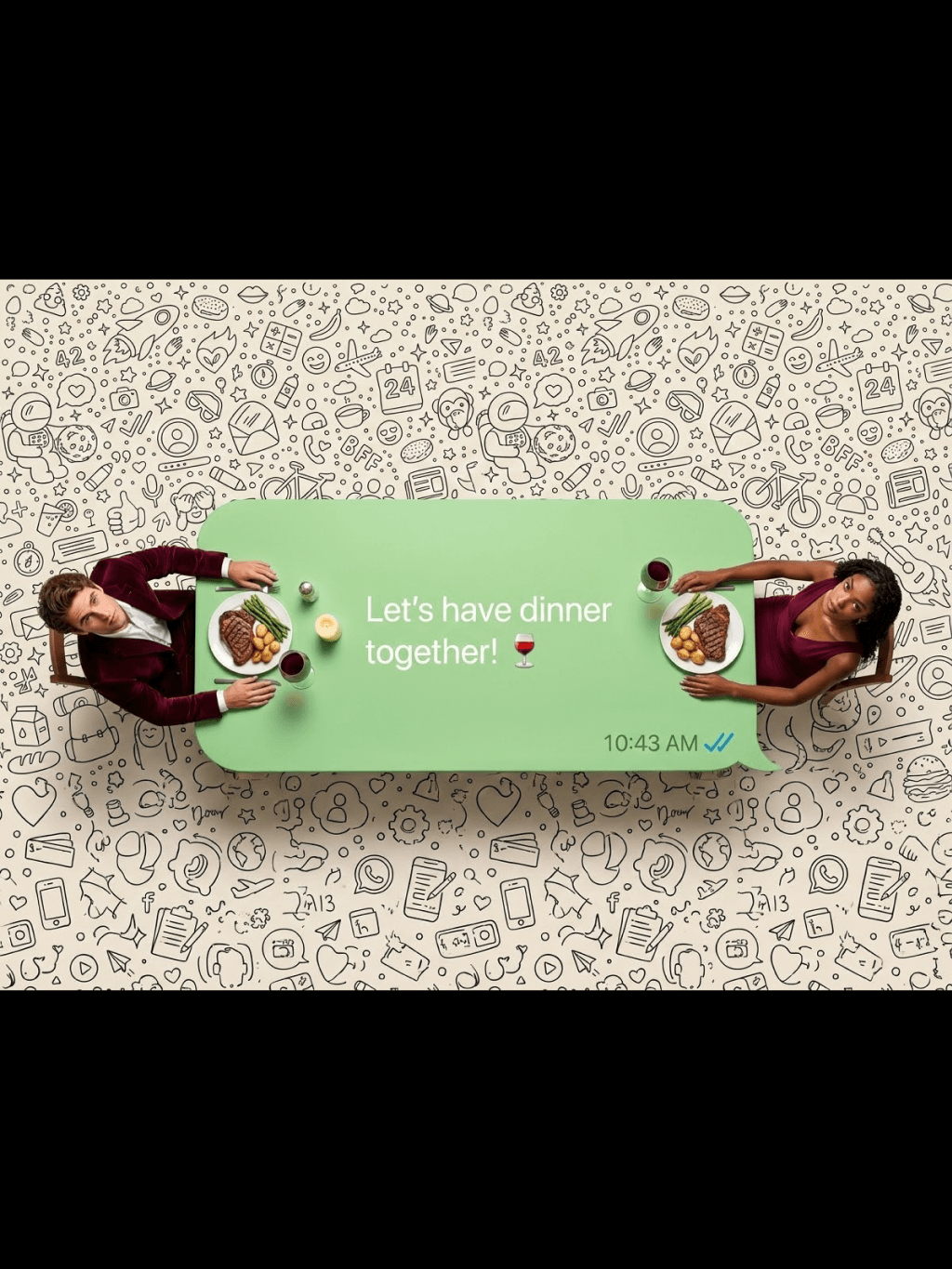
A creative top-down shot where a giant, Hyper-realistic top-down macro photography. A long, light green WhatsApp speech bubble acting as a dining table. Reproduce the two figures in the picture at a 1:1 ratio,Two real living humans (shrunk to tiny scale) are sitting at dialog box opposite ends.They were sitting in the chairs with their bodies relaxed, leaning against the backrests of the chairs. They are NOT plastic figures; The man was wearing a burgundy velvet suit, and the woman was wearing a deep V-neck evening dress in the same color.they have visible skin texture, natural hair, and realistic clothing folds. The two characters looked up towards the camera.The characters are seated on both sides of the picture (on the left and the right).They are eating real food that looks freshly cooked(Candlelight dinner, wine glass, wine, steak), not play-doh. The text inside reads: "Let's have dinner together!🍷". The text is in the middle of the bubble box, while the food is on the left and right sides of the bubble box.Bottom right has a timestamp '10:43 AM' and blue ticks. The background is completely filled with a high-density, seamless WhatsApp doodle pattern (line art icons) covering the entire surface edge-to-edge with no empty spaces, resembling the original dense WhatsApp wallpaper. Professional studio lighting, 8k resolution, sharp focus.The composition is symmetrical and has a very strong sense of graphic design.Set the image generation ratio to 4:3"
Make a photo in a perfectly isometric angle. It must be a realistic live-action photographic style, not illustration or CGI. It is not a miniature; it is a real captured photo that happens to be perfectly isometric. The photo shows a real-life office Christmas party.
{ "scene": { "type": "aerial_drone_view", "perspective": "top-down, looking directly at the object from above", "background": { "type": "urban_cityscape", "lighting": "realistic daylight with natural shadows and reflections" } }, "subject": { "object_type": "large_luxury_shopping_bag", "material": "smooth, premium leather or high-quality glossy finish", "details": { "logo": "golden 'InsMind' embossed", "contents": "filled with products from user-uploaded images", "suspension": "hanging from a wide silk ribbon under a drone" }, "lighting": "soft and realistic highlights and shadows on the surface", "texture": "highly detailed, tactile, realistic reflections" }, "composition": { "framing": "ultra high-quality, professional, cinematic composition", "focus": "shopping bag in sharp detail, cityscape slightly blurred", "quality": "ultra-detailed, photorealistic, high-resolution rendering" } }
Use the animal from Image 1 as the subject. Use the tall product from Image 2 as the giant object. A bright, clean European-style living room corner with warm tones, soft textures, and elegant home décor. Top-down (slightly high-angle) perspective. Soft, bright ambient lighting. The animal from Image 1 stands upright on its hind legs, lifting its front paws to hold and cling onto the super-enlarged, vertically standing product from Image 2 (the product should be significantly taller than the animal). The animal slightly turns its head toward the camera, looking directly into the lens with a lively, natural, energetic expression. The product from Image 2 must receive lighting, reflections, shadows, and ambient bounce light consistent with the European-style living room, ensuring it visually blends into the environment naturally and convincingly. Clear textures, gentle color palette, warm atmosphere, natural shadows, harmonious scale contrast. Cute, fresh, soft-Japanese aesthetic blended with a European interior setting. High-resolution render, no additional characters, no extra props unless necessary for realism. This is an EDIT using the subjects from the uploaded images: – The animal identity, fur, and posture must follow Image 1. – The product appearance, material, and shape must strictly follow Image 2, with environmental lighting integration. – Background is new (European-style living room). – Keep composition consistent with a warm lifestyle photo.
Extreme wide-angle remix EDIT. Use the original image as strict reference for the person’s identity, hairstyle, outfit style, and the SAME location type. This is an EDIT, not a new character. Generate a 4-panel grid (2×2). Each panel MUST have a different pose, angle, and near-lens body part. No repetition. Camera / Perspective Ultra-wide / fisheye (12–18mm). Dramatic angles required: worm’s-eye, bird’s-eye, low/high, Dutch tilt. Strong foreshortening: near-lens parts appear huge. Photorealistic fashion/street style. Background Keep SAME location; do NOT replace it. Different angles may show new areas—extend environment logically with matching structures, materials, colors, lighting. Near-lens Parts (1–2, sometimes 3) Each panel uses different parts: hands/fingers, feet/shoes, knees/thighs, face, shoulders/chest. Must come extremely close with clear texture and distortion. Pose / Body Each panel must have a UNIQUE dynamic pose: standing with limbs forward, crouching, sitting, lying with feet toward lens, leaning in, twisting, crossed legs, arched back. Complex combos allowed (hands+feet, both hands, both feet, face close with limbs in perspective). Anatomy must remain believable. Angle / Attitude Randomize orientation per panel (up/down/side/tilt). Keep cool, confident fashion/editorial or street vibe. Expressions can vary but must remain the same person. Lighting / Rendering Keep lighting/time consistent with original. You may enhance contrast/color. Maintain realistic shadows and ground contact. High-resolution, sharp textures. Variation (VERY IMPORTANT) All 4 panels must differ clearly: – different camera angles – different poses – different near-lens parts – different orientation Avoid ANY repeated composition. Strict Rules Do NOT change the person. Do NOT change outfit type. Do NOT move to another location. Do NOT add text/logos. Do NOT use illustration/anime; keep photorealistic.
A giant Christmas 3D billboard on the side of a modern building in a lively urban street adorned with festive Christmas lights, wreaths, and ornaments. On the 3D billboard is a confident woman (from attached image) wearing a festive yet fashion-forward outfit — glittery red jacket, green stylish scarf, patterned boots. She’s striking a playful pose, throwing a snowball that seems to come out of the billboard. Next to her, bold text styled like a luxury holiday slogan reads: “FROSTY & FABULOUS” with tagline "MAKE WINTER FUN". The 3D billboard combines high-fashion elegance with humorous Christmas vibes. Photorealistic, stylish, culturally modern, and meme-inspired.

Perché scegliere il generatore di immagini AI di insMind

Crea senza partire da zero

Crea senza partire da zero

Riduci il tempo necessario per trasformare un’idea in una prima immagine. Puoi generare, confrontare varianti e rifinire il risultato nello stesso flusso.
Modelli e stili per esigenze diverse

Modelli e stili per esigenze diverse

Passa tra modelli, stili e formati in base al risultato: foto realistica, illustrazione, grafica, personaggio o contenuto per social.
Controlli semplici per iterare

Controlli semplici per iterare

Prompt, modello, formato e anteprima restano facili da gestire, così puoi correggere il risultato senza cambiare strumento a ogni tentativo.
Output adatto a più canali

Output adatto a più canali

Prepara immagini per social, campagne, prodotti, presentazioni e concept creativi. Controlla sempre dettagli e proporzioni prima di pubblicare.

Domande Frequenti

Che cos'è un generatore di immagini AI?

insmind expand icon
È uno strumento che crea immagini a partire da un prompt di testo o, quando supportato, da un'immagine di riferimento. Tu descrivi soggetto, stile e dettagli; il modello AI produce una o più immagini da rivedere, scaricare o modificare.

Il generatore di immagini AI di insMind è gratis?

insmind expand icon
Puoi iniziare a creare immagini AI online con insMind gratuitamente. Alcune funzioni, modelli, limiti di utilizzo o download possono dipendere dal piano disponibile nel tuo account.

Come scrivo un buon prompt per creare immagini AI?

insmind expand icon
Parti da soggetto, stile, contesto e formato. Aggiungi dettagli solo quando servono: luce, angolazione, colori, atmosfera, materiale o uso finale. Se il risultato è troppo vago, cambia una parte del prompt alla volta.

Quali modelli AI posso usare su insMind?

insmind expand icon
insMind raccoglie più modelli e modalità creative in un unico spazio. La scelta migliore dipende dal risultato: foto realistiche, illustrazioni, stile cartoon, concept design o contenuti più grafici.

Posso modificare l'immagine dopo averla generata?

insmind expand icon
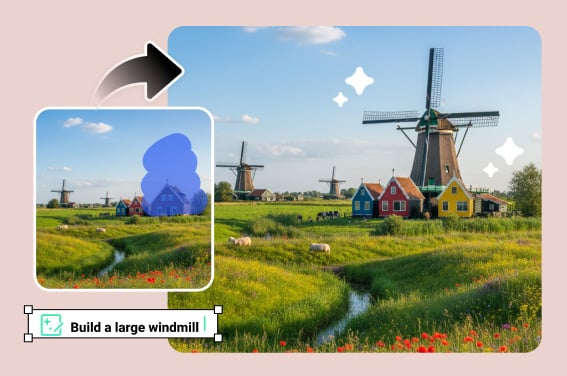
Sì. Dopo la generazione puoi usare altri strumenti di insMind per migliorare qualità, cambiare sfondo, rimuovere elementi, ridimensionare o preparare l'immagine per un post, una scheda prodotto o una campagna.

Le immagini generate dall'AI sono utilizzabili per progetti commerciali?

insmind expand icon
Dipende dal piano, dal modello usato, dal prompt, dalle immagini di riferimento e dalle regole applicabili al tuo caso. Per progetti commerciali importanti, controlla sempre termini di servizio e diritti sulle risorse caricate.

Perché il risultato AI non è identico al prompt?

insmind expand icon
I modelli interpretano il prompt, non lo eseguono come un comando tecnico perfetto. Se un dettaglio è importante, scrivilo in modo esplicito e controlla il risultato. Per immagini complesse, spesso servono piccoli aggiustamenti.

Posso usare il generatore di immagini AI da mobile?

insmind expand icon
Sì, puoi aprire insMind dal browser anche su mobile. Per prompt lunghi, immagini di riferimento o controlli più precisi, lavorare da desktop può essere più comodo.

Posso creare immagini con sfondo trasparente?

insmind expand icon
Se il flusso o il modello scelto non produce subito uno sfondo trasparente, genera prima l'immagine e poi usa gli strumenti di rimozione o modifica dello sfondo di insMind.

Come mantengo uno stile coerente tra più immagini?

insmind expand icon
Riusa lo stesso prompt di base, lo stesso modello e gli stessi dettagli di stile. Cambia solo il soggetto o la scena che vuoi variare.

Devo installare un software per generare immagini AI?

insmind expand icon
No. Puoi usare insMind online dal browser, generare l'immagine e continuare con gli strumenti di editing disponibili nella stessa piattaforma.

Cosa posso fare se l'immagine contiene dettagli strani?

insmind expand icon
Controlla mani, testo, bordi, volti e piccoli oggetti prima di pubblicare. Se noti errori, modifica il prompt, cambia modello o rifinisci l'immagine con gli strumenti di editing.

Qual è il modello migliore per generare immagini?

insmind expand icon
Non esiste un modello migliore per ogni caso. Scegli in base all'obiettivo: realismo, illustrazione, velocità, stile grafico, coerenza con un'immagine di riferimento o qualità dei dettagli.

Altri strumenti AI per creare e rifinire immagini

Dopo la generazione, continua con strumenti per ritocco, personaggi, sfondo, qualità e design.