
Turn Your Ideas into Marketing-Ready Content.
Start with an idea, image, or video. insMind Agent plans, creates, and refines marketing content—then saves character and product assets for faster, more consistent creation.


Bring Every Idea to Life
Create videos, images, ads, and social content with AI, then edit and adapt them for wherever they need to go.
Create longer stories that stay consistent from scene to scene.
Keep the same characters, world, visual style, and story direction from the opening scene to the final frame.
Create a story videoCreate Smarter. Stay in Control.
insMind Agent turns your idea into a clear workflow, picks the right AI tools for each task, and keeps every step—from generation to editing and costs—easy to manage.
Start with an idea. Agent handles the rest.
Agent turns your idea into a complete video workflow—from script and scenes to visuals, voice, and sound. It keeps characters and storylines consistent while multiple generation tasks run in the background.
Predictable results and costs. Flexible edits where they matter.
See the plan, estimated time, and credits before generation. Then revise only the shot that needs changing while keeping the rest intact.
The right Skills for every creative task.
Agent automatically applies the right Skills for ads, social videos, product content, and presenter videos—shaping the script, pacing, visuals, and format to fit each one.
Everything you create, connected.
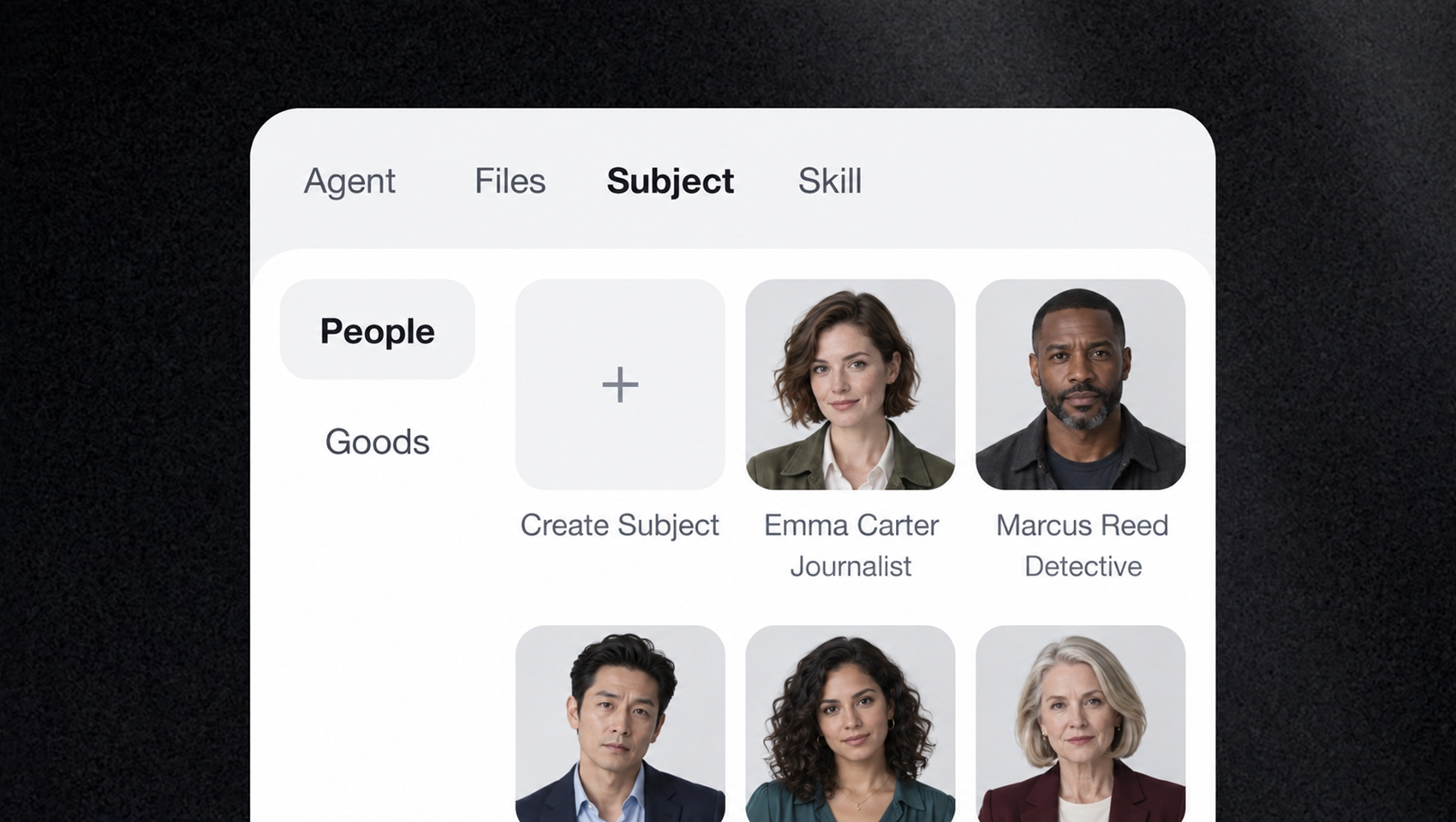
Save once. Reuse across every project.
Save your go-to characters, products, voices, and visual styles, then bring them into new projects without re-uploading files or repeating the same instructions.
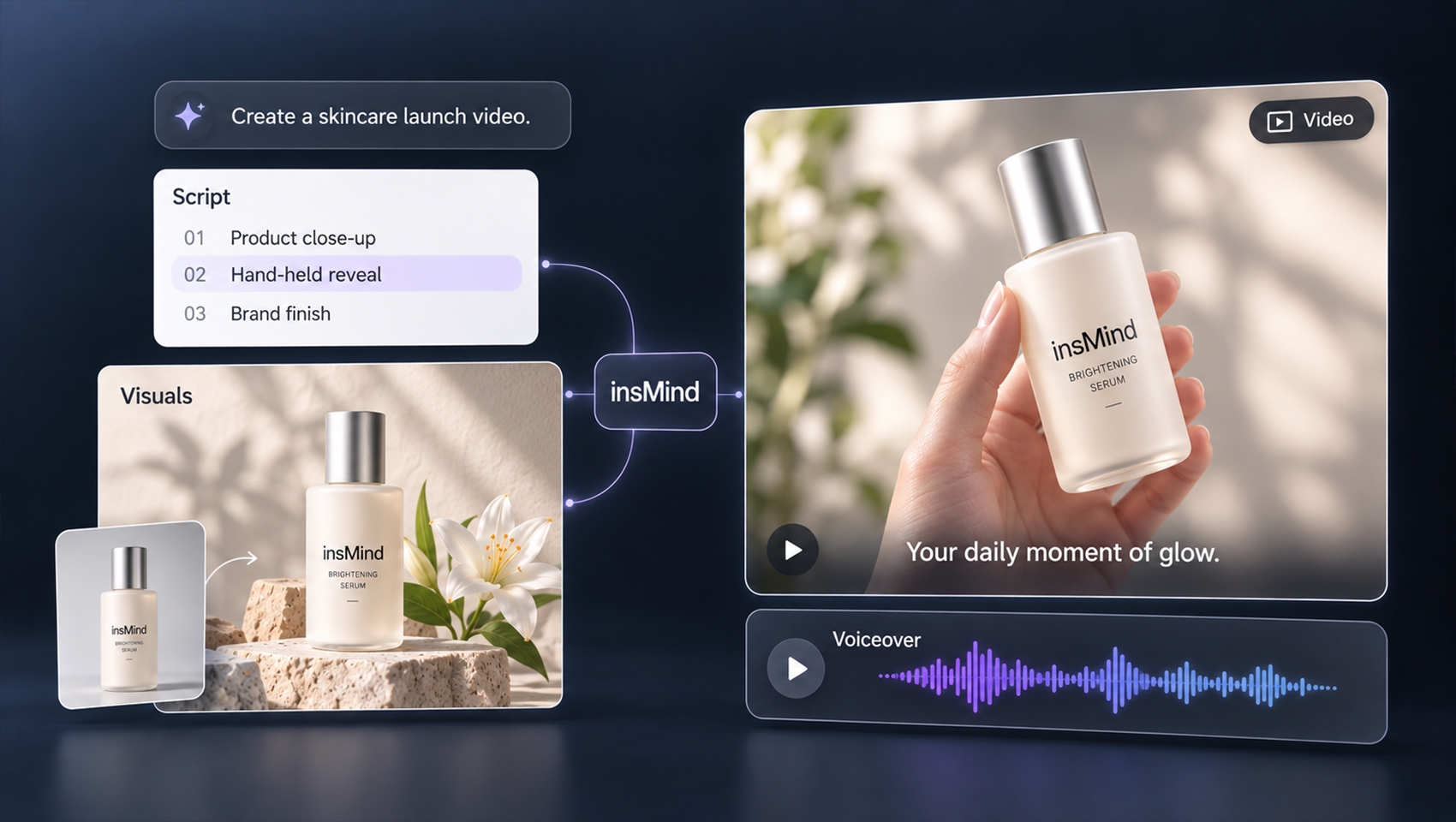
From idea to final cut, all in one place.
Write scripts, create visuals, generate video and voice, add captions, and edit it all in the same project.
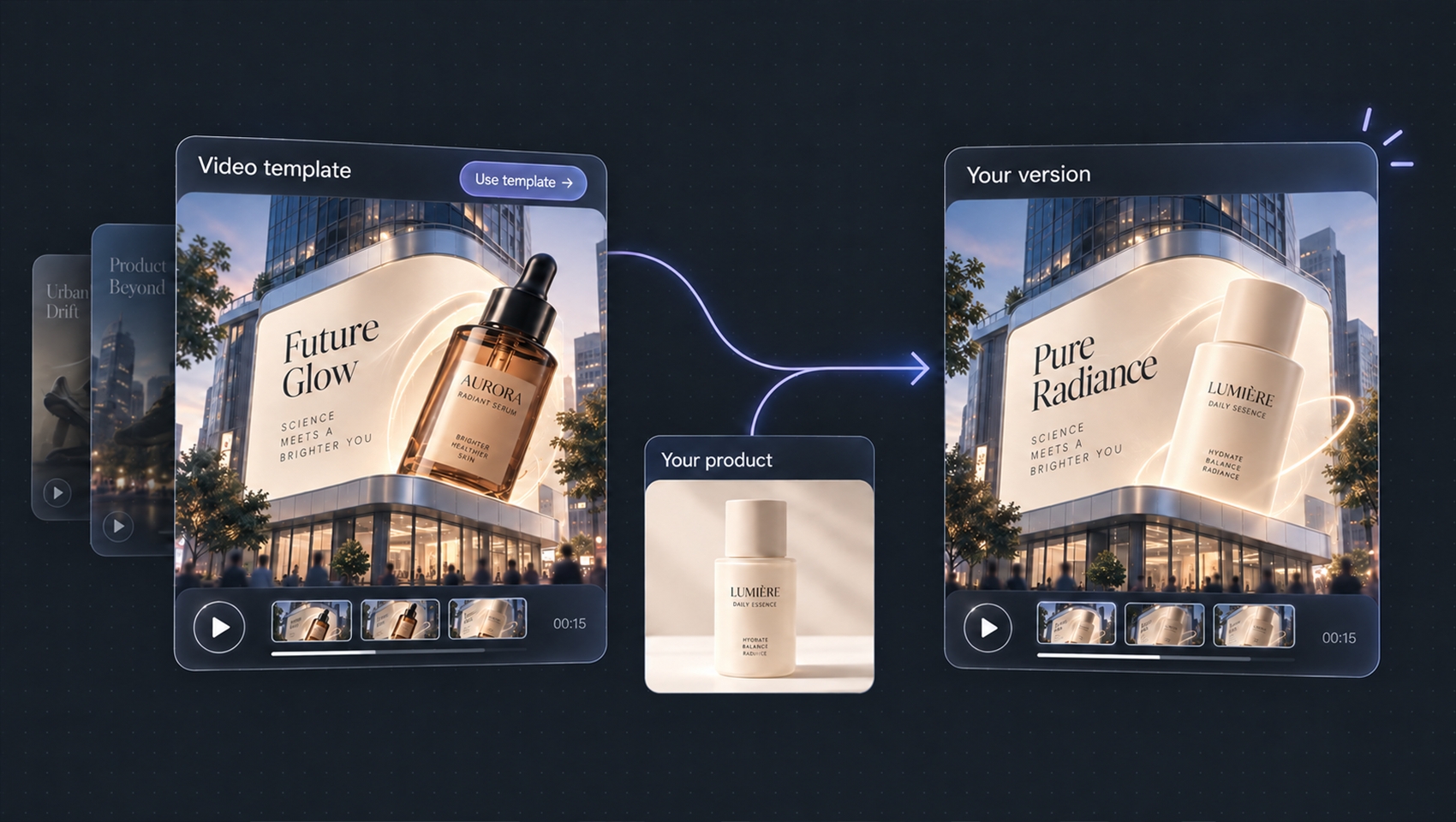
Start with inspiration. Make it your own.
Explore templates, effects, and Skills for ads, product videos, tutorials, and social content—or start from a reference video. Then customize the visuals, product, script, and style to make it yours.
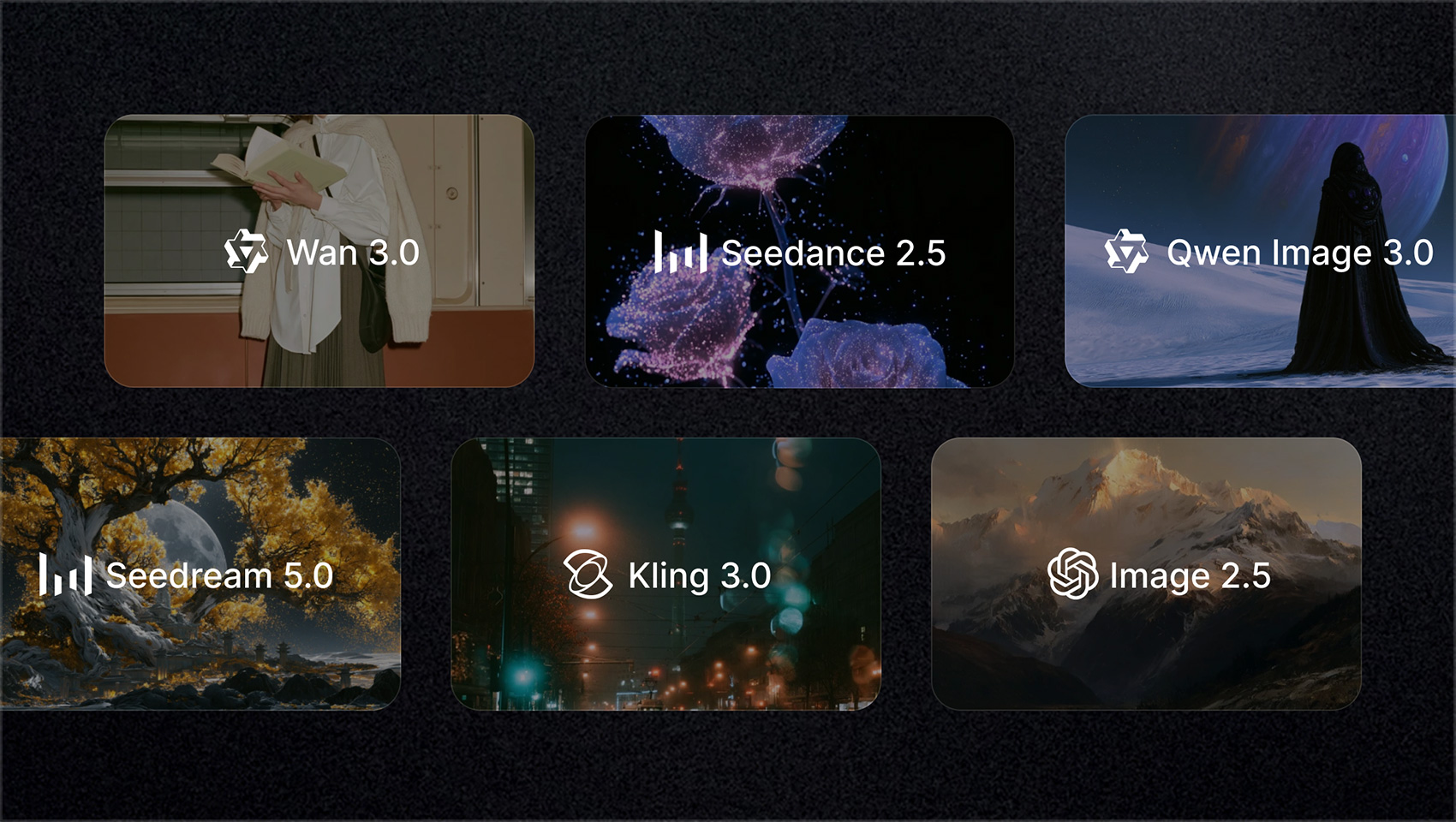
The latest AI video and image models, built in.
Pick the model you want, or let Agent match your task with the right balance of quality, speed, and cost.
NEED TO COMPLETE ONE SPECIFIC TASK?
Popular AI tools, ready to use.
Create images and videos, remove backgrounds, enhance quality, replace objects, or generate voiceovers with dedicated AI tools built for the job.
Stay in Sync. Keep Marketing Moving.
Create across web, mobile web, and app. Run marketing content tasks in parallel, get instant app alerts when results are ready, and keep projects, assets, and versions in sync from creation to launch.
- Full control on the web Plan long-form videos and manage shots, assets, and variations.
- Preview and share on mobile web Review results, leave comments, and share—no app required.
- Keep creating in the app Upload assets, receive completion alerts, review results, and make quick edits.
- One project, everywhere Assets, preferences, past results, and feedback stay connected.


- 01 Install insMind CLI
npm install --global @insmind/cli - 02 Log in
insmind-cli auth login
Bring AI Creation into Your Workflow.
Use insMind from your terminal. Connect AI content generation to your scripts and AI agent workflows, and automate repetitive tasks.
Explore insMind CLITrusted by Millions of AI Creators Worldwide
Creators around the world use insMind to generate and edit videos, images, and marketing content.








Everything you need to know before you create.
Yes. In supported workflows, insMind helps maintain the same characters, products, visual style, and story direction across multiple scenes, so you do not have to reset every shot from scratch.
Turn Your Next Idea into Marketing Content Worth Sharing.
Start with a prompt, image, video, or reference.
Create for Free