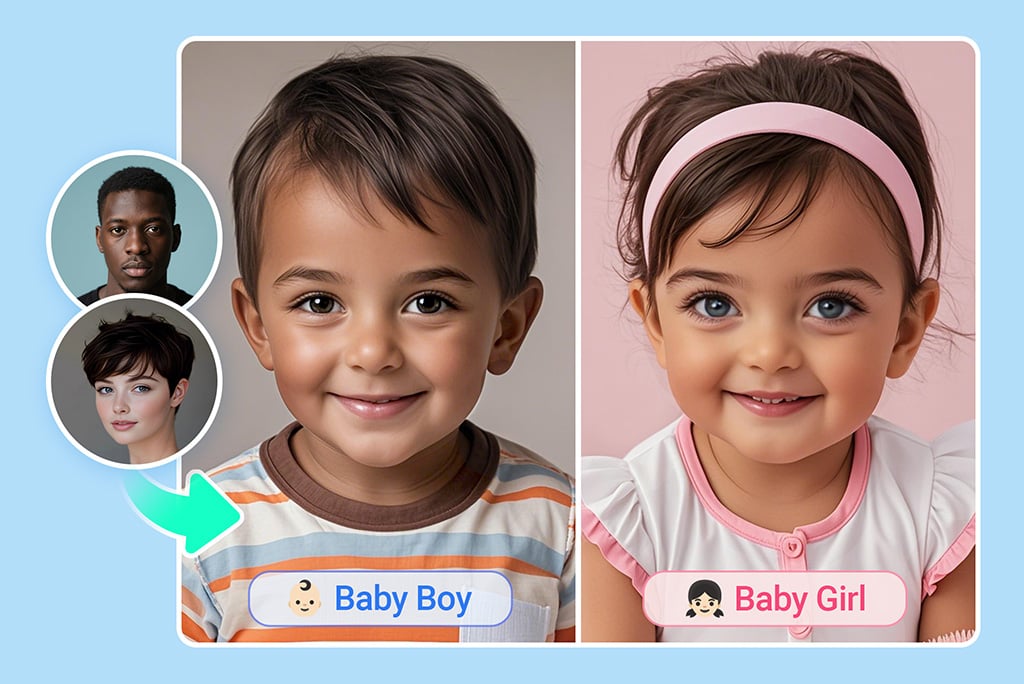
Free AI Baby Generator Online: See What Your Baby Will Look Like

Upload one clear photo of each parent to create an AI-generated baby portrait. Compare baby, child, or teen styles, then save the version you prefer. This is a creative preview, not a genetic or medical prediction.

Free AI Baby Generator Online: See What Your Baby Will Look Like
See What Your Baby Could Look Like From Two Photos

See What Your Baby Could Look Like From Two Photos

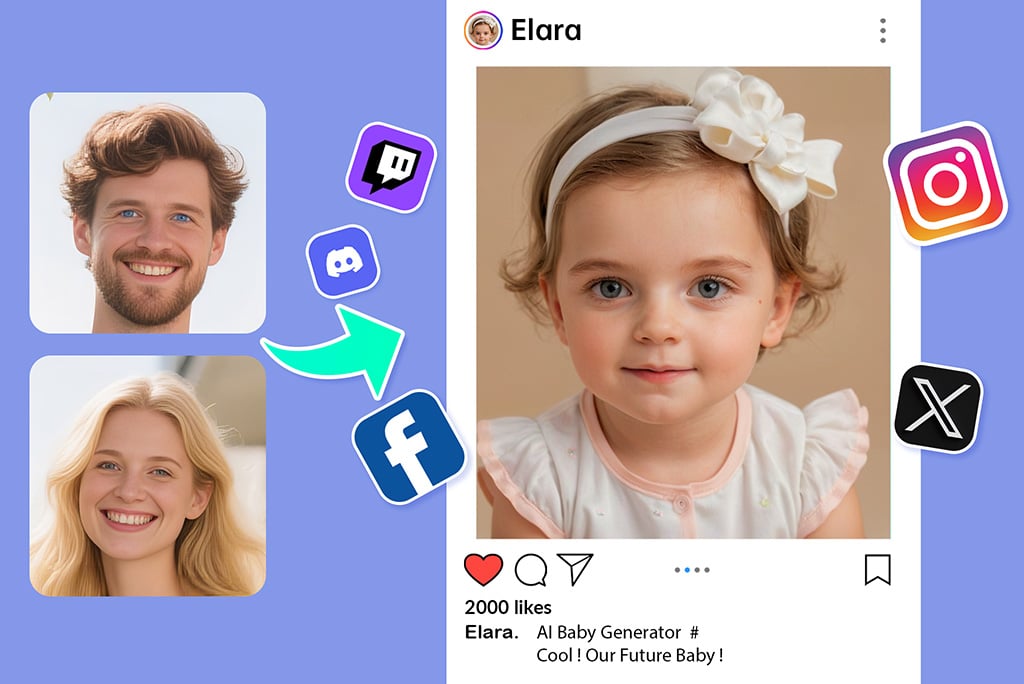
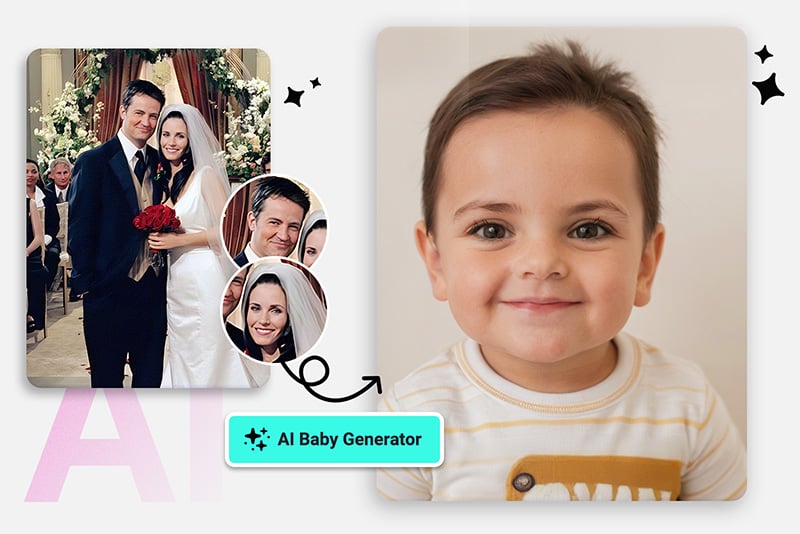
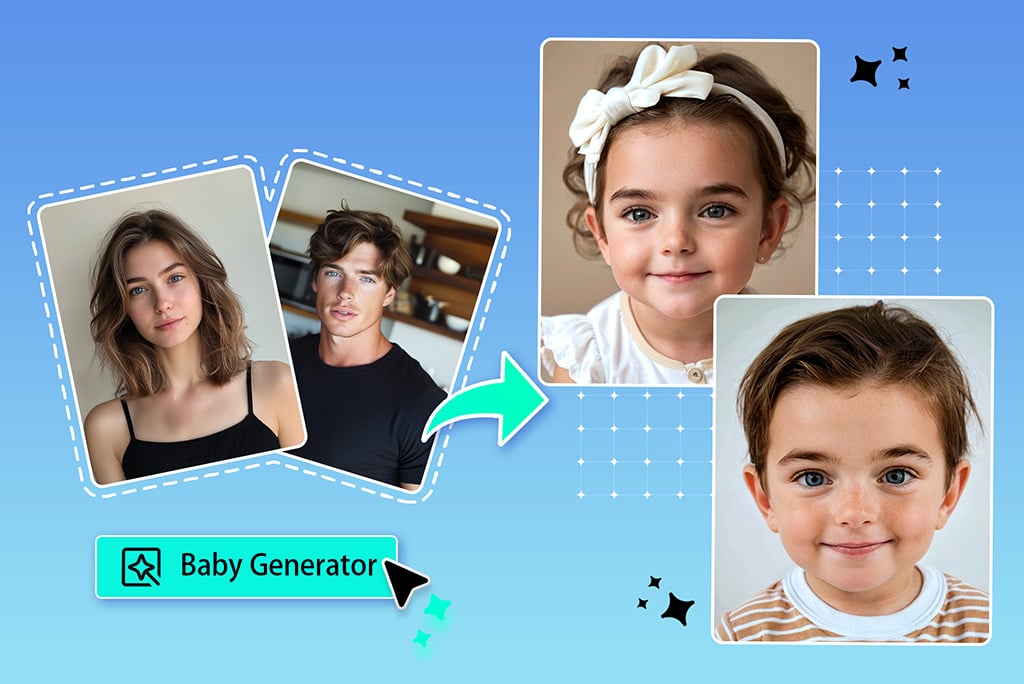
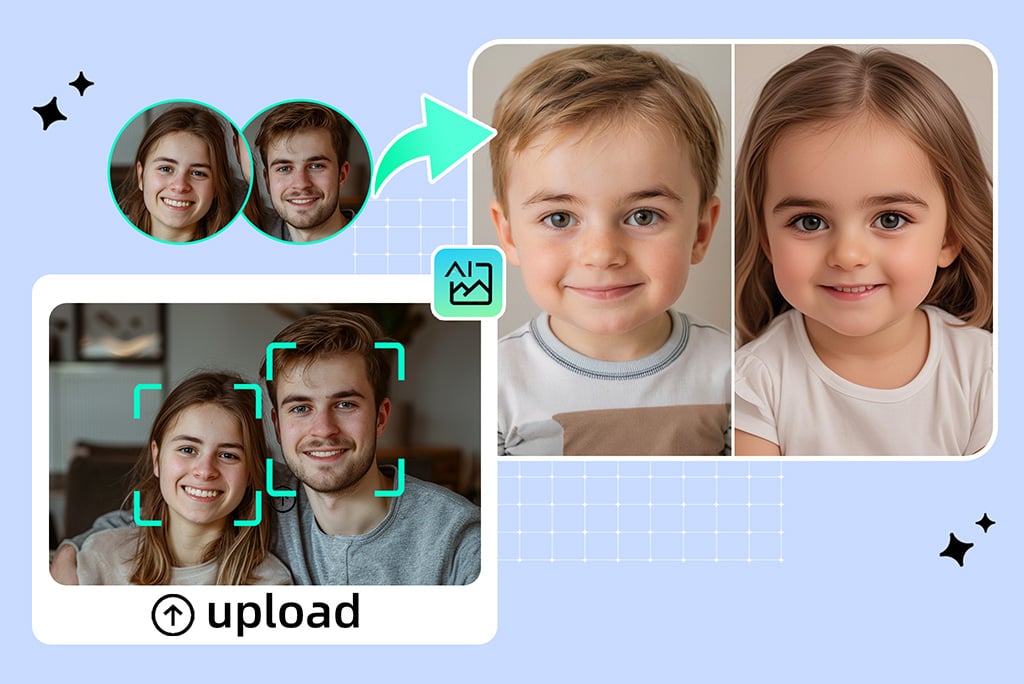
Wondering what your baby might look like? Upload one front-facing photo of each parent. The AI baby generator uses both pictures as visual references to create a new baby portrait you can compare and save.


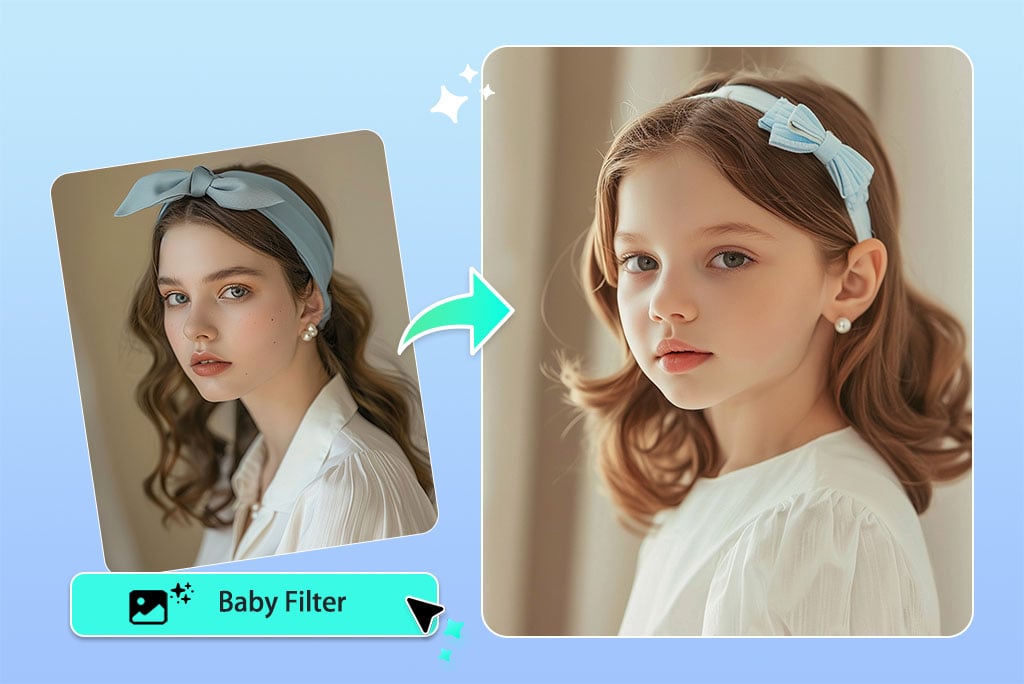
For a one-photo age effect that turns your own selfie into a younger face, use the AI baby filter instead. This page is built around a two-parent photo workflow.
Create a Baby Face From Both Parents

Create a Baby Face From Both Parents

The baby face generator reads visible details in the two uploaded portraits, such as face shape, expression, lighting, and hairstyle, then produces a new image. It does not read DNA or calculate inherited traits.


Use photos with similar angles and lighting. If one result favors a single reference or looks inconsistent, replace the blurrier photo or generate another version.

Try Baby, Toddler, Child, and Teen Styles

Try Baby, Toddler, Child, and Teen Styles

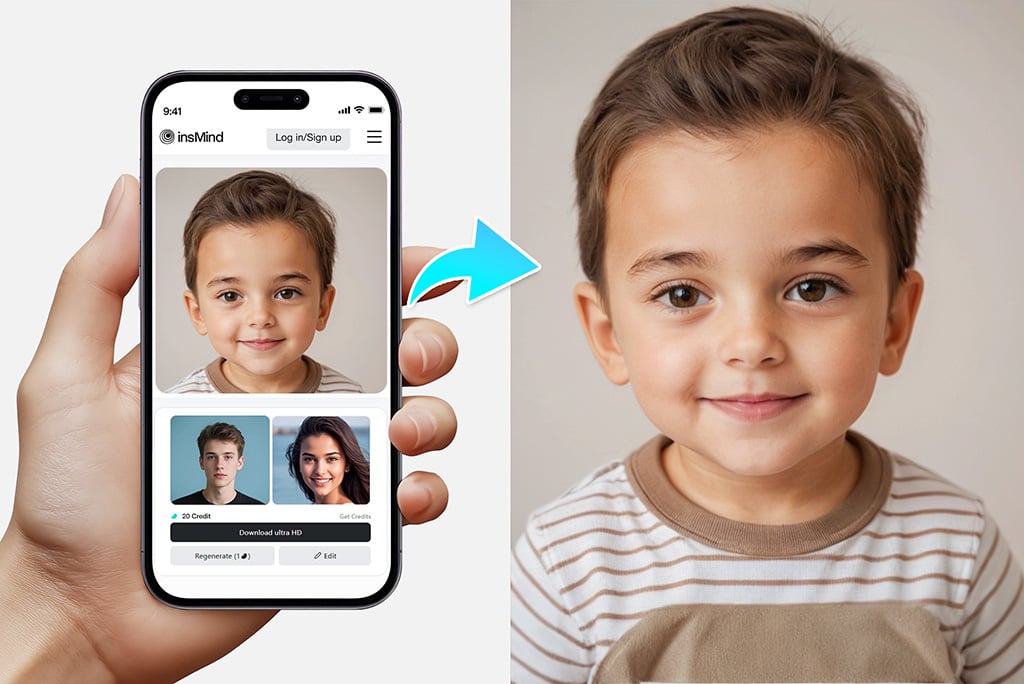
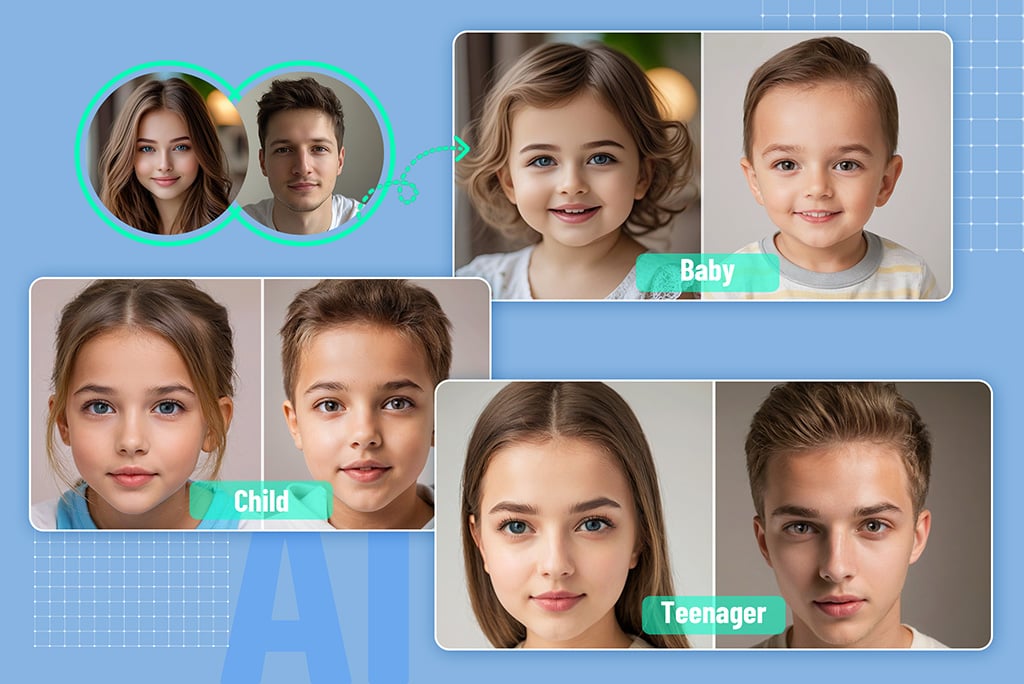
Use the available style choices to compare a baby, toddler, child, or teen interpretation. You can also try boy and girl presentation options when they appear in the tool, which helps cover kid-generator and future-son or daughter ideas without claiming a real prediction.


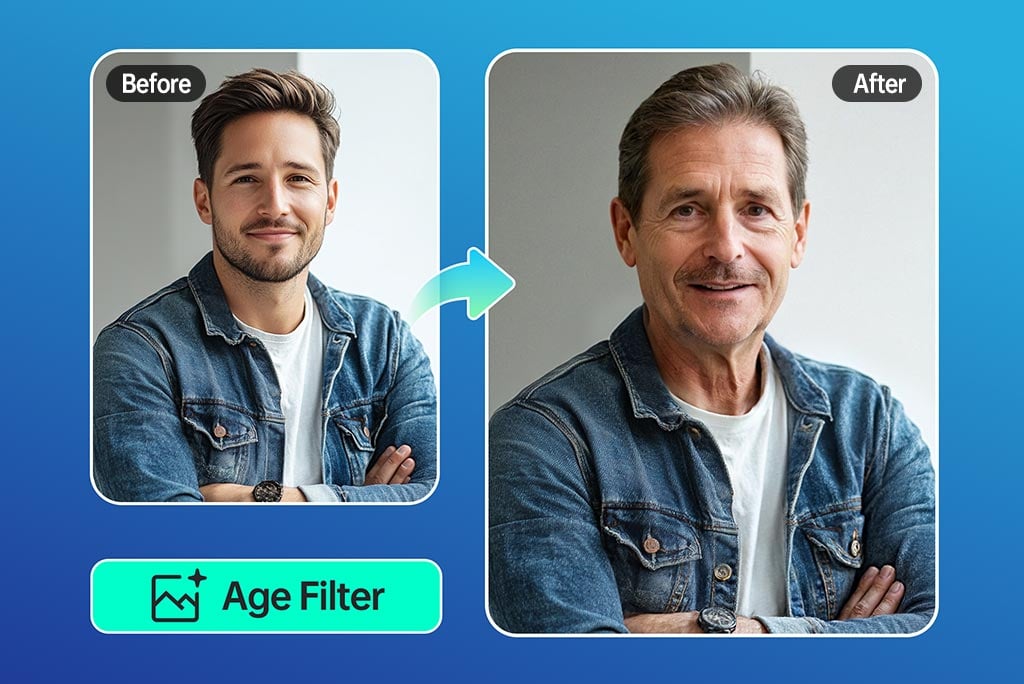
If you want to explore how an existing portrait may look older, the AI age filter is the more relevant tool.

Make a Baby Picture to Share for Fun

Make a Baby Picture to Share for Fun

Save the version you like for a private conversation, a couple activity, or a lighthearted social post. Label it as AI-generated if you share it so viewers do not mistake the picture for a real child.


Only upload photos you own or have permission to use. Avoid creating or publishing images of someone who has not agreed to the edit.

Use the AI Baby Generator Online on Any Device

Use the AI Baby Generator Online on Any Device

Open the tool in a browser on your phone, tablet, or computer. Add both parent photos, choose a style, and review the generated image without installing a separate app.


Processing time can vary with file size, connection quality, and service load. Keep the page open while the image is being generated.

Create a Baby Character From a Text Prompt

Create a Baby Character From a Text Prompt

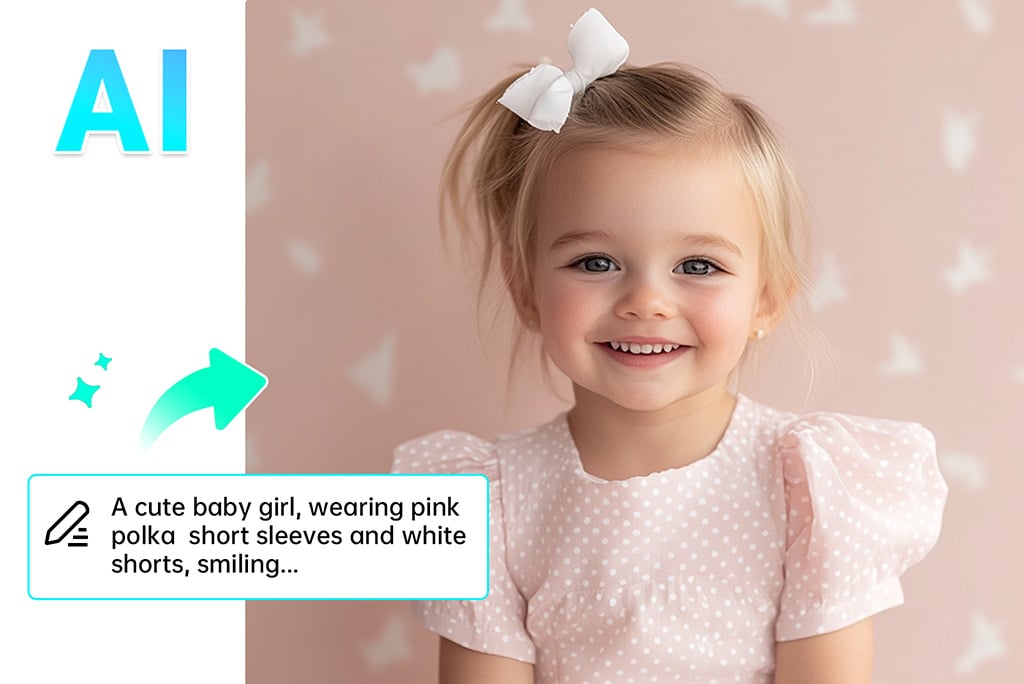
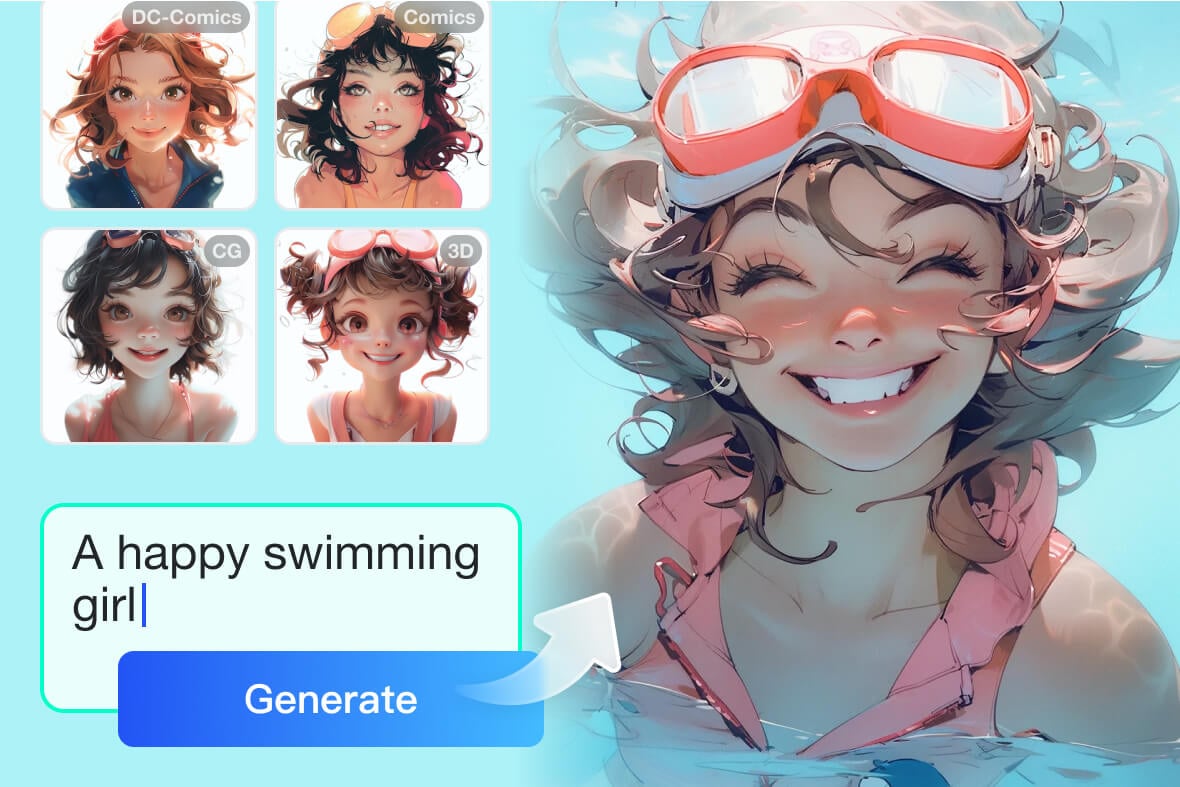
If you do not want to combine parent photos, use the AI image generator to describe a fictional baby character, including the setting, clothing, expression, and art style.


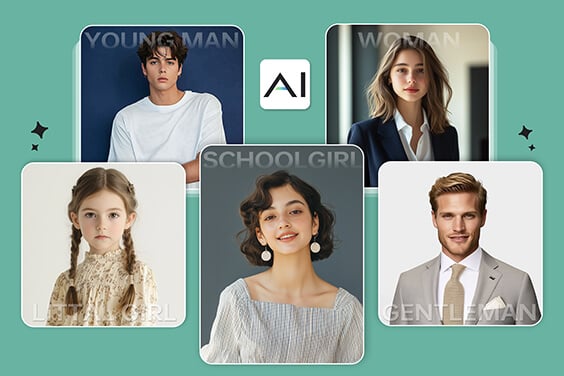
For a broader fictional portrait workflow, the AI face generator can create a new face from a description or reference image. Those tools serve a different task from this two-photo baby generator.

More AI Tools for Portrait and Age Ideas

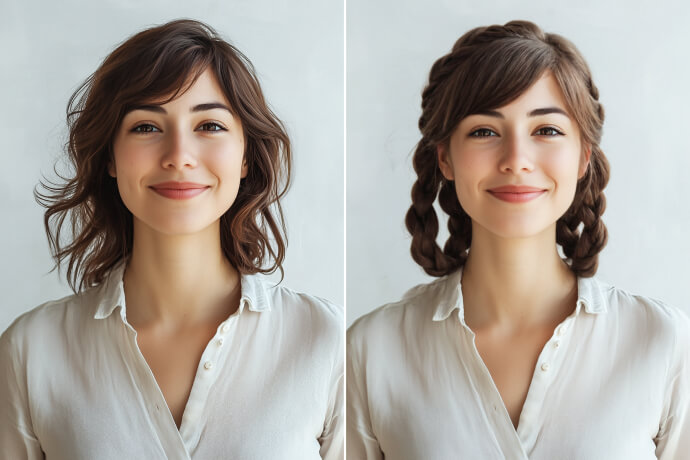
Choose a related tool when you want a one-photo age effect, a hairstyle change, or a portrait created from text.

How to Use the AI Baby Generator

Prepare two clear portraits, choose a style, and check the result before downloading.

Upload Two Clear Photos
1

1 Upload Two Clear Photos

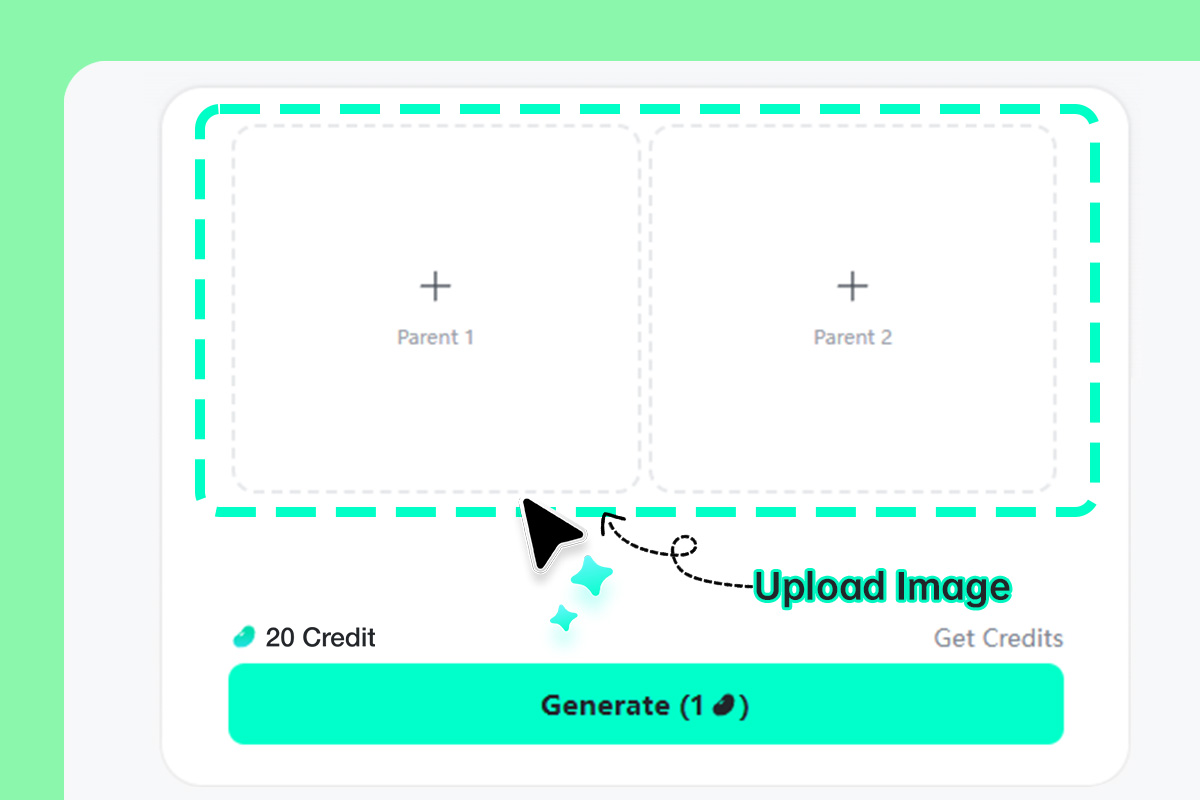
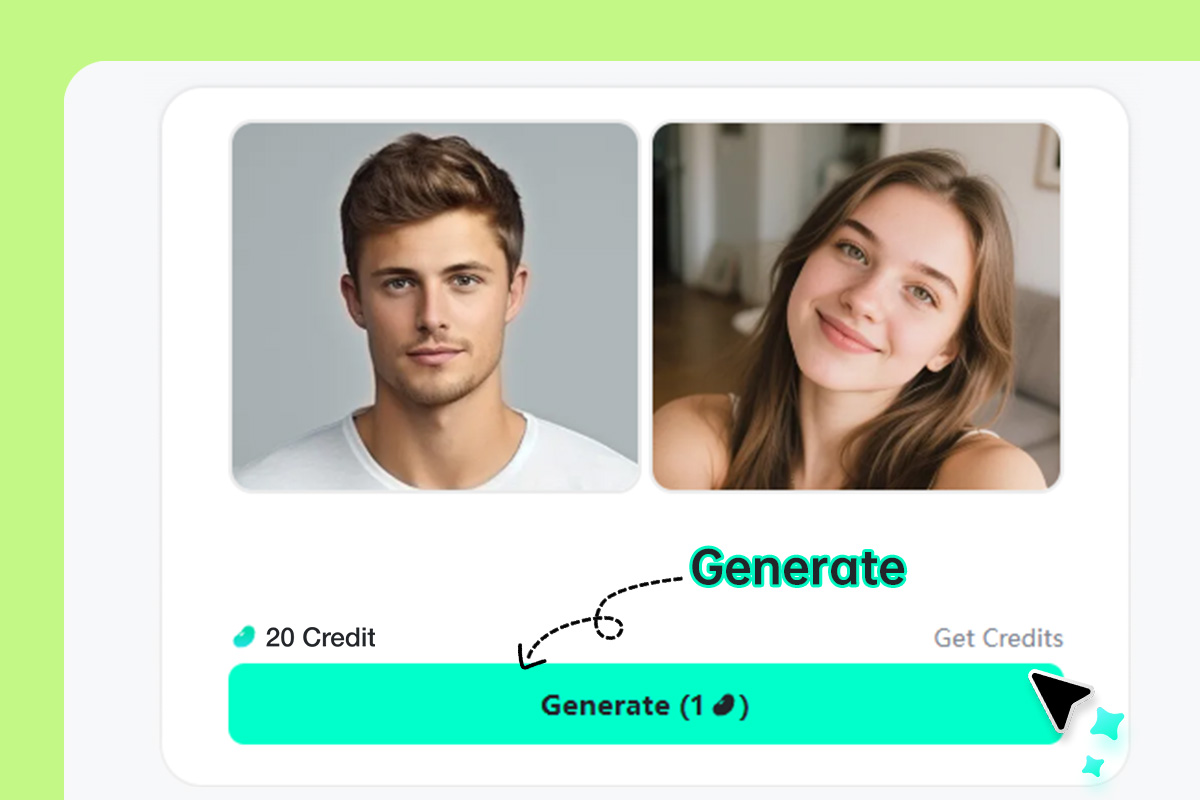
Add one photo to Parent 1 and one to Parent 2. Use front-facing portraits with good lighting, visible facial features, and no sunglasses, hands, or heavy filters covering the face.
Choose a Style and Generate
2

2 Choose a Style and Generate

Select a baby, child, teen, boy, or girl style from the options shown, then click Generate. Leave the page open while the two photos are processed.
Review, Retry, and Download
3

3 Review, Retry, and Download

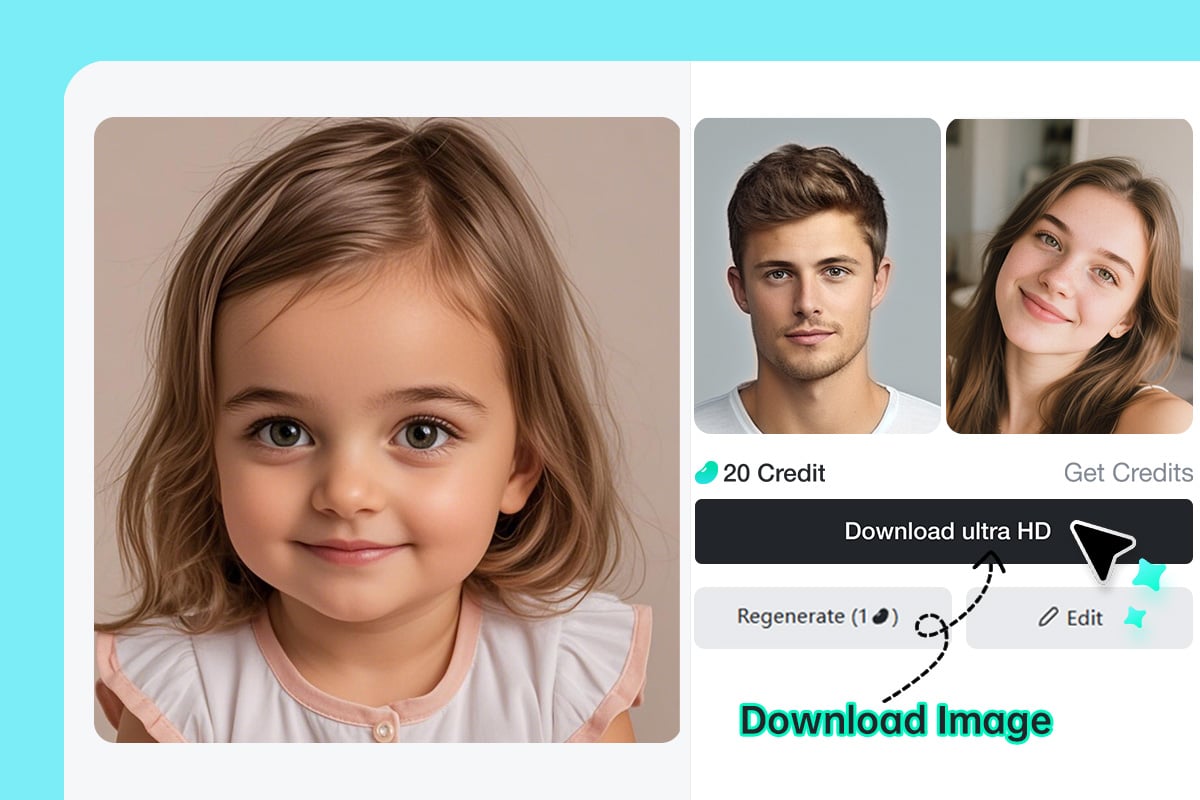
Check the face, eyes, hairline, and overall balance of the result. If it looks inconsistent, try another style or replace one source photo. Download the version you prefer.

Ways to Use the AI Baby Generator

Compare two-parent baby portraits, try age variants, or create a fictional family concept. Each result is an AI interpretation rather than a real-world forecast.

Ask: What Would Our Baby Look Like

Ask: What Would Our Baby Look Like?

Upload a clear photo of you and your partner to create a visual answer to a common couple question. Treat the result as a creative baby-face preview, not evidence of how a future child will actually look.
Compare Baby, Child, and Teen Versions

Compare Baby, Child, and Teen Versions

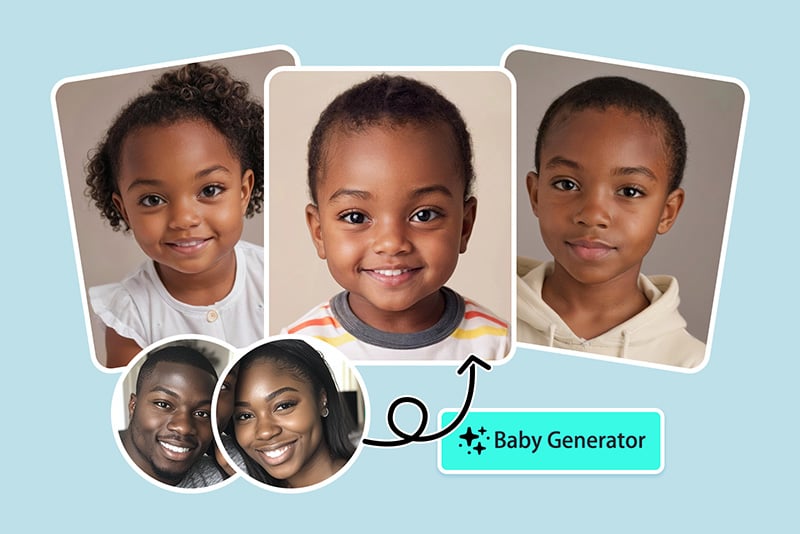
Generate the same pair of parent photos in several available age styles. This makes it easier to compare how the model changes the face, hairstyle, and expression from one version to another.
Imagine a Baby for Fictional Characters

Imagine a Baby for Fictional Characters

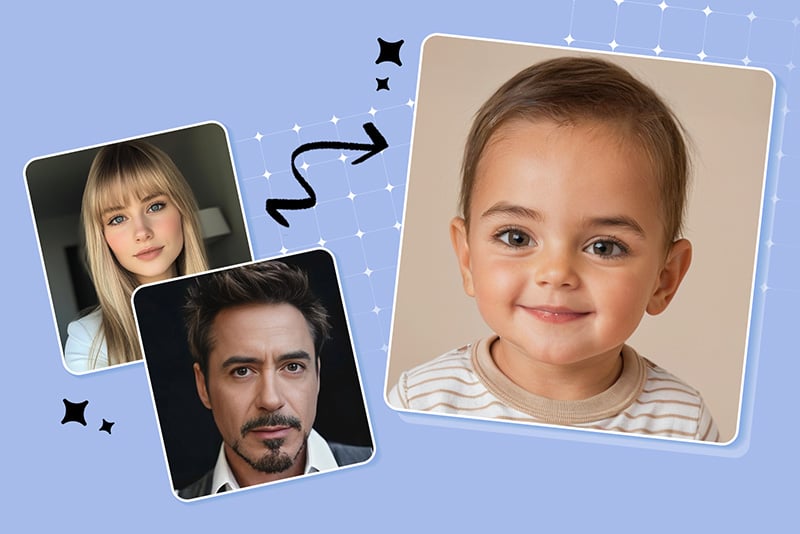
Combine portraits of fictional characters for fan art, story planning, or a playful design concept. Use images you are allowed to edit, and do not present the generated person as real.

Why Use insMind's AI Baby Generator?

A Clear Two-Photo Workflow

A Clear Two-Photo Workflow

Add one parent portrait to each upload box, select a style, generate the image, and inspect the result. The first screen shows the complete path without sending you through a separate editor first.
Several Age and Presentation Options

Several Age and Presentation Options

Try the styles available in the tool instead of relying on one result. Comparing baby, child, teen, boy, and girl versions can reveal how strongly each setting changes the generated portrait.
Permission-First Photo Use

Permission-First Photo Use

Use your own images or photos you have permission to upload. When sharing a result, describe it as AI-generated and avoid implying that it depicts a real child.
A Creative Preview, Not a Genetic Test

A Creative Preview, Not a Genetic Test

The model works from visible pixels in the uploaded photos. It does not access DNA, family medical history, or biological inheritance, so it cannot predict a future baby's real appearance or sex.

AI Baby Generator FAQs

What is an AI baby generator?

insmind expand icon
An AI baby generator creates a new baby portrait from two uploaded face photos. It uses the pictures as visual references; it does not perform a genetic, medical, or biological prediction.

Can AI really show what my baby will look like?

insmind expand icon
No tool can know exactly what a future baby will look like from photos alone. The output is a creative interpretation generated from visible details in the two reference images, and another generation may look different.

What photos work best for a baby face generator?

insmind expand icon
Choose two sharp, front-facing portraits with similar lighting and neutral expressions. Avoid side profiles, strong shadows, sunglasses, face-covering hair, heavy beauty filters, and very different crop sizes.

Which image formats can I upload?

insmind expand icon
The tool accepts JPG, JPEG, PNG, and WEBP images. If a file does not upload, convert it to JPG or PNG and try a smaller file.

How many photos do I need?

insmind expand icon
Use two photos: one in the Parent 1 box and one in Parent 2. You can use any two portraits you have permission to edit; the labels describe the two reference slots, not a biological test.

Why does the generated baby face look different from the parents?

insmind expand icon
Lighting, camera angle, expression, crop, image quality, and the selected style all affect the output. Replace the less clear photo, choose portraits with similar framing, or generate another version to compare.

Can I use the AI baby generator free online?

insmind expand icon
You can open the online tool and start the available generation flow. Credits, generation limits, resolution, watermark options, and downloads may depend on the account or plan shown in the product interface.

Can I choose a boy or girl version?

insmind expand icon
If boy and girl styles appear in the tool, you can select one as a visual presentation option. It does not predict the sex, gender identity, or real appearance of a future child.

Continue Editing and Creating AI Portraits

Use these tools for one-photo age effects, hairstyle previews, professional portraits, or faces created from text.