
AI Image to Video Generator
Upload a photo, describe the motion, and create a short AI video for social posts, product visuals, portraits, ads, and creative ideas.

Create Videos from Photos with Smart AI Conversion
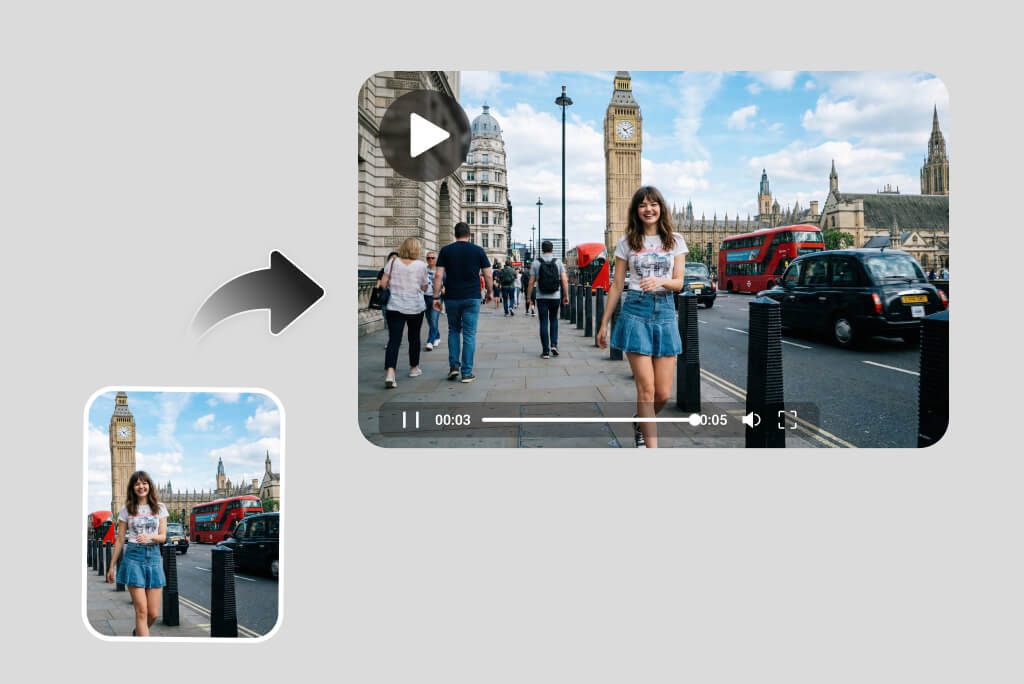
Turn one still photo into a polished AI video with smooth camera movement, natural subject motion, and a clear storytelling focus. Use it for portraits, products, pets, memories, or visual concepts without building a timeline from scratch. For broader video creation, explore AI Video Generator.
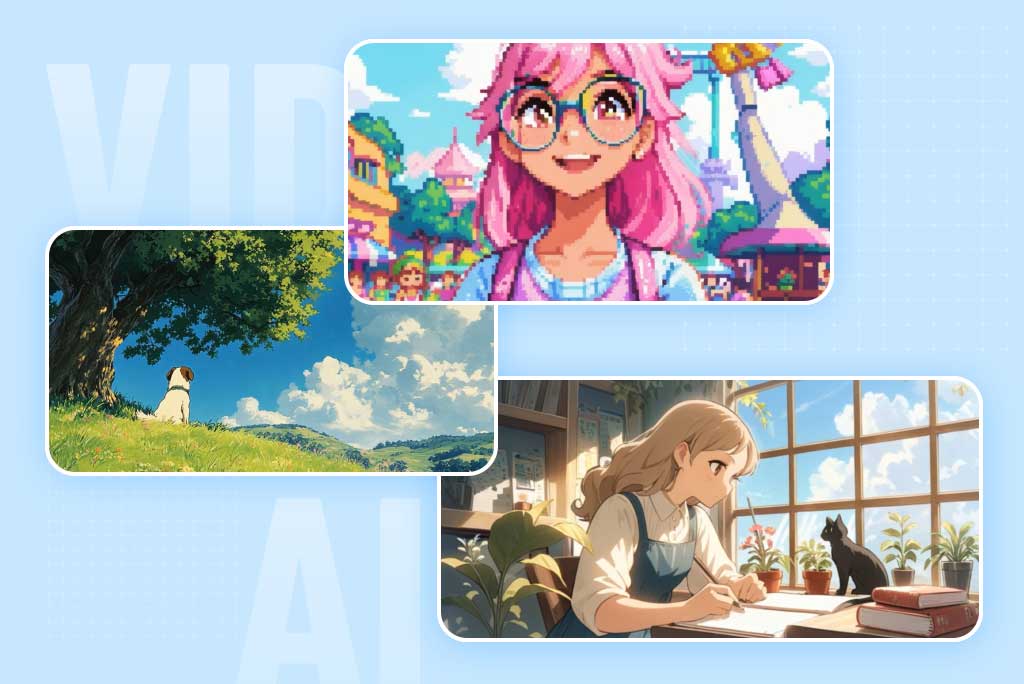
Simple AI Animation Video Maker for All
Create animated videos from images in styles such as digital art, anime, cartoon, Ghibli-inspired scenes, mini figures, or game-like visuals. Upload a picture, describe the style, motion, and mood, then let AI turn the still image into a short animated clip. It is built for quick creative tests, character scenes, and social-ready visual ideas without manual animation work.
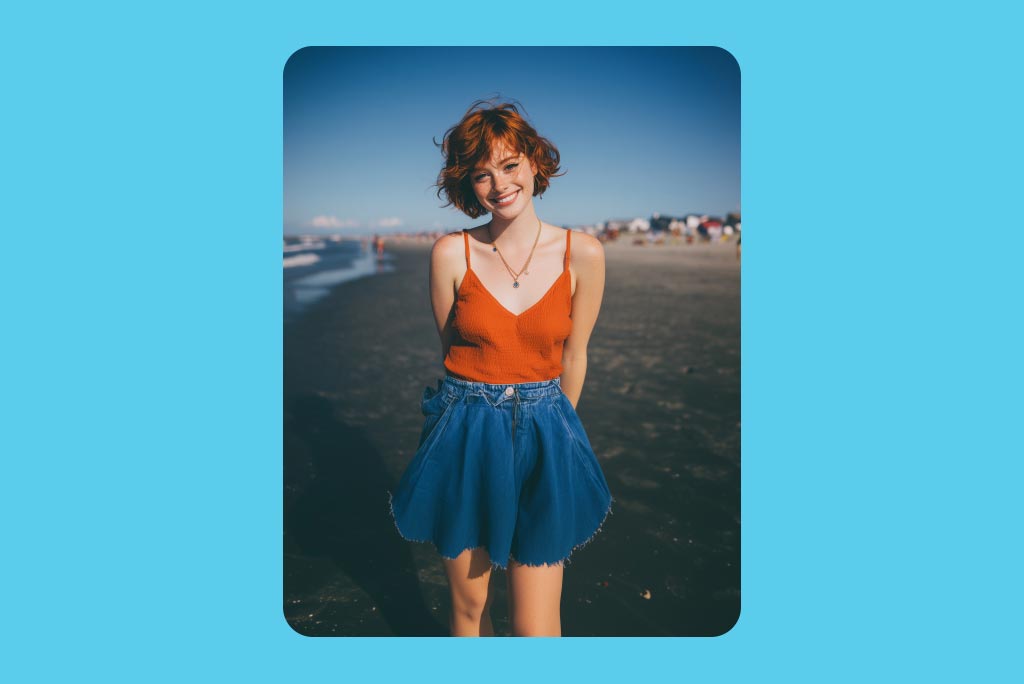
Explore Popular AI Image-to-Video Styles and Effects
Discover a wide range of AI video effects, including mermaid transformations, 360° rotations, 3D figure effects, dynamic camera movements, pet animations, fantasy scenes, character transformations, and more. Simply upload your photo, select a video effect, and transform it into an engaging video with one click. For face-focused motion, try AI Face Animator.
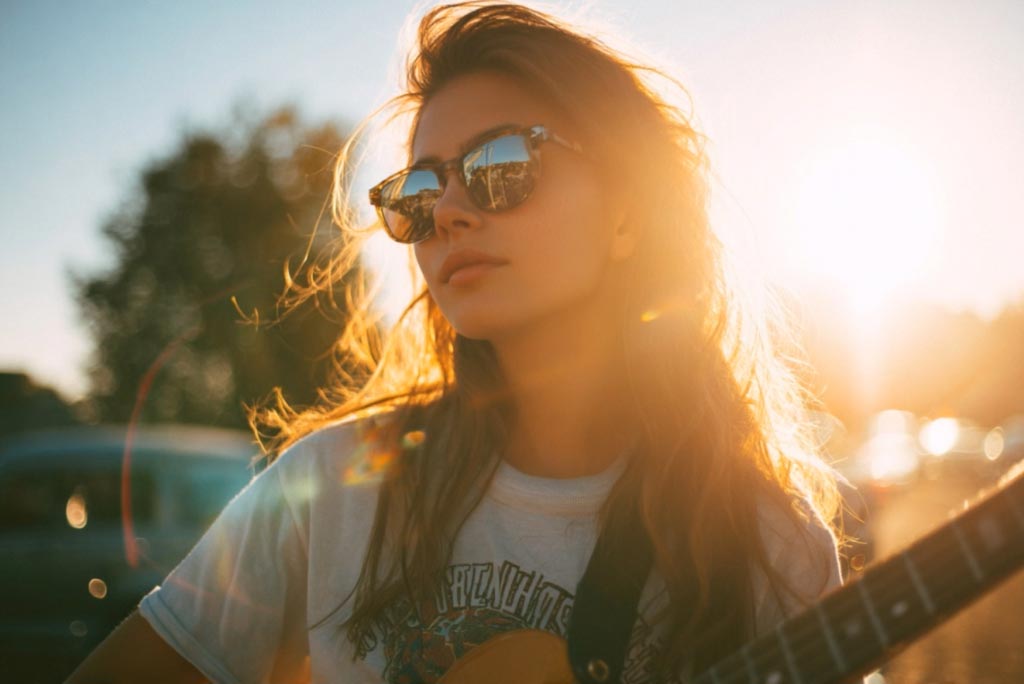
Make Videos from Images on Any Device
Create image-to-video clips on desktop, tablet, or mobile by uploading photos from your browser, gallery, or workspace. Keep the same workflow for quick drafts, social edits, product clips, and on-the-go content creation.
How to Turn an Image into a Video with AI
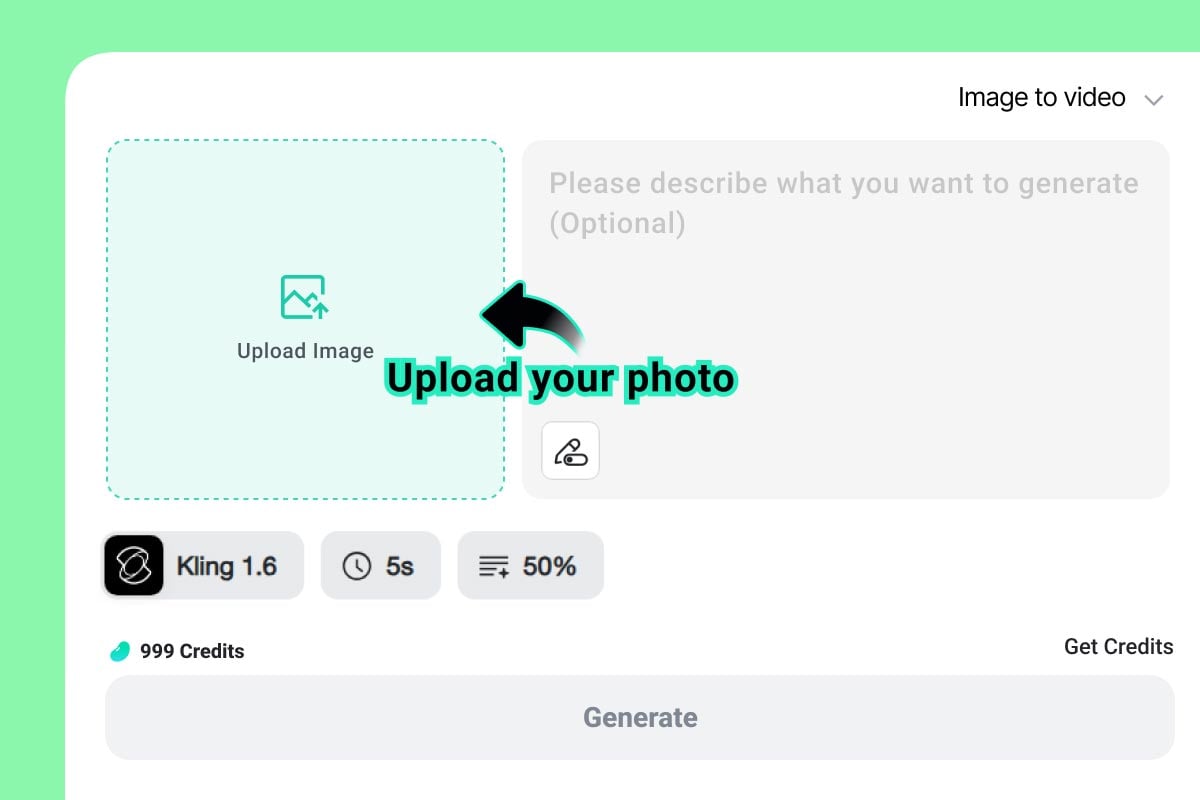
1 Upload an Image
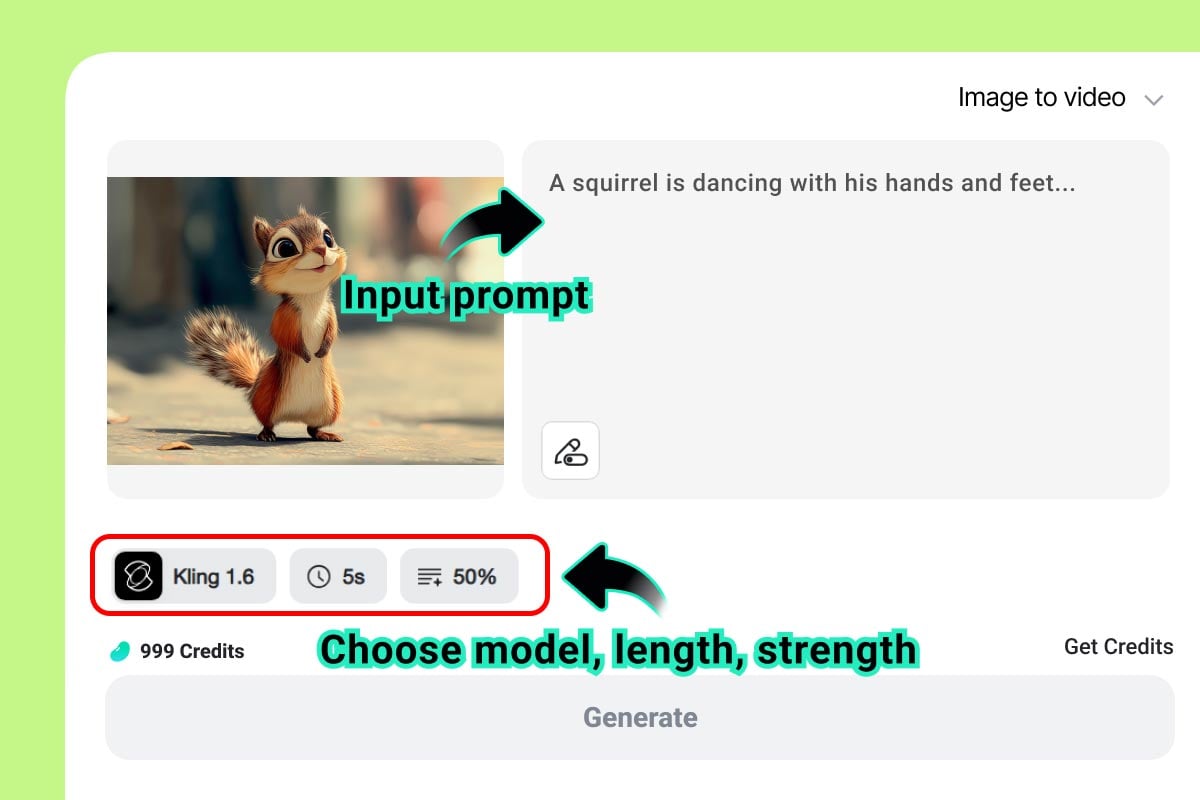
2 Write a Motion Prompt
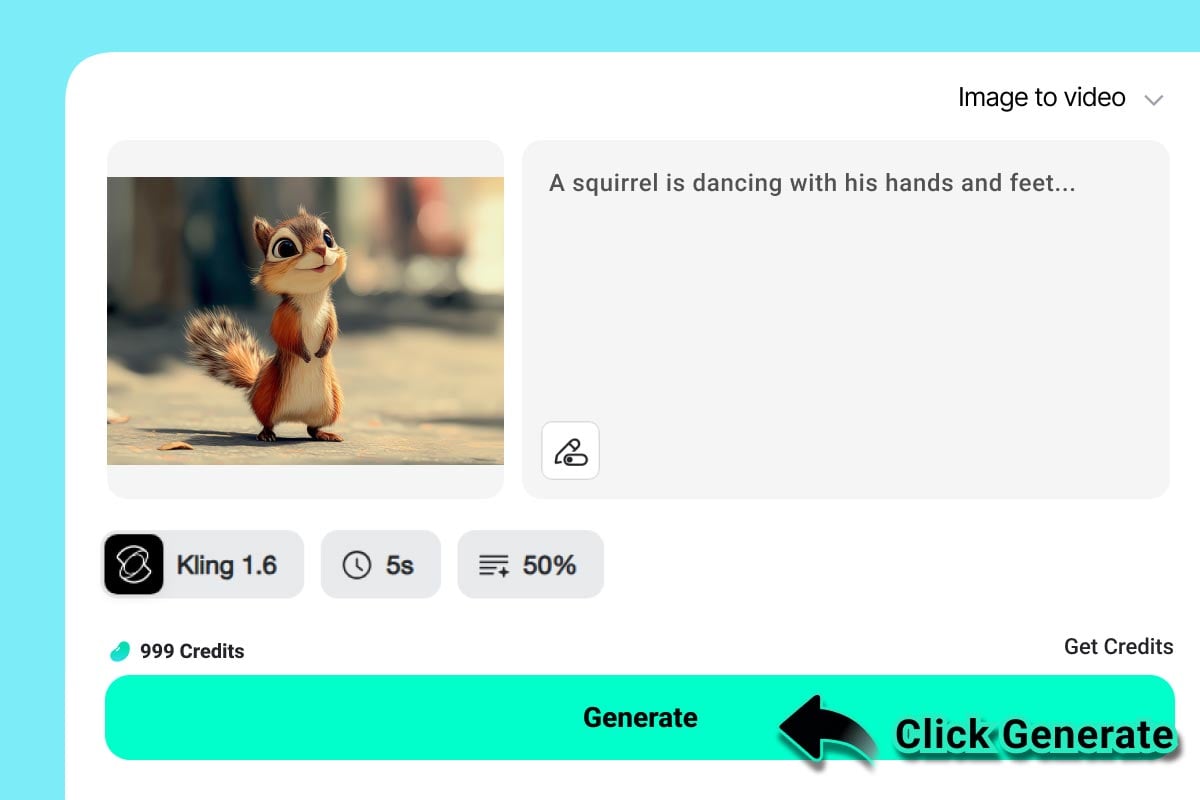
3 Generate and Preview
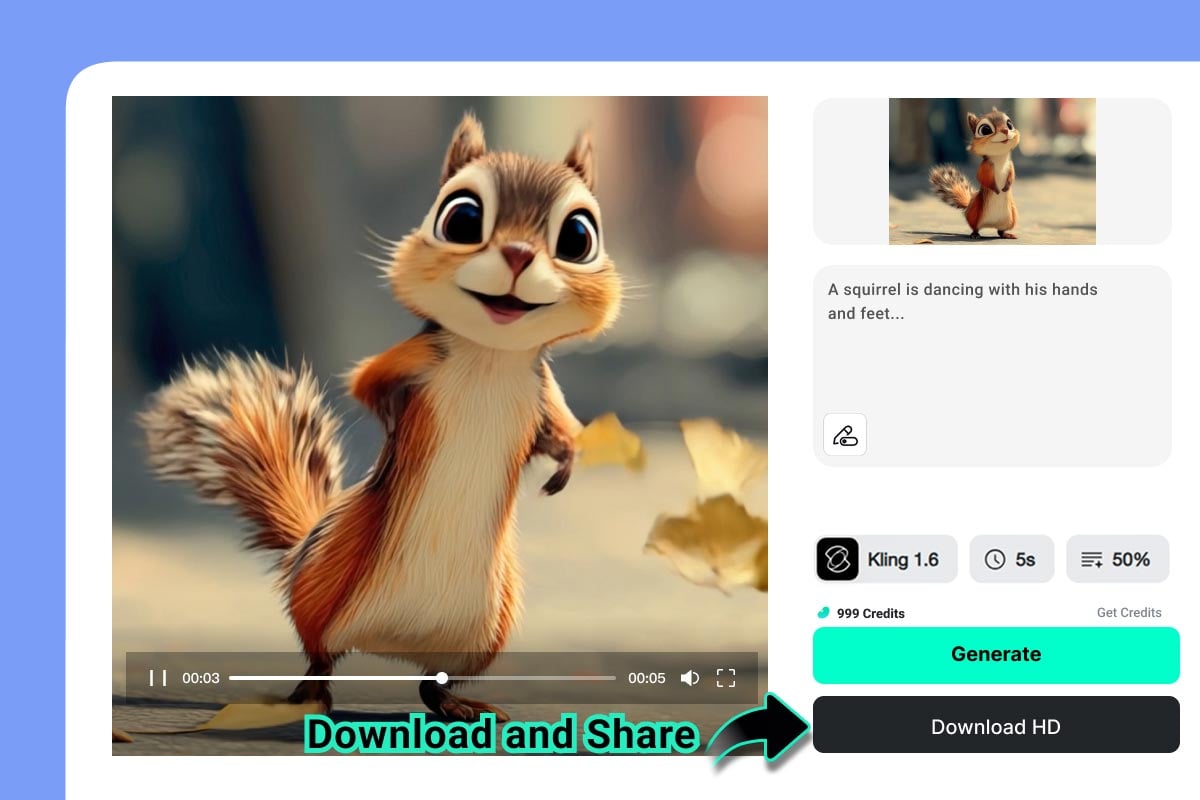
4 Download or Reuse
Use Image to Video for Social Posts, Product Promos, and Creative Motion
Practical ways to turn one still image into a short AI video.
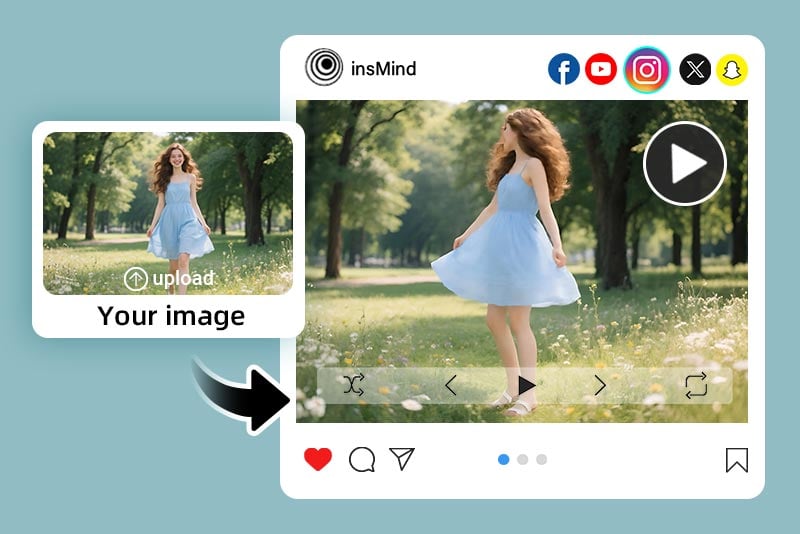
Social Media Clips
Animate a single image into a quick clip for TikTok, Reels, Shorts, posts, and creator updates.
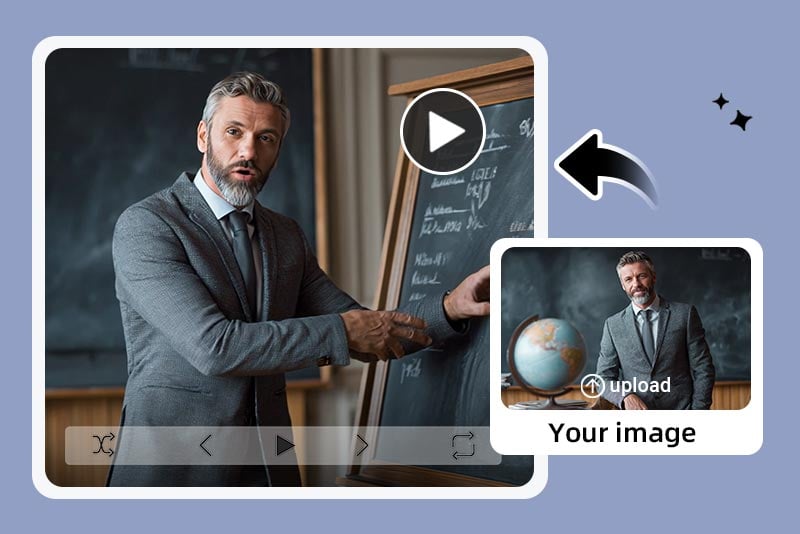
Business and Presentation Videos
Turn product demos, event photos, or presentation visuals into polished video snippets for teams and clients.
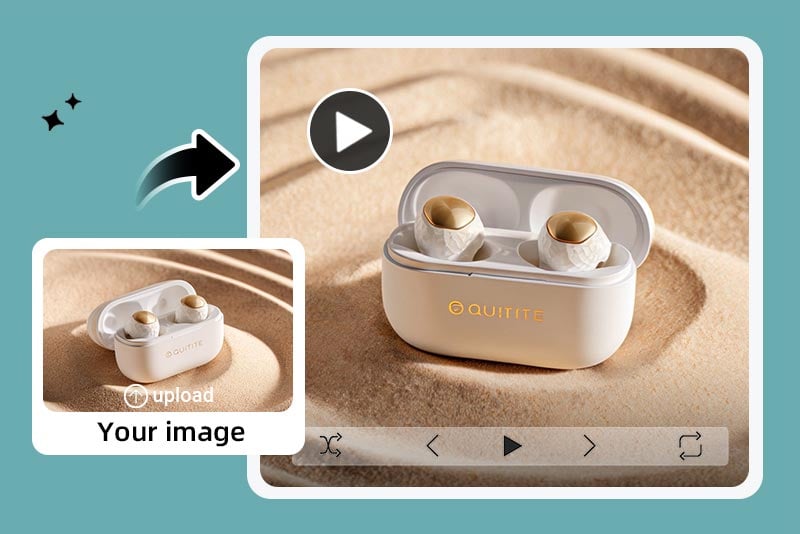
Ecommerce Product Promos
Add camera movement, clean lighting, and detail focus to product images for ads and store pages.
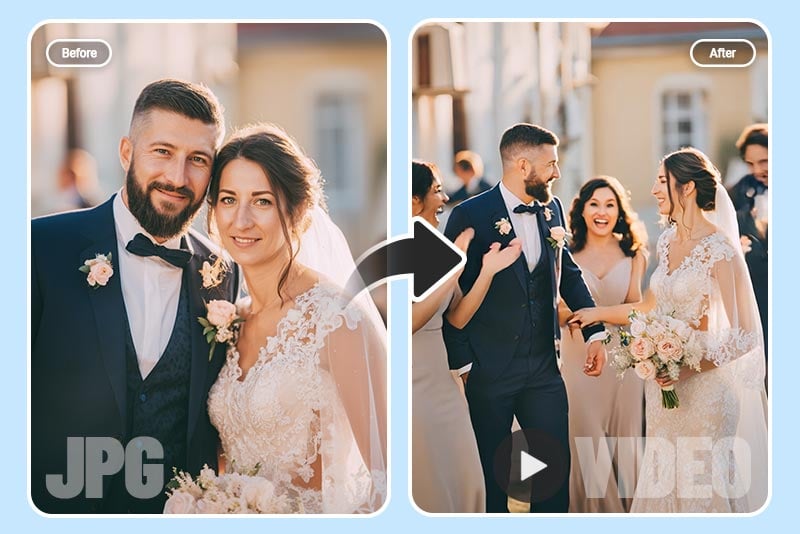
Travel, Event, and Memory Photos
Bring travel shots, wedding photos, family pictures, and personal moments to life as shareable clips.
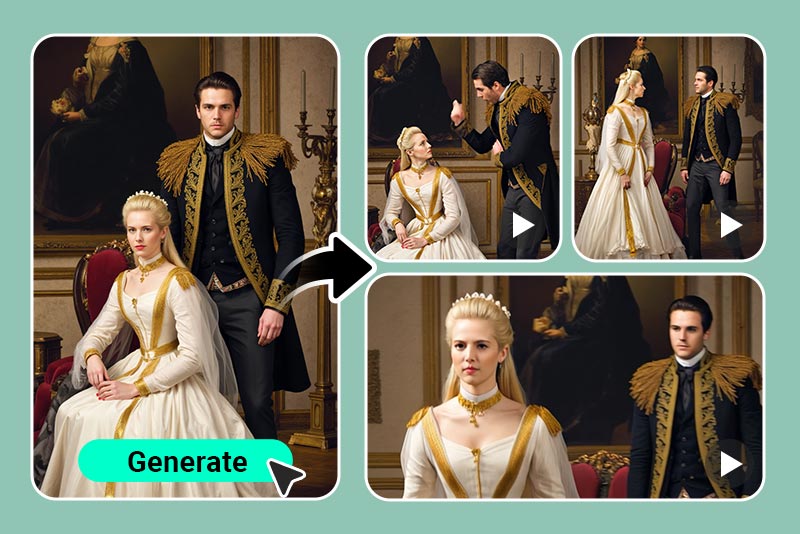
Content Creation
Create short intros, meme-style motion, campaign teasers, and visual hooks from static images.
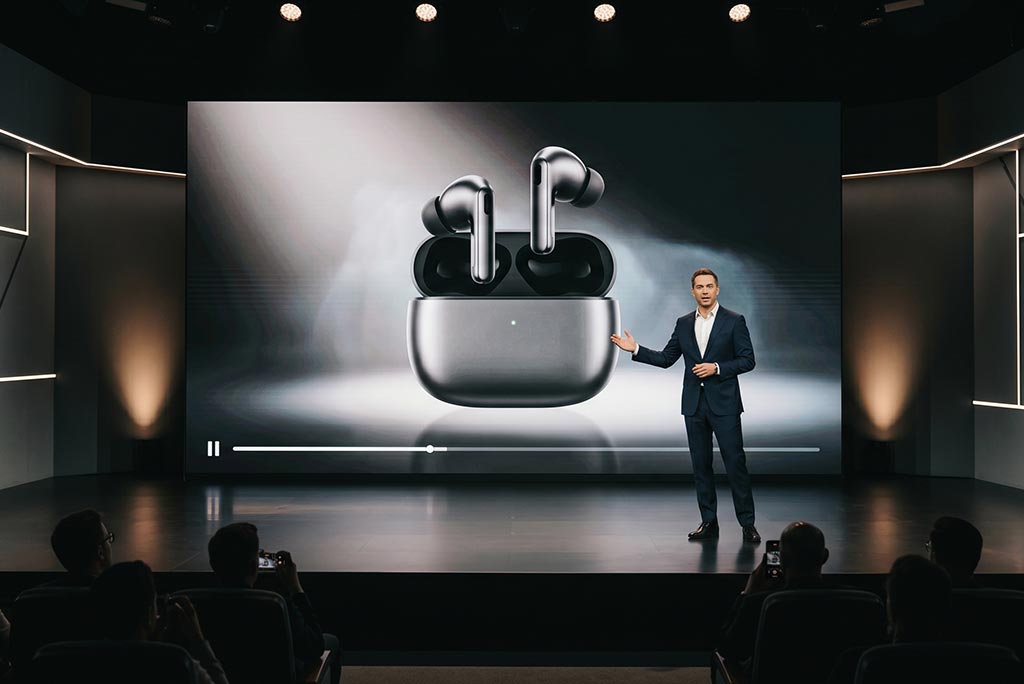
Product Demo and Launch Videos
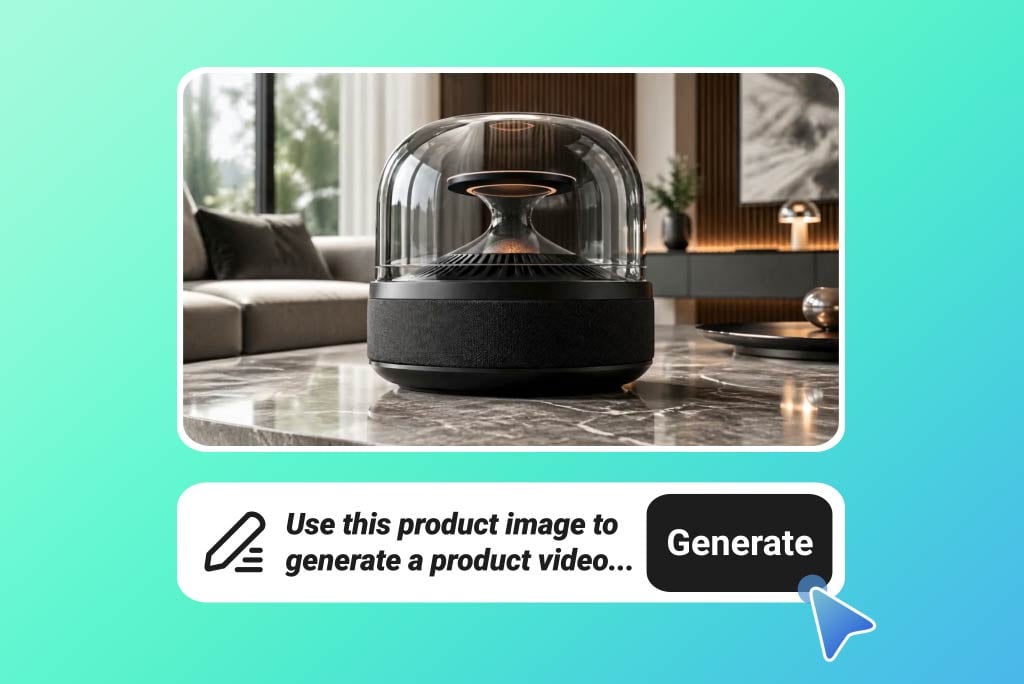
Turn product photos into launch videos, feature demos, or reveal clips with camera movement, clean lighting, and a clear product focus.
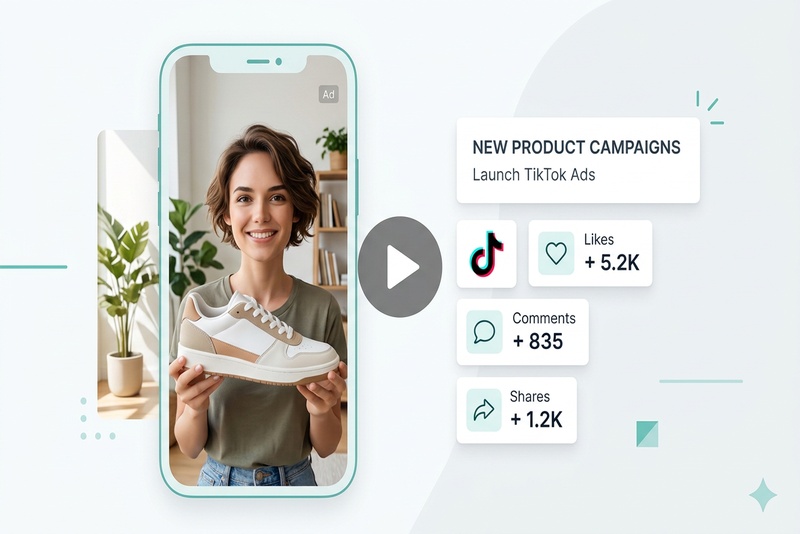
UGC Ads and Creator Videos
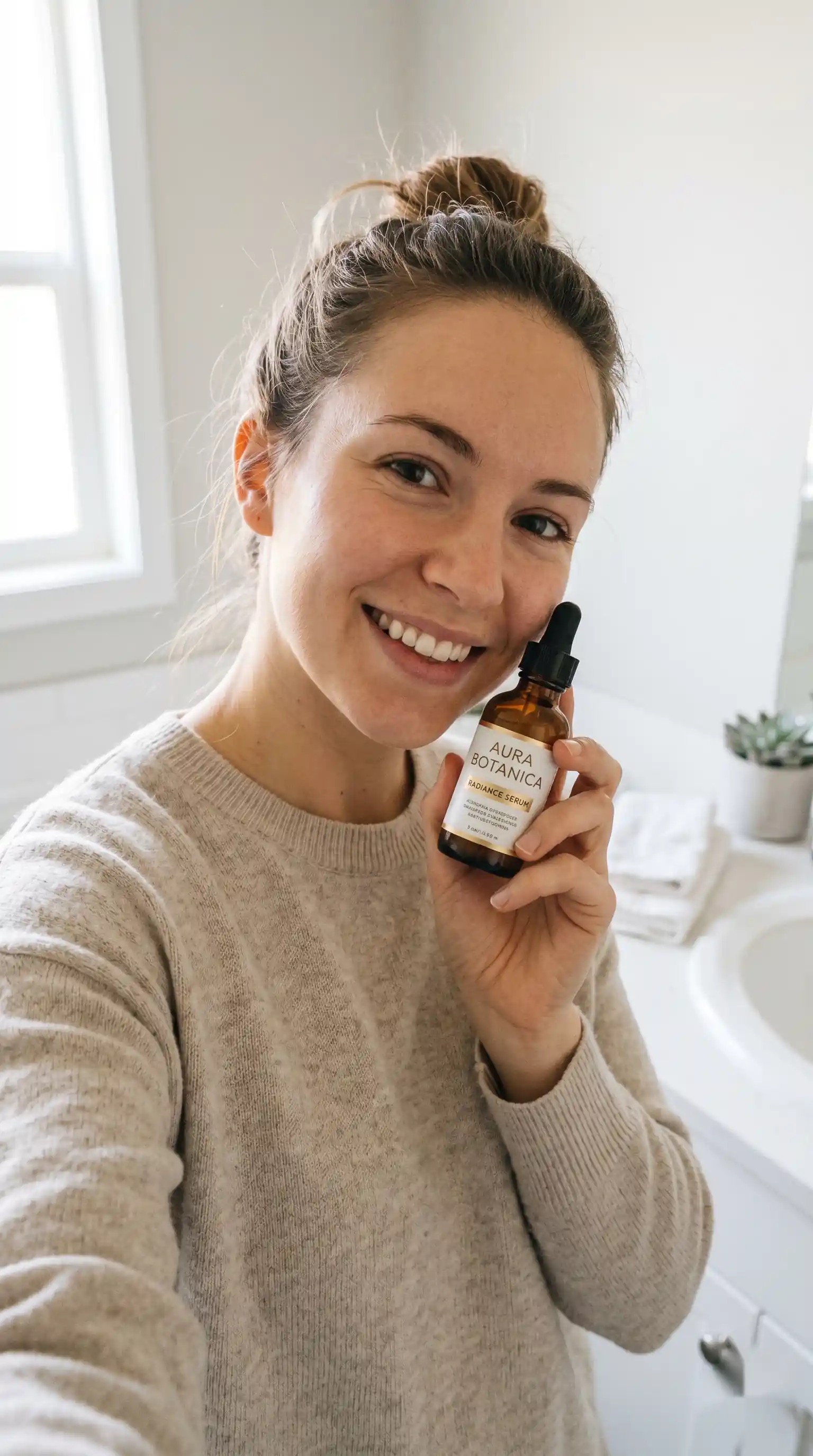
Animate selfies, product shots, or creator-style images into short UGC clips for TikTok ads, Reels, Shorts, and campaign tests.
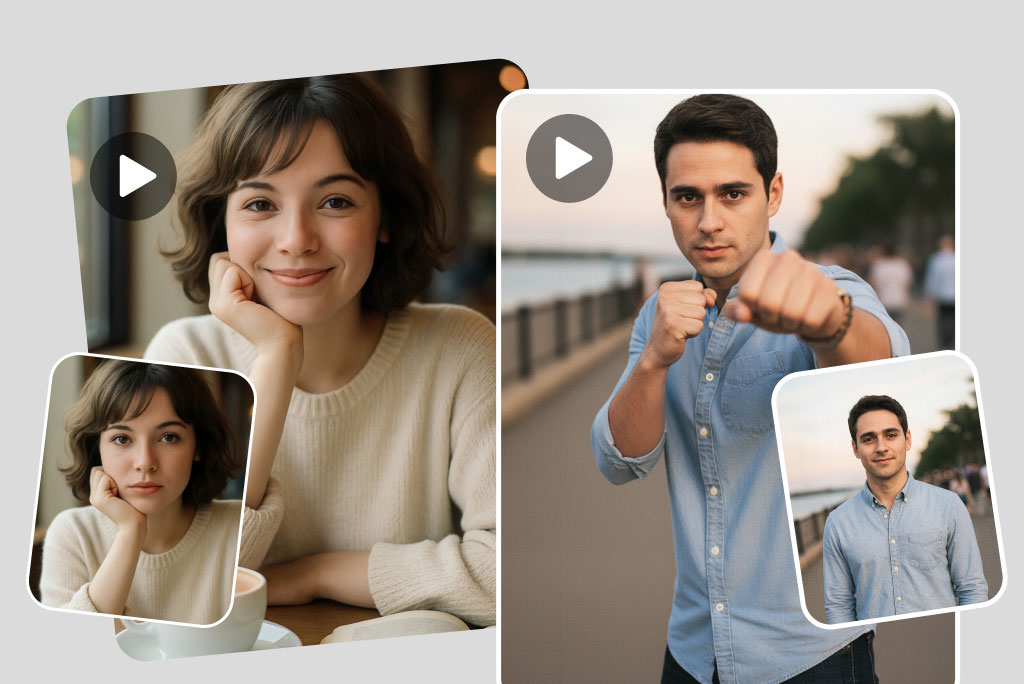
Portrait, Pet, and Character Animation
Add natural motion to portraits, pet photos, avatars, or character art for personal clips, profile content, greetings, and story ideas. For simple photo motion, see AI Photo Animator.
Why Use insMind AI Image to Video Generator

Simple Image-to-Video Workflow
Upload an image, add a motion prompt, preview the result, and create a usable short video without timeline editing.

Flexible for Many Image Types
Use portraits, products, pets, travel photos, lifestyle images, character art, and campaign visuals.

More Control with Prompts
Guide motion, camera movement, background mood, framing, and platform format with plain-language instructions. If your idea starts from a script, use Text to Video.
FAQs About AI Image to Video
What images work best for image to video?


Can I control the motion with a prompt?
Can I make product photos into videos?
Can I animate portraits or pet photos?
What video style should I describe in the prompt?
Is image to video useful for social media content?
Can I try image to video for free?
Can I use AI image-to-video results for business?
"I used this to turn lesson visuals into animated video clips for my classroom. Creating educational content from photos has never been this fast or fun — my students loved it!"
@Emily Carter