
An AI Image Upscaler increases image resolution by enlarging photos 2×, 4×, or 8× using artificial intelligence. Instead of stretching pixels, it rebuilds missing details and smooths rough edges. This makes images sharper and clearer. It's ideal for restoring old photos, improving e-commerce images, and preparing visuals for high-quality printing.

AI Image Upscaler: Upscale Your Images to 2K/4K with Improved Quality
00:00
00:00
up to 30 images
Or drop image here, paste image or URLTry with one of these


00:00
00:00
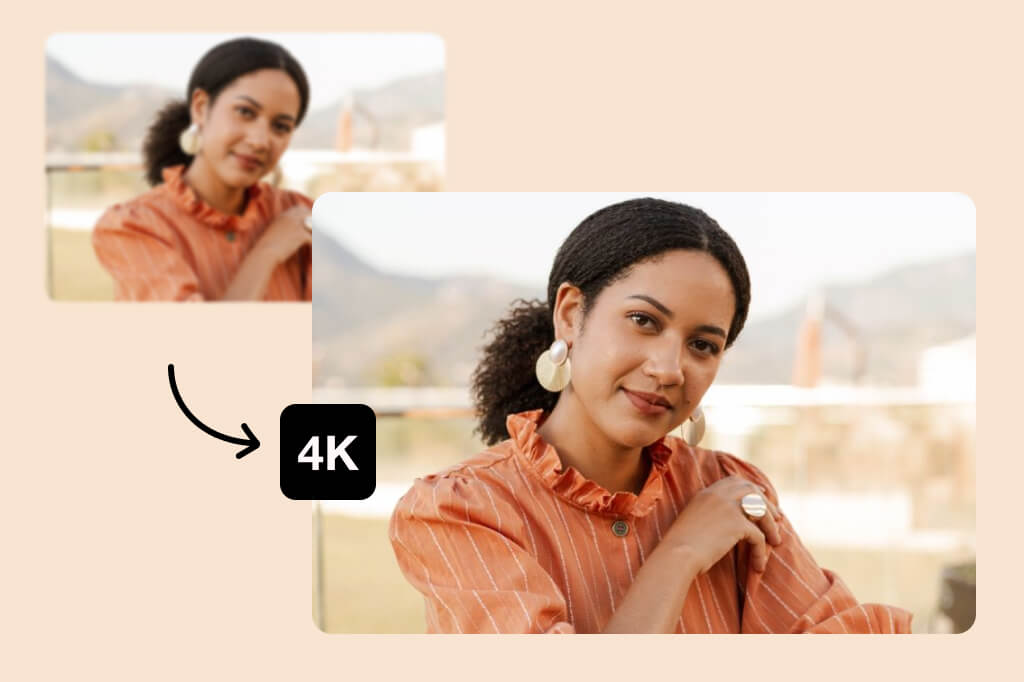
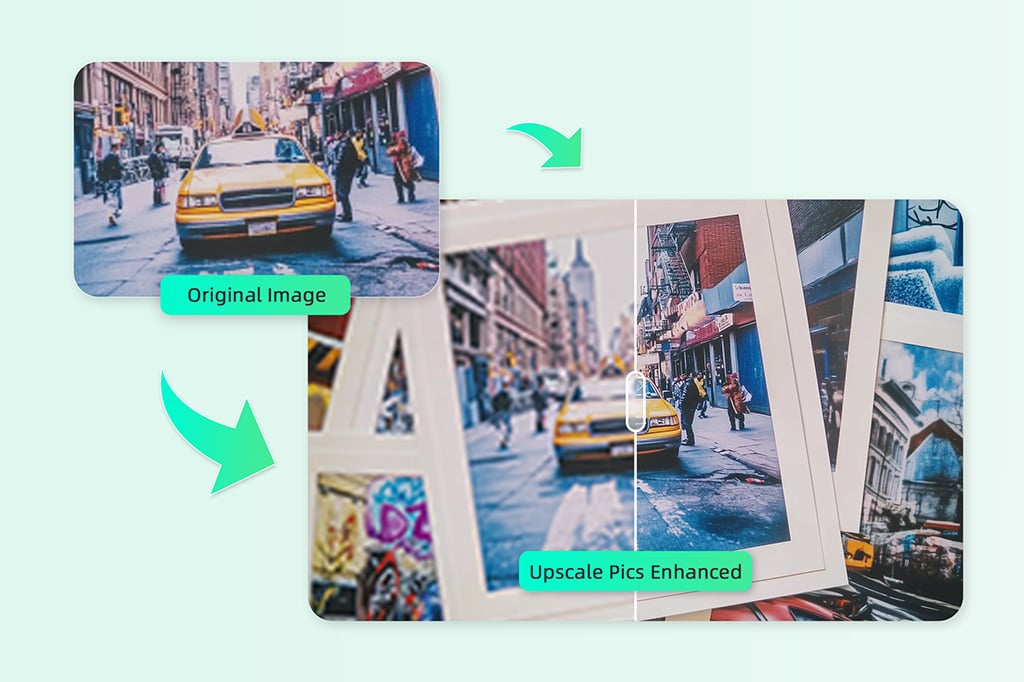
Turn Low-Resolution Photos into 4K and Beyond
Our 4K image upscaler lets you enlarge images to 2K and 4K without blur. Simply upload the photo and watch how it becomes clean and sharp after enlargement in seconds. This is perfect for large prints, big screens, professional presentations, and e-commerce product images. You get high-resolution results without artifacts or quality loss.
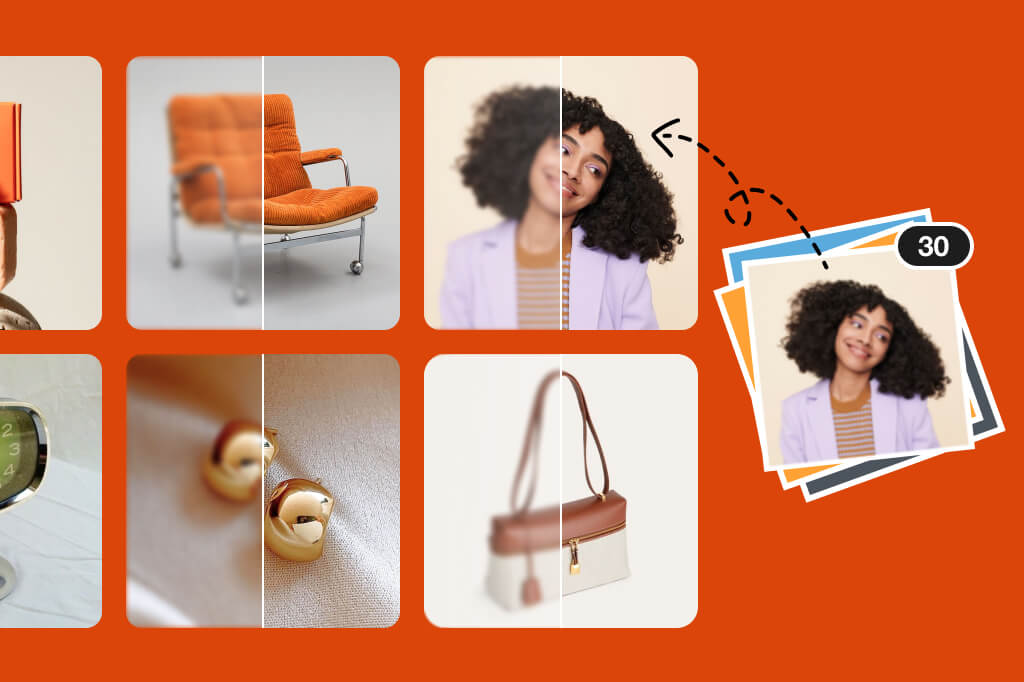
Batch Image Upscaling for Faster Workflows
If you want to upscale product images before sharing them on your online store, get them upscaled at once with the batch upscaling feature of our AI free image upscaler. You can upload up to 30 images and let AI process them together with one click.
Besides online stores, photographers, designers, and content creators can also process dozens or hundreds of images and keep consistent quality across every image. So, make your workflow efficient and deliver high-quality visuals every time.
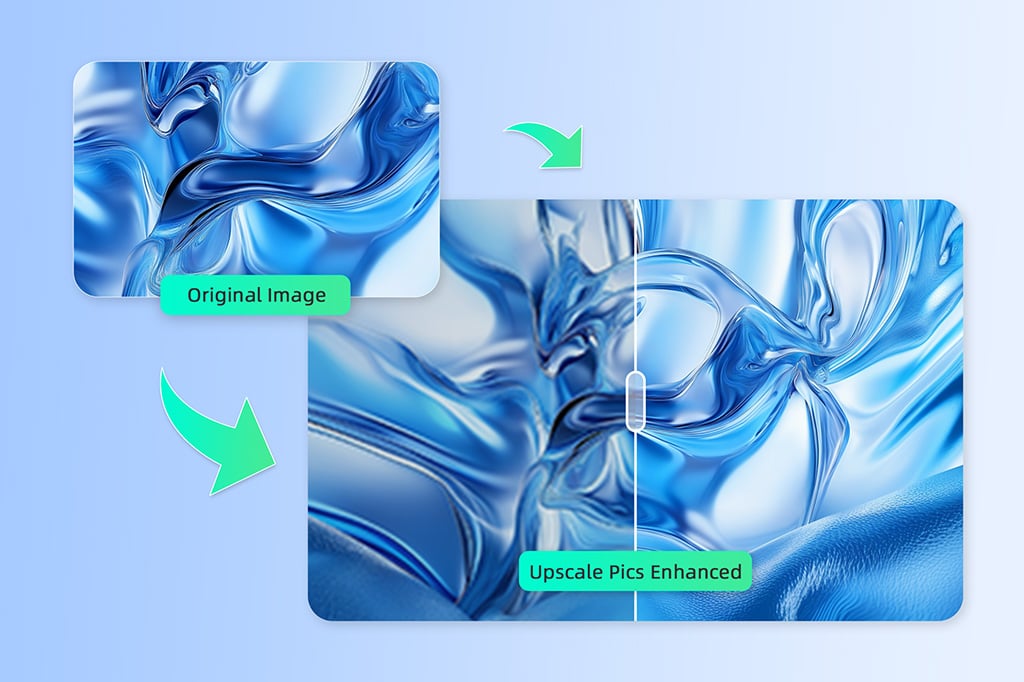
Enlarge Small Images to High-Resolution Without Losing Quality
Want to enlarge small images without pixelation? The problem with small or compressed images is that they get blurry when enlarged. With our AI upscale technology, you can enlarge small images without quality loss.
The AI rebuilds missing details instead of stretching pixels. This prevents blurriness and jagged edges when increasing image size. The result is a high-resolution image with smooth edges. This works great for old photos, thumbnails, social media images, and low-quality web downloads.
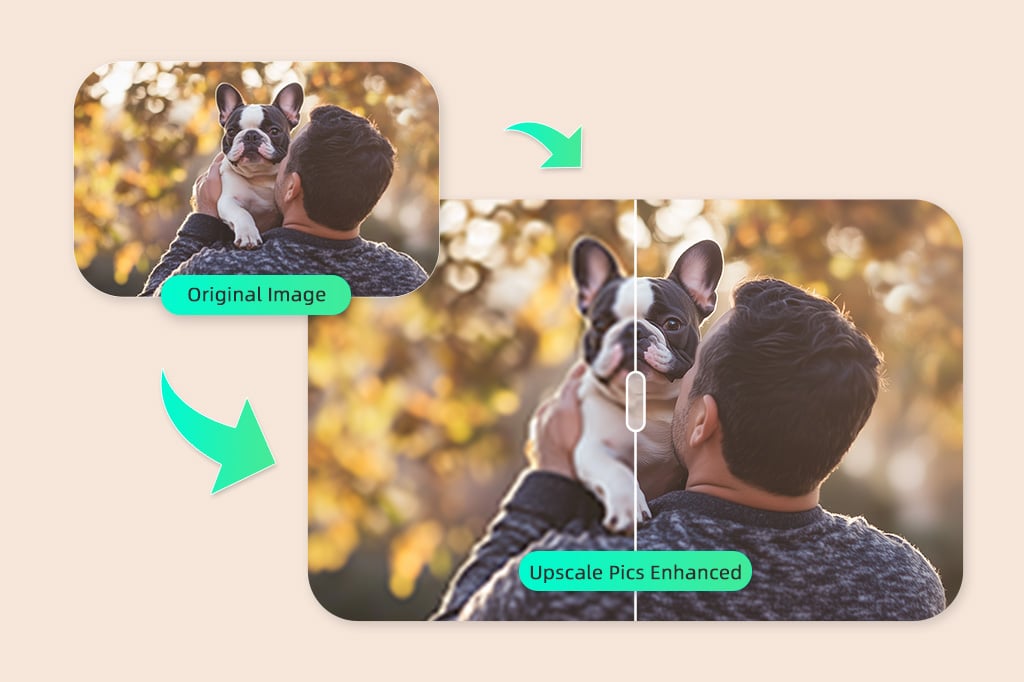
AI-Powered Pixel Reconstruction for Sharp, Detailed Images
AI analyzes surrounding pixels to reconstruct missing details during upscaling. It restores textures, sharpens edges, and improves facial features naturally. Enlarged images look realistic, not stretched or over-sharpened. This makes photos more balanced and professional at any size, even when enlarged multiple times.
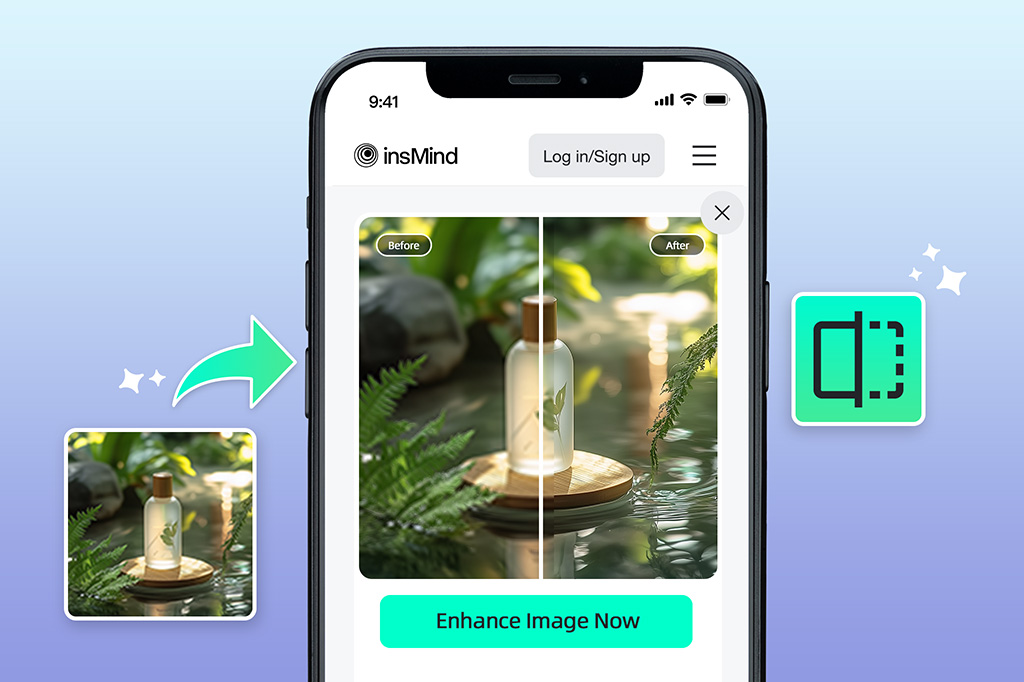
Upscale Photos Instantly on Mobile with AI
Our AI picture upscaler can also upscale images directly from your phone in just a few taps. You can use the browser or our iOS or Android app to upload and enhance photos instantly. It's perfect for posting high-quality social media posts, sending images on messaging apps, and making quick edits when you are on the go.
Explore More AI Image Upscaler Features
How to Upscale an Image Online with AI

1
1 Step 1. Upload Your Photo
Click the "Upload a Photo" button to upload your small, blurry image. To batch upscale multiple images, click the "Batch Upload" button and select up to 30 images at once.

2
2 Step 2. Upscale Your Photo
After uploading, choose either "2×" or "4×" for the upscaling level, then click the "Generate" button. The AI automatically enhances resolution, sharpens details, and enlarges your photos. All this happens while keeping the image natural and clear.

3
3 Step 3. Download the Image
After upscaling is complete, click "Download" to save your enhanced image. Your high-resolution photo is now ready for professional use.


Why Use an AI Image Upscaler?
An AI image upscaler lets you enlarge images without sacrificing quality. It rebuilds details and refines edges to enhance clarity and natural-looking results that work well for digital platforms and printing.
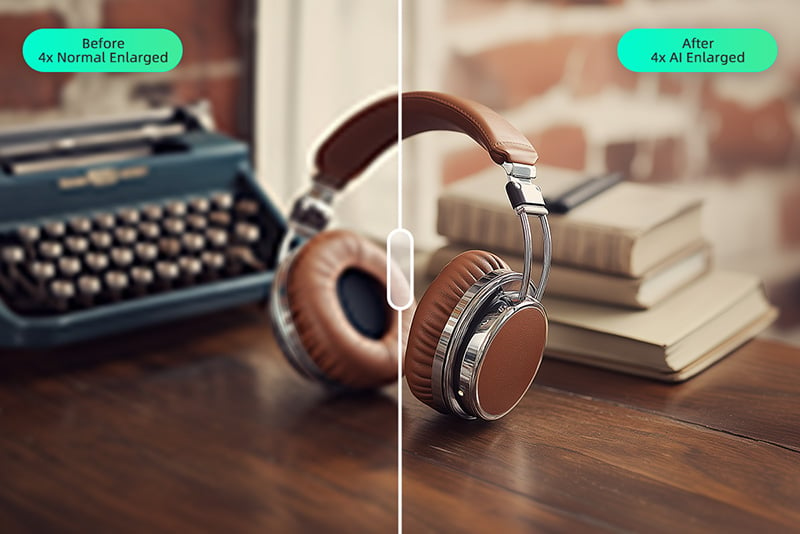
Upscale Product Photos for E-commerce
High-quality visuals build trust. Upscaled product images appear more detailed and more polished, which helps online stores showcase products better and increase buyer confidence across marketplaces and websites.
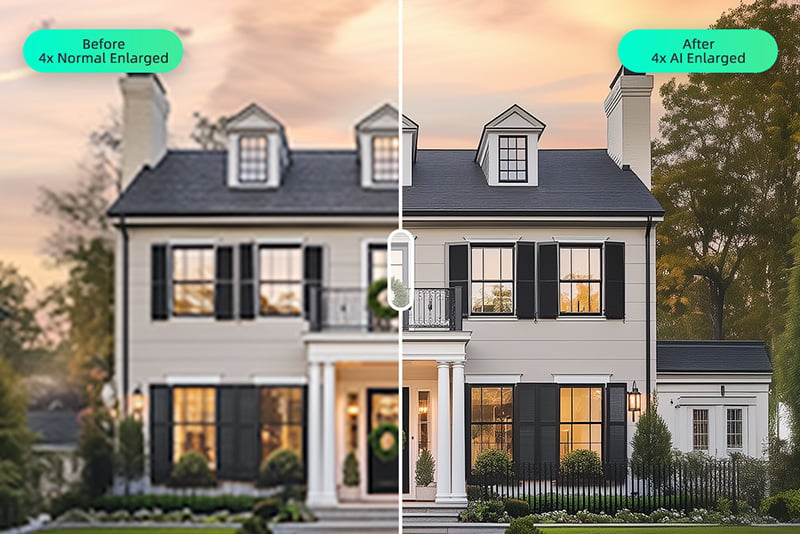
Upscale Images for Large Prints
Upscaling images improves clarity for posters, flyers, photo books, and large-format prints. AI keeps fine details sharp and clean, so enlarged images look professional and print-ready without blur or pixelation.
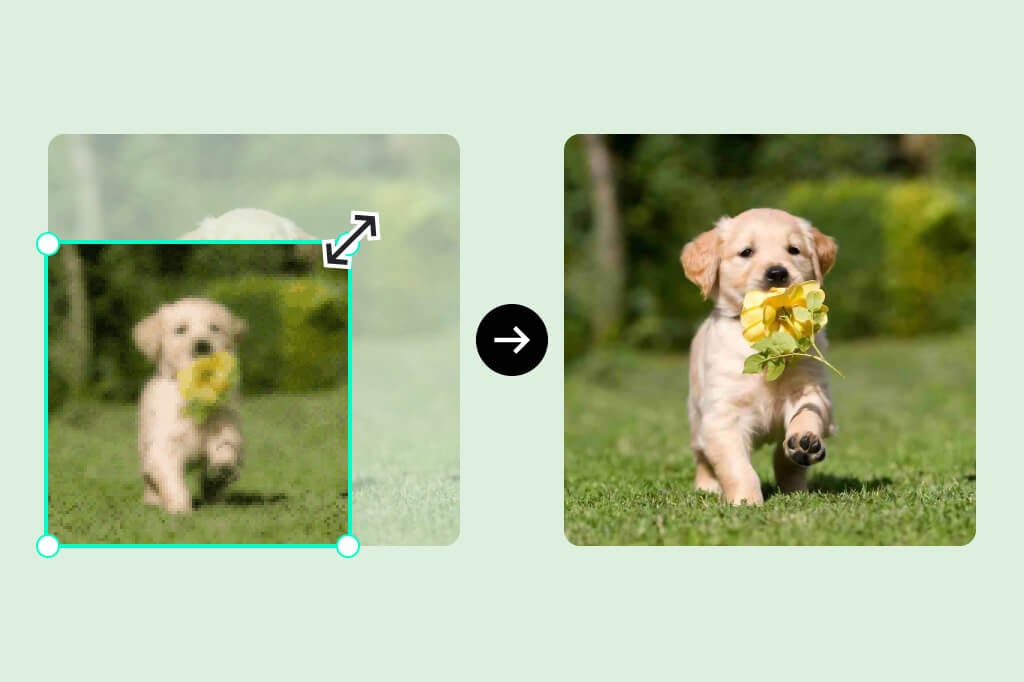
Make Small Images Bigger in High Resolution
AI makes it easy to turn small and low-resolution images into larger and high-resolution visuals. Details remain crisp and balanced, and the image avoids the stretched or blurry look common with traditional resizing.
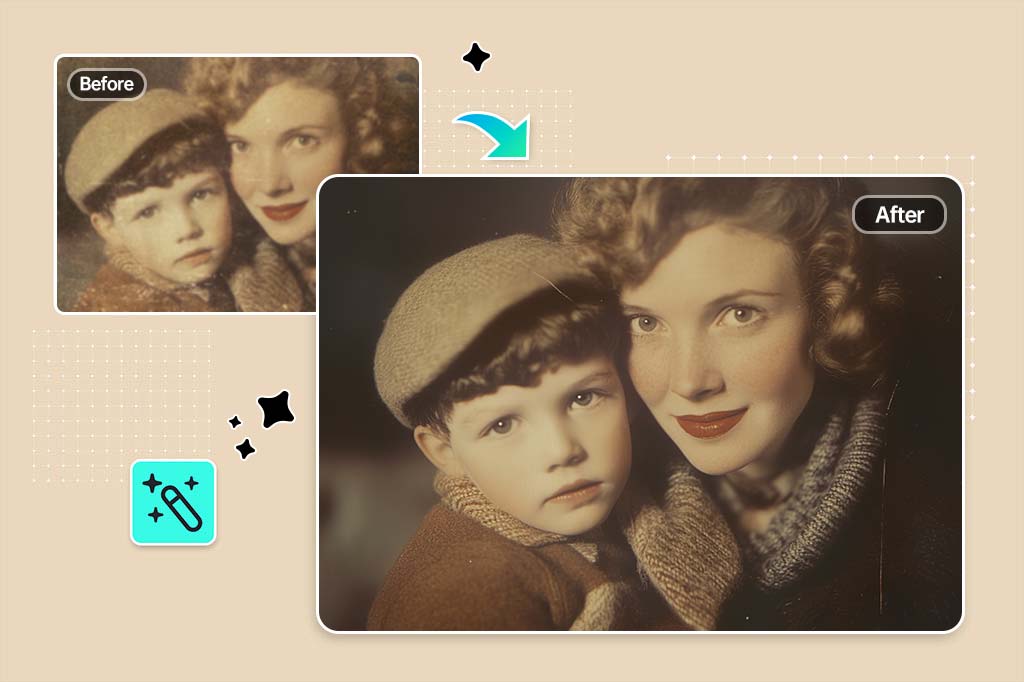
Enlarge Old Photos with Better Clarity
Old or scanned photos can be enlarged and have lost details restored. AI enhances textures and sharpness, so that vintage images become suitable for sharing or high-quality reprints.
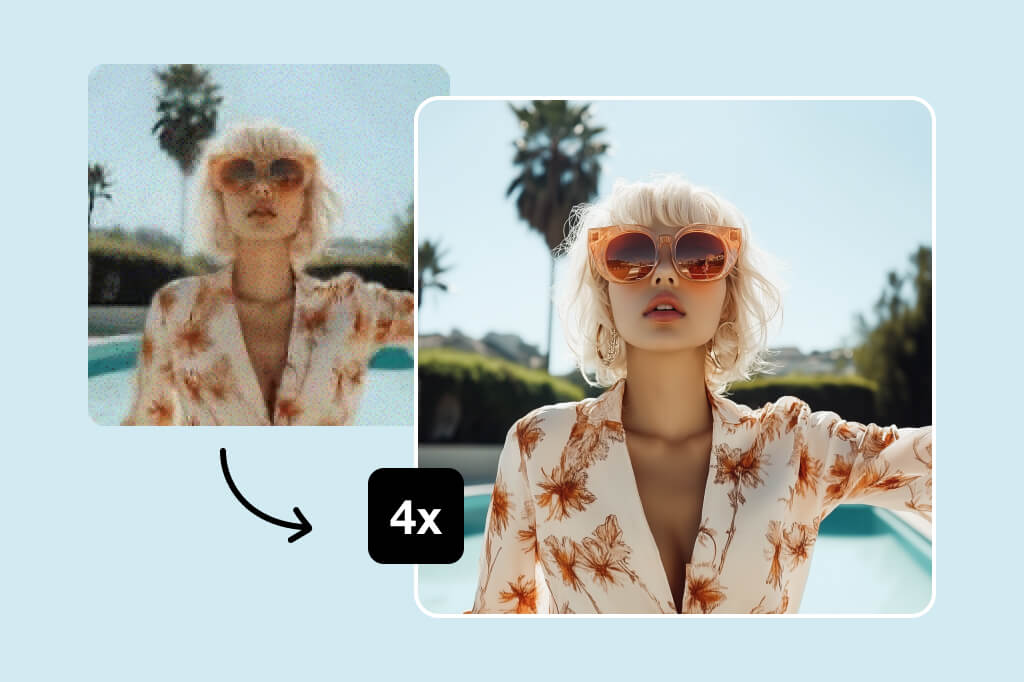
Reduce Jagged Edges When Enlarging
When images are enlarged, rough edges and aliasing often appear. AI removes jagged lines and smooths outlines, so the visuals look cleaner at any size.

Keep Edges Sharp and Natural
Edge preservation keeps text, objects, and outlines crisp after upscaling. The result is a natural and realistic image that maintains visual integrity without looking over-processed.
Image Upscaling Levels Explained: 2×, 4×, 8×, and 16×
insMind AI image upscaler offers multiple upscaling levels for different purposes, such as web use, printing, ultra-large displays, etc. Choosing the right scale helps you balance image quality, file size, and performance.
2× Upscaling – Quick Quality Boost
2× upscaling is ideal for everyday use. It works well for social media posts, websites, presentations, and light printing. File sizes stay manageable, and images appear sharper and cleaner.
4× Upscaling – Print-Ready Clarity
4× is a great choice for high-quality prints, e-commerce product images, and marketing visuals. It significantly increases resolution and maintains detail. This makes images suitable for flyers, posters, and large screens without excessive file size growth.
8× Upscaling – Large Format Enhancement
8× upscaling is best for large prints, banners, exhibitions, or detailed design work. It delivers strong detail recovery but results in larger file sizes. It is ideal when quality matters more than storage or load speed.
16× Upscaling – Ultra-High Resolution Output
16× upscaling is designed for extreme enlargement needs, such as billboards, wall art, archival restoration, etc. It produces large-sized and high-resolution images. It is best used when maximum detail is required, and file size is not a limitation.
AI Image Upscaler vs Traditional Image Resizing
Traditional resizing tools simply stretch images, which causes blur and pixelation. An AI image upscaler takes a smarter approach by rebuilding details and smoothing rough edges to have professional results with minimal effort.

Image Quality: Clear vs Blurry
Traditional resizing enlarges pixels as-is, which results in soft edges and visible artifacts. An AI photo upscaler reconstructs missing details, sharpens edges, and keeps textures natural. It produces clean and high-resolution images even at larger sizes.

Speed: Automated vs Manual Work
Traditional resizing involves manual efforts. It requires trial and error, adjustments, and extra editing hassle. AI upscaling works automatically in seconds. You just upload photo(s) and get cleaner and consistent results with a single click.

Skill Level: Beginner-Friendly vs Technical
Traditional tools usually require design experience to avoid poor results. AI image upscalers are built for everyone. Beginners and professionals alike can instantly enhance images without learning complex editing techniques.
FAQs About Image Upscaler
Can I upscale images without losing quality?


Yes. AI upscaling increases image resolution by reconstructing missing details instead of stretching pixels. This helps preserve textures and edges and delivers cleaner results compared to traditional resizing methods.
What is the best upscaling level to choose?
The best level depends on your use case. 2× works well for web and social media, 4× is ideal for printing and e-commerce, and 8× or higher is better for large formats and high-detail visuals.
Does AI upscaling work on old or low-resolution photos?
Absolutely. AI upscaling is effective for old, scanned, or low-resolution images. It restores clarity and improves overall quality, so aged photos become suitable for sharing or reprinting.
Can I upscale images for printing?
Yes. insMind AI image upscaler can prepare images for printing with one click. The AI increases resolution and keeps edges and details clean. All this makes photos suitable for posters, photo books, and large-format prints.
Will upscaling increase file size?
Yes, higher resolution means larger file sizes. However, AI upscaling balances detail and clarity efficiently, so file-size increases are reasonable given the chosen upscaling level.
What's the difference between 2×, 4×, and 8× upscaling?
2×, 4×, and 8× upscaling refer to how much an image's resolution is increased. Higher levels create larger, more detailed images. 2× upscaling doubles the image's resolution. 4× upscaling quadruples it. 8× upscaling increases it eight times.
What's the difference between 2K, 4K, and 8K upscaling?
2K, 4K, and 8K upscaling refer to the target image resolution, with higher numbers producing larger and more detailed images. 2K refers to 2048×1080, 4K to 3840×2160, and 8K to 7680×4320, making each level suitable for progressively larger displays and higher-quality prints.
Is AI upscaling better than Photoshop?
AI upscaling is faster and easier for most users. Photoshop requires manual adjustments and expertise, while AI delivers consistent and high-quality results automatically with simple clicks.
How long does AI upscaling take?
With the help of insMind's 4K upscaler, most images are upscaled within seconds. Processing time may vary slightly based on image size and upscaling level, but results are delivered quickly without manual editing.
What's the difference between an AI image enhancer and an AI image upscaler?
An AI image enhancer improves the overall quality of a photo by adjusting sharpness, colors, brightness, and reducing noise. An AI image upscaler increases the image's resolution, enlarging it while preserving or enhancing details. In short, the enhancer focuses on quality, while the upscaler focuses on size and detail.
What image formats are supported?
insMind's AI photo upscaler supports common image formats, including JPG, JPEG, PNG, and WebP.
You might be interested in
Make your pictures pop with features that are completely free.

AI Background
Generate realistic backgrounds with one click

Smart Resize
Automatically resize all images to all your different media channels

White Background
Easily add white background to images with one click.

AI Shadows
Enhance product photos with insMind AI, adding realistic, high-quality shadows and reflections instantly for a professional studio look

Transparent Background
Remove and edit backgrounds easily with transparent results.

Magic Eraser
Effortlessly erase unwanted objects, including text and logos, from your photos to perfect your product collages instantly
"I had some product photos that needed to be enlarged for an online store, and insMind's AI Image Enlarger worked perfectly. The images retained their clarity, and the whole process was super easy. It's now a key tool in my editing arsenal."
@Tom R