


Bring an old film feeling to your photos with a simple retro filter. Upload your picture and watch the tool add soft grain, faded colors, and tiny marks that feel real. These small changes give your photo a warm and classic style. The vintage effect makes the image feel deeper and more emotional without hard editing. Use our vintage look generator on portraits, travel photos, or normal everyday shots to create a look that feels calm and timeless. With one quick click, you can make a photo look old and full of memory. Try it and see your picture change into a gentle vintage moment.

Create Retro Looks Instantly with Vintage Photo Filter Online
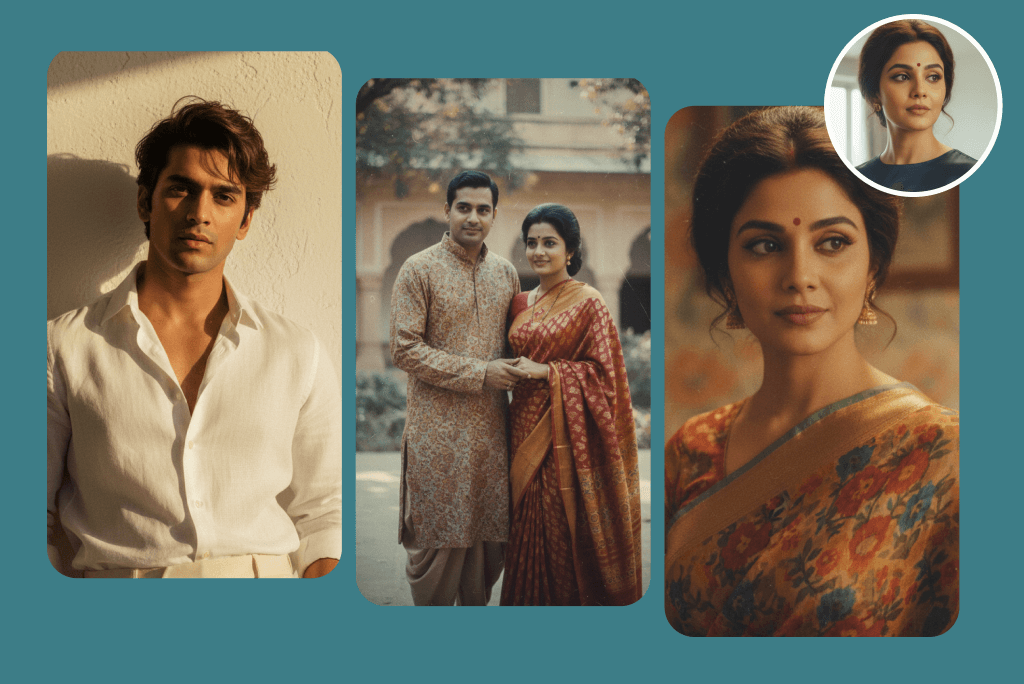
Examples of Vintage Retro Photos Created by Gemini AI Model
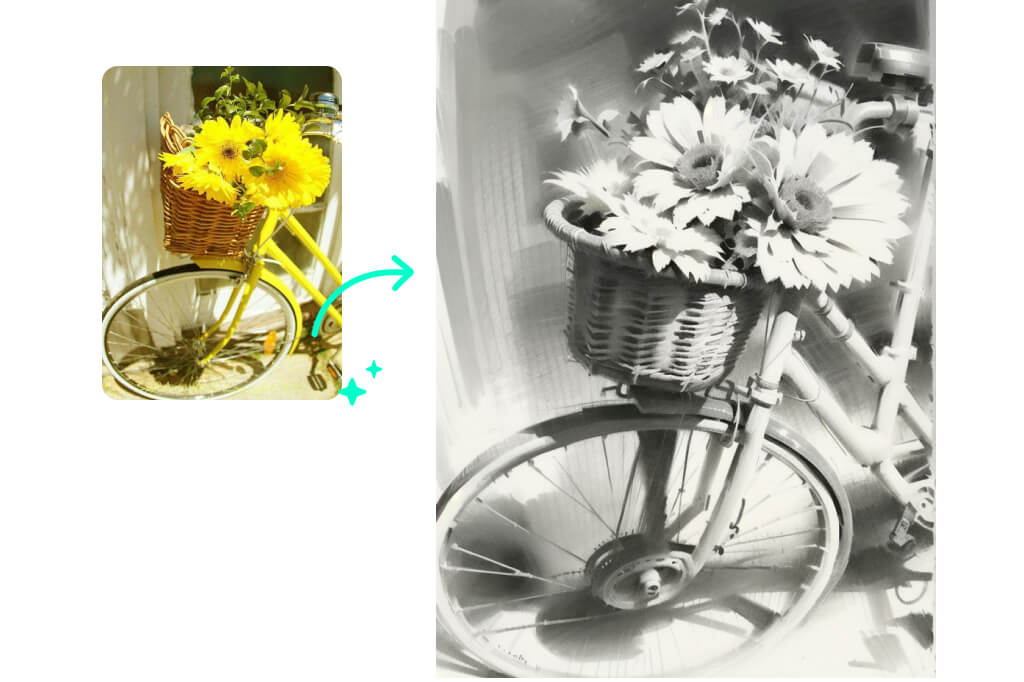
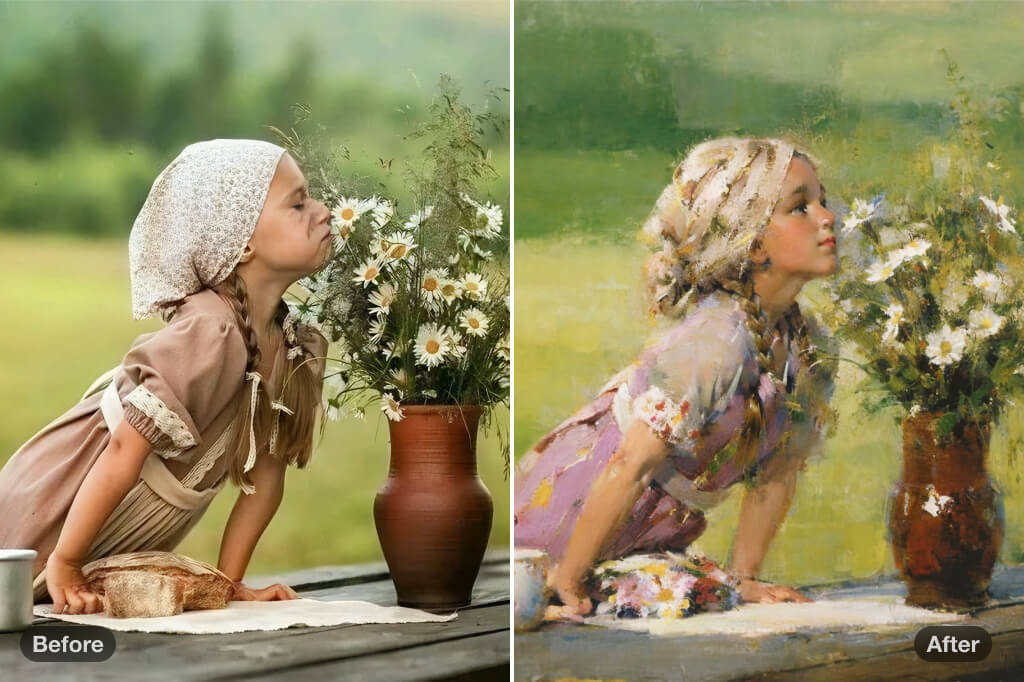
Turn Modern Photos into Beautiful Vintage Masterpieces with Ease
Give your digital photos a soft old look with a vintage photo filter that adds true film charm. Upload your image and pick a style. insMind's vintage filter creates warm colors, gentle grain, and faded tones that make your picture feel classic. Modern photos quickly gain a richer mood that looks closer to old film cameras. This vintage picture filter adds smooth shadows and light, turning a simple photo into something expressive. Use it for portraits, landscapes, or creative ideas that need a warm touch. Try it instantly.
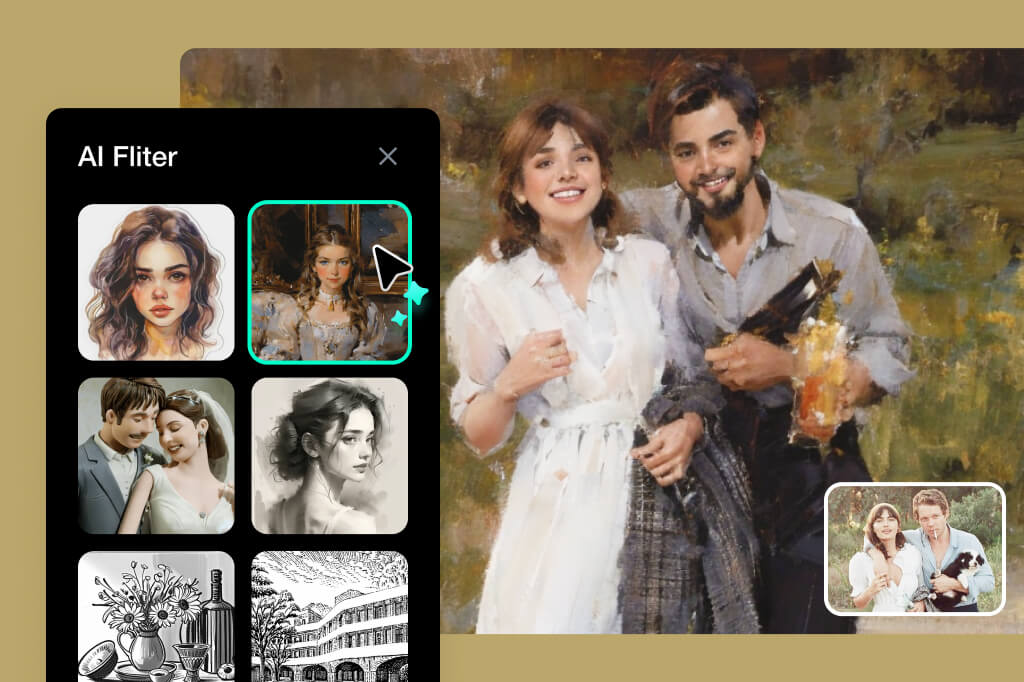
Unlock Your Creative Vision Using a Powerful Retro Filter Tool
Open new creative ideas with a retro filter that lets you shape your photo with simple controls. Upload your image, choose a filter, and watch the scene change in seconds. You can adjust grain, light, and tone to match the look you want. Our vintage filter helps artists, creators, and anyone who loves classic styles make fresh edits fast. Set your picture to feel soft and warm or bold and textured. Every filter gives your photo a different mood. With easy tools and quick changes, you can make a picture look old in your own way. Try it and explore new styles.
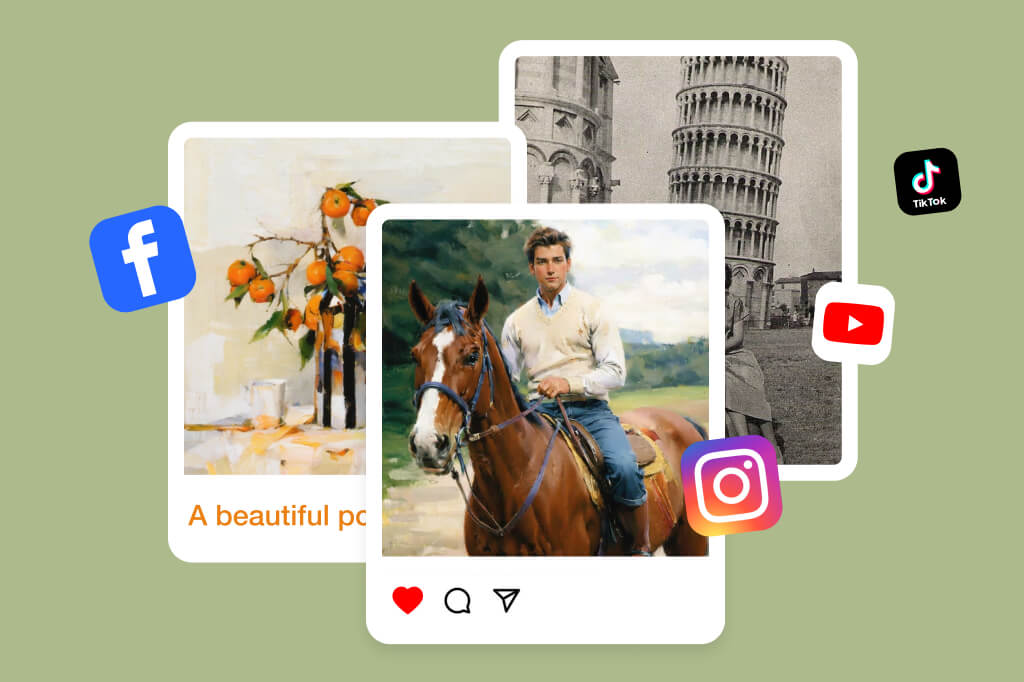
Showcase Your Soft Vintage Style on Social Media Easily
Want your friends and family to be surprised by your classic vintage look on social media? With one quick edit, you can change any photo into a warm old style that stands out online. Vintage tones add soft grain, gentle colors, and a calm look that people notice fast. These filters help your selfies, travel shots, or product photos look more artistic and personal. Every picture gets a touch of charm that fits well on feeds and stories. With insMind's vintage filter, you can apply a vintage photo filter in seconds and share a polished result right away. Try it to boost your style.
Explor More AI Filter Features
The Best Vintage Filter for Every Creative Photo Editing Need
A vintage filter helps you change any type of photo into a classic style with soft colors and warm tones. Use it for landscapes, portraits, or artistic ideas. It gives your images a gentle old-style mood that is simple to create.
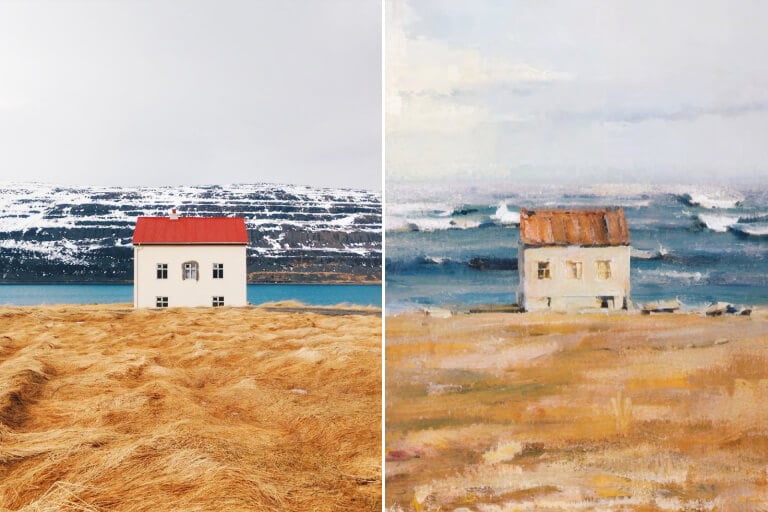
Soft Vintage Landscape Art
Transform landscape photos into soft vintage-style visuals using a retro filter that adds classic color tones and gentle textures inspired by nostalgic artwork. The vintage filter helps you create peaceful scenes that feel warm and expressive. It works great for posters, prints, and creative design projects.
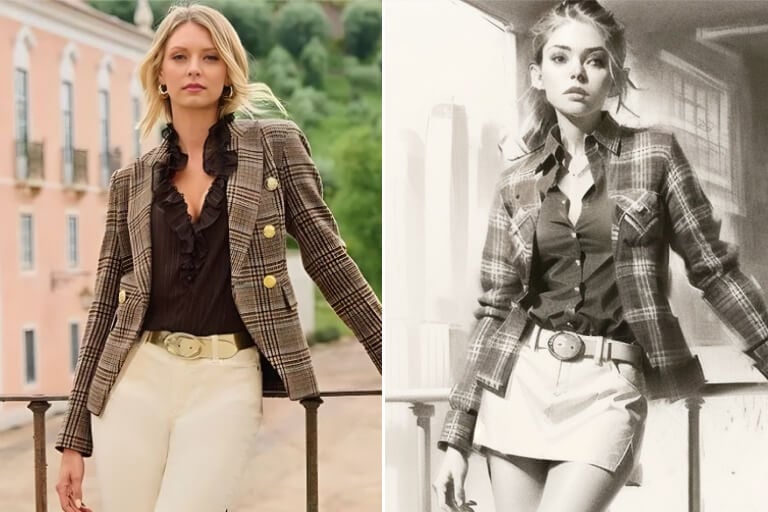
Classic Black and White Film Landscapes
Create clean black and white vintage photos with a retro filter that boosts contrast and texture. This old photo effect gives landscapes a strong artistic feel with sharp tones and deep shadows. It is perfect for making images look timeless and full of character without any complex steps.
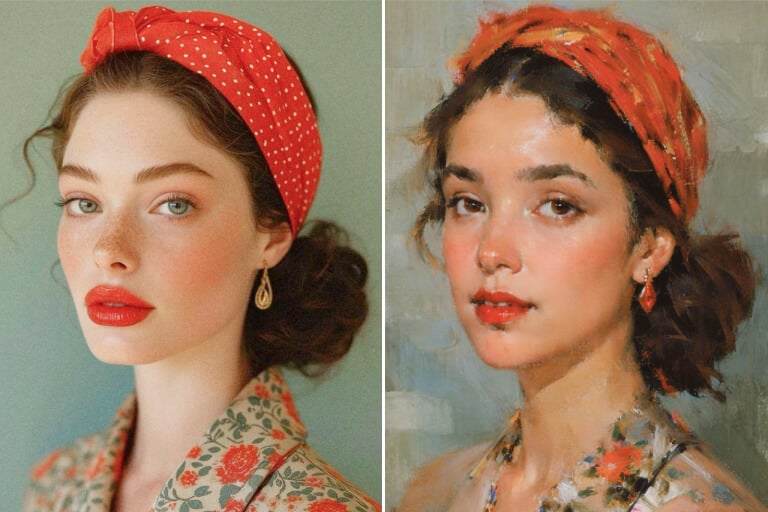
Vintage Portrait Style with Soft Tones
Enhance portrait photos with a vintage photo filter that uses soft sepia tones and light film grain to create an artistic look. Bring out warm highlights and create a classic mood inspired by old studio photography. Use it to give portraits a gentle, expressive, and elegant finish.
Explore Many Vintage Looks to Match Your Mood and Style
Transform your scenery images into vintage-looking landscapes with soft colors and the charm of old film. The vintage filter adds soft light, smooth edges, and warm tones that make nature look dreamy and artistic.
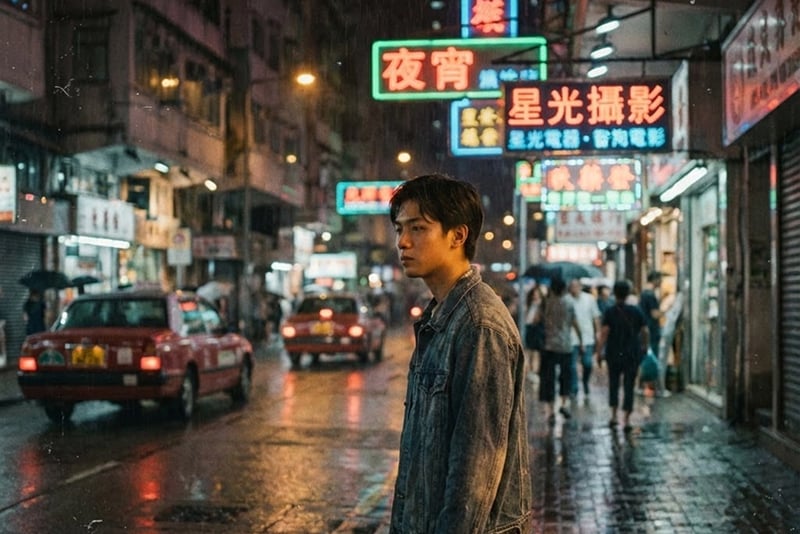
90s Hong Kong Cinema Vintage Look
Take your images into the world of 90s Hong Kong movies with rich colors, smooth grain, and film lighting that gives your photos a classic movie mood. The insMind vintage filter adds strong character and energy to your shots. It works well for dramatic scenes, portraits, and bold storytelling images.
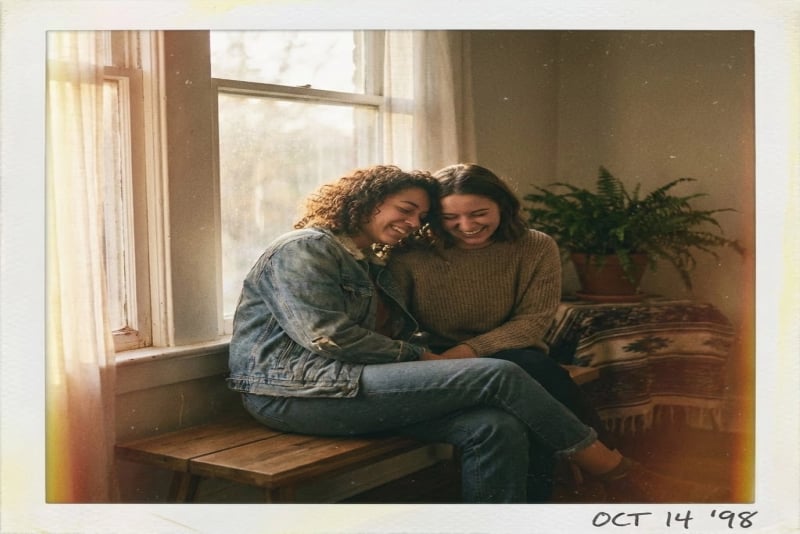
Retro Polaroid Film Effect
Create a vintage feel with deep hues, low contrast, and gentle light leaks. The insMind vintage filter gives your photos a soft, warm, and nostalgic look that feels playful and friendly. It is perfect when you want to save a memory or capture moments with your friends.
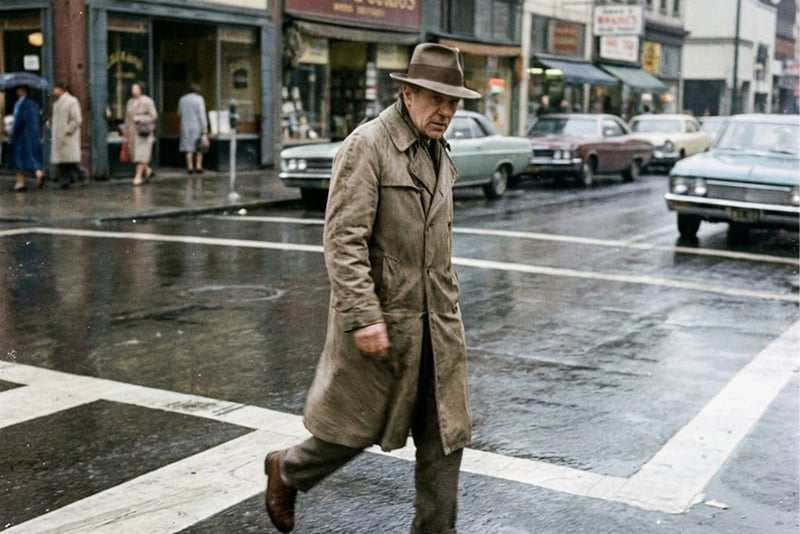
Classic Street Photography Style
Turn your photos into old street moments with muted colors, gentle shadows, and natural film grain. Our retro filter adds the charm of classic cameras and urban film photography. Use it to create photos that feel real, raw, and full of story.
Why Choose insMind's Vintage Photo Filter?

One-Click Vintage Photo Transformation
Apply a vintage filter to your photo in a single click and see it change instantly. You do not need editing skills or extra tools. It is simple, fast, and perfect for anyone who wants an easy retro look.

Realistic Vintage Details Powered by AI
Enjoy a true vintage look created by smart AI. It adds soft grain, gentle fade, and natural old-photo details that feel real. Your picture keeps its quality while looking like it came from a classic camera.

Multiple Retro Styles for Different Vintage Looks
Explore many retro styles and choose the mood you like. Try soft faded film, bold old-camera colors, or textured grain. Each style helps you shape your photo into a unique vintage look with simple controls.
FAQs about AI Vintage Filter
What is an AI retro filter?


The AI retro filter is an advanced AI tool that adds vintage characteristics to your picture. It uses image processing that produces soft grain, faded colors, and aging effects. This makes your image appear like an old-fashioned film photograph without any manual editing.
What are the advantages of vintage effect to the photos?
An old photo effect may add more feeling to your photo and make it look outstanding. It introduces cozy colors, smooth aging, and the soft touch of vintage style. It has a retro effect that makes your pictures appear more enriched and more eye catching on social media.
What is the time that one can add a vintage filter to the photo?
It only takes a matter of seconds to add a vintage filter. You choose the effect, upload your photo, and it is processed in real time. You get the complete look quickly, and it is not hard to edit and share.
Is insMind AI retro filter free?
Yes, you can use the simple retro filter tools at no cost. Certain advanced options can be upgraded. A subscription allows you to download high-quality vintage photos without watermarks, giving a more refined final product.
Is it possible to personalize the vintage or retro effect?
Yes, you can make the vintage look as you please. You can make the aging stronger, the grain softer, or the retro effect harder.
Which kinds of photos should be used on a vintage filter?
An old filter is effective on portraits, landscapes, street shots, and old family photos. It gives warm and deep tones and an old-fashioned feel that matches both recent and old pictures.
Is it legal to use old photographs in social media or other creative activities?
Yes, old photos work well for social media posting, branding, and creative work. The retro appearance helps your pictures stand out and gives your feed or project an artistic and original theme.
Is the AI retro filter applicable to me when I lack photo editing skills?
Yes, you do not need any editing experience. The AI retro filter does it all. It applies the vintage appearance with a single click, making it easy for beginners and quick for anyone who wants an instant output.
You might be interested in
Make your pictures pop with features that are completely free.
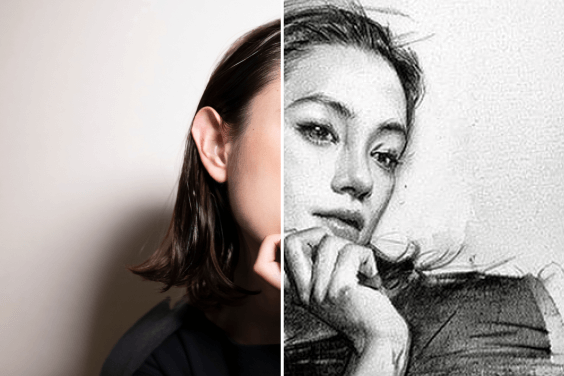
Photo to Sketch
Convert your photos to sketch instantly
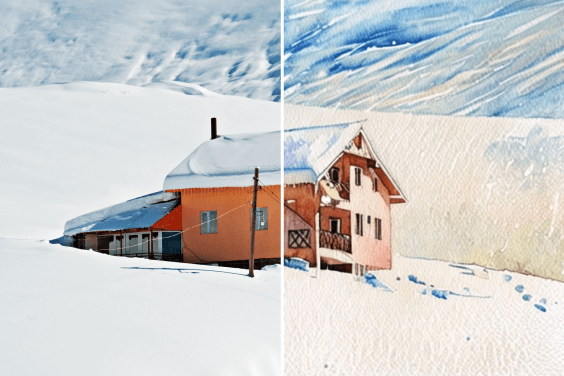
Photo to Watercolor
Convert your photos to watercolor instantly

AI Filter
Unlock a multitude of AI filters that effortlessly turn any photo into captivating art with insMind
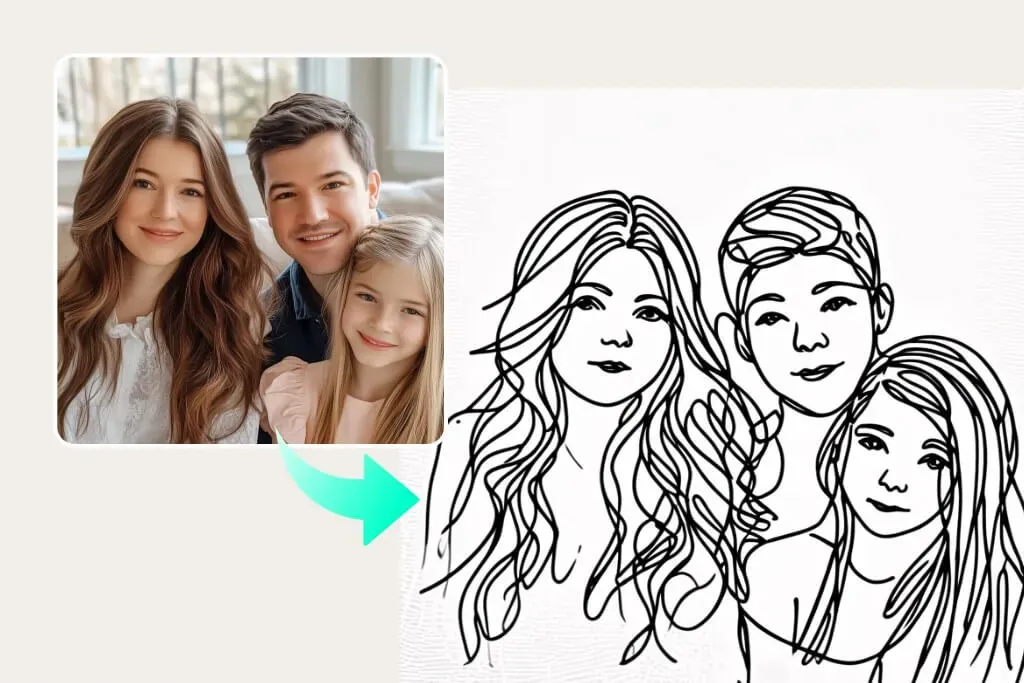
Photo to Line Drawing
Turn photo to amazing line art with a single click
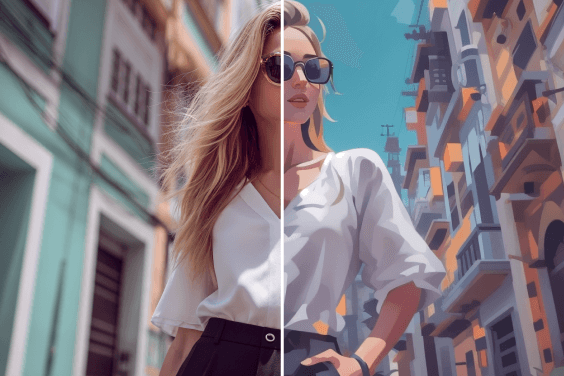
AI Cartoon Generator
Turn text descriptions into cartoon instantly

AI Background
Generate realistic backgrounds with one click

AI Expand
insMind's AI Image Expander enhances clarity, expanding visuals effortlessly to fit any layout

AI Image Enhancer
Transform photos with insMind AI Photo Enhancer, boosting quality, resolution, and detail effortlessly

AI Shadows
Enhance product photos with insMind AI, adding shadows and reflections instantly for a professional studio look

AI Replace
Enhance your photos with insMind's AI Replace features
"The vintage effect delivers exactly the nostalgic tone my projects need. My clients loved the mood, and the final images looked polished and professional. It’s easy to use and reliable, which makes it a go-to tool for my design work."
@Clara Jensen, Graphic Designer